

What Is SSO / Enterprise Login?
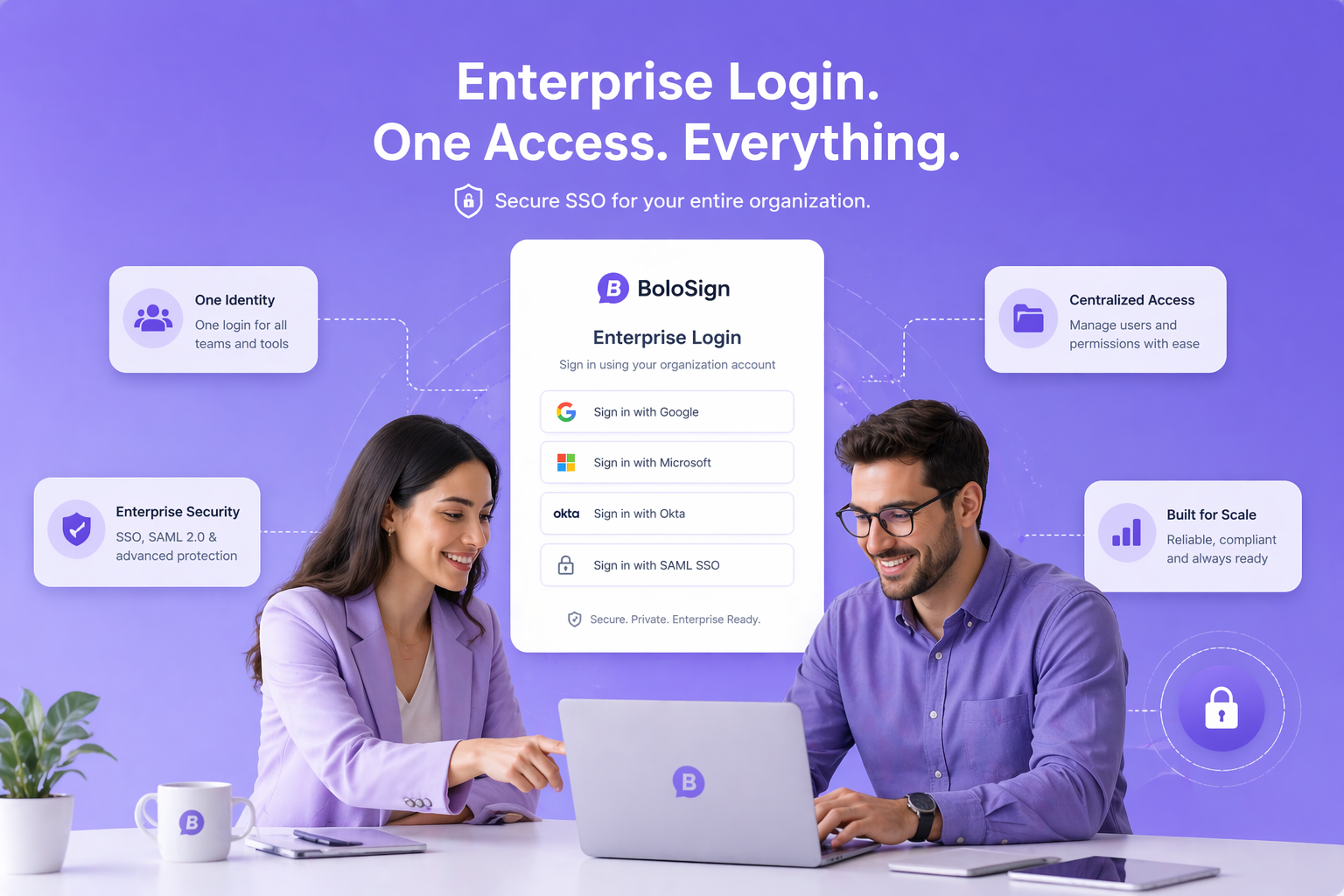
BoloSign Enterprise supports SAML 2.0 Single Sign-On (SSO) for seamless authentication with your existing identity provider. Team members log in to BoloSign using their existing corporate credentials - no separate passwords to manage. SSO ensures enterprise security policies (MFA, session management, access controls) extend to your e-signature platform.
How Does SSO / Enterprise Login Work?
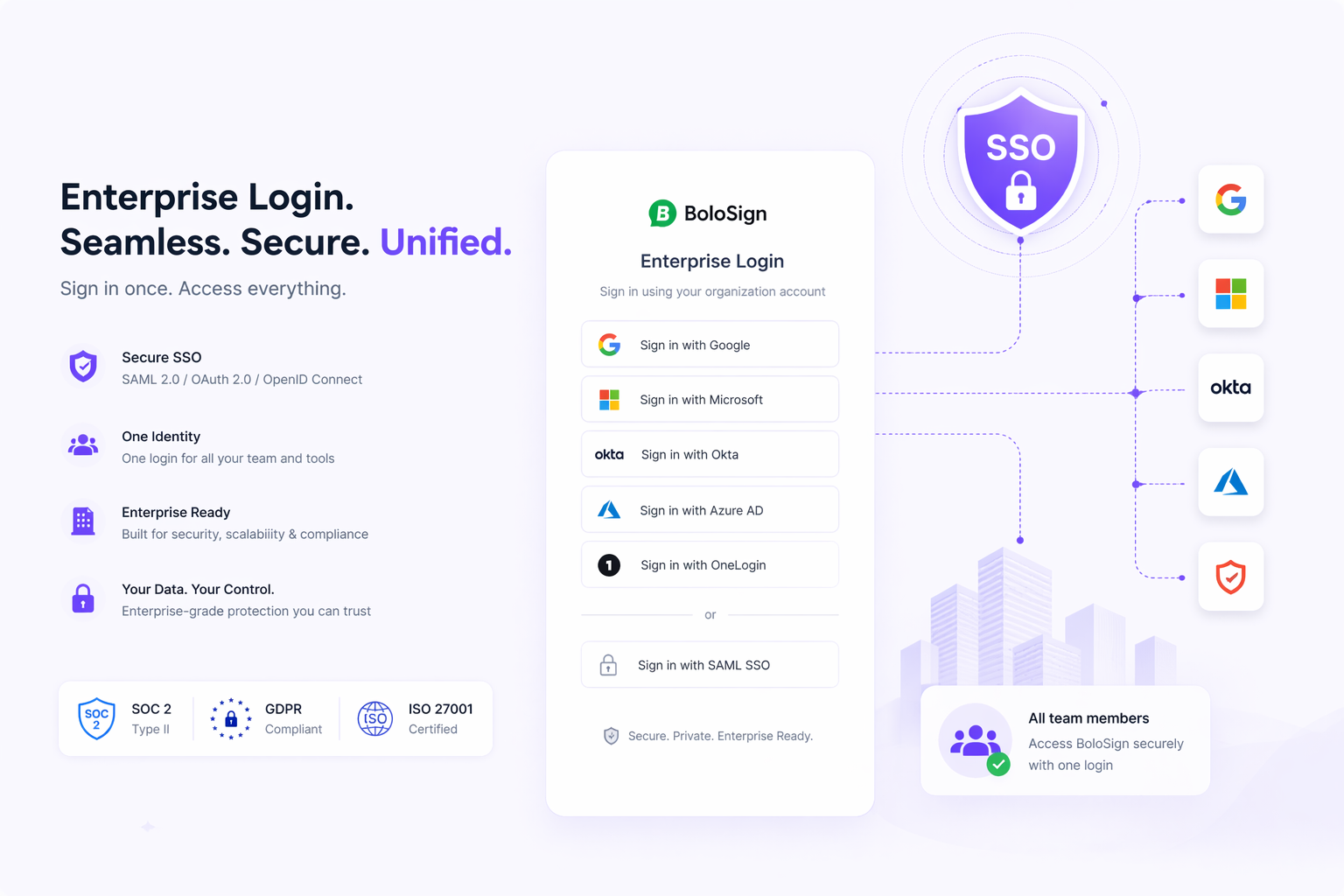
Contact BoloSign Enterprise team to configure SSO. Provide your IdP metadata (SAML 2.0). BoloSign configures the service provider side. Team members authenticate through your identity provider (Okta, Azure AD, Google Workspace, OneLogin) and are automatically logged into BoloSign. Supports Just-In-Time (JIT) user provisioning for automatic account creation.
How Teams Use SSO / Enterprise Login
Enterprise teams requiring centralised identity management
Organisations with mandatory MFA policies
IT departments managing hundreds of SaaS credentials
Compliance requirements mandating SSO for all business applications
Reducing password fatigue and related security risks
Why BoloSign's SSO / Enterprise Login Is Different
SSO is typically enterprise-only pricing on all platforms. BoloSign offers SSO at accessible enterprise pricing.
Pro Tips
Start by identifying your highest-volume document type - that is where SSO / Enterprise Login will save the most time.
Combine SSO / Enterprise Login with reusable templates for maximum efficiency - build the template once, use SSO / Enterprise Login every time you send.
Connect Google Sheets integration alongside SSO / Enterprise Login to automatically track every document's status in real-time.
Test SSO / Enterprise Login during the 7-day free trial with real documents - not test files - so you see the actual time savings.
If your workflow has a unique requirement, contact BoloSign - custom features are built and shipped within 1 week.
Watch BoloSign in Action
See how easy it is to use SSO / Enterprise Login
Frequently Asked Questions
Everything you need to know about SSO / Enterprise Login
Related Features
Ready to try SSO / Enterprise Login?
Start your 7-day free trial. No credit card required.