Add eSignatures to Your Google Forms with Ease
Simplifying document signing has never been easier. Integrate secure, legally binding eSignatures into your Google Forms and streamline your workflow.
Features
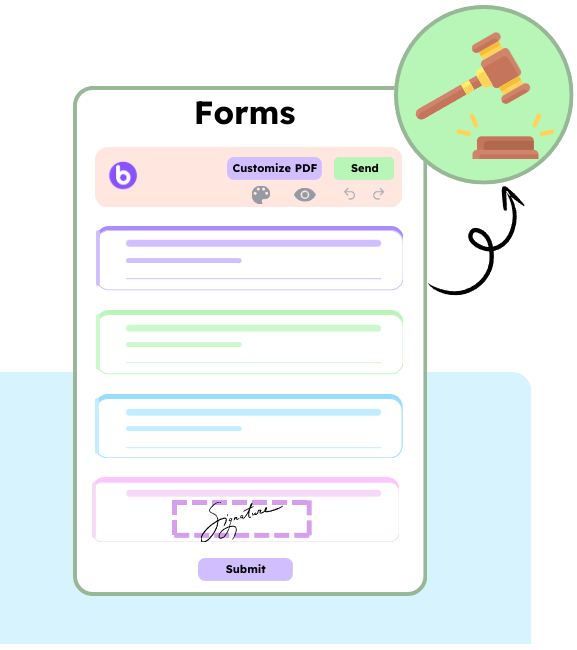
Legally Binding Signatures
BoloSign ensures that signatures collected through Google Forms are legally enforceable and compliant with global electronic signature regulations, including the ESIGN Act, eIDAS, and UETA.
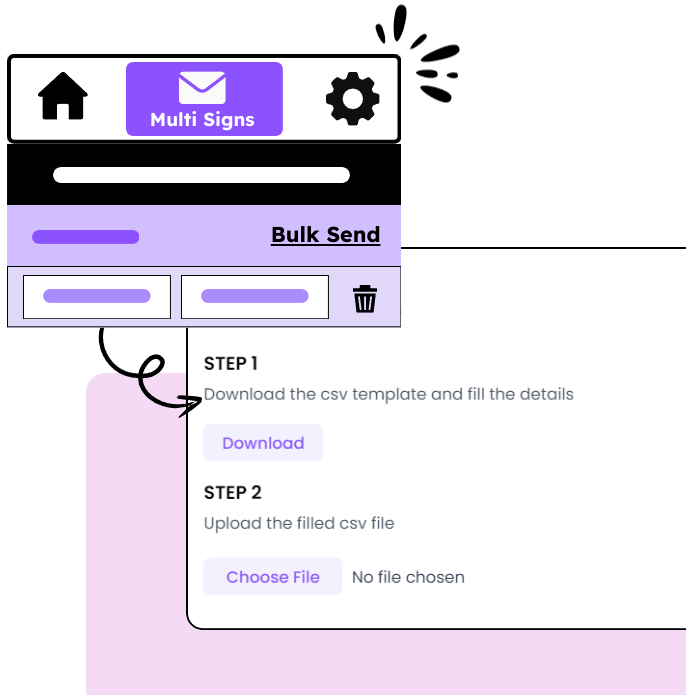
Bulk Send
Effortlessly send documents to multiple recipients at once, allowing you to collect signatures from business partners, clients, or team members simultaneously, saving time and ensuring all signatures are captured efficiently.
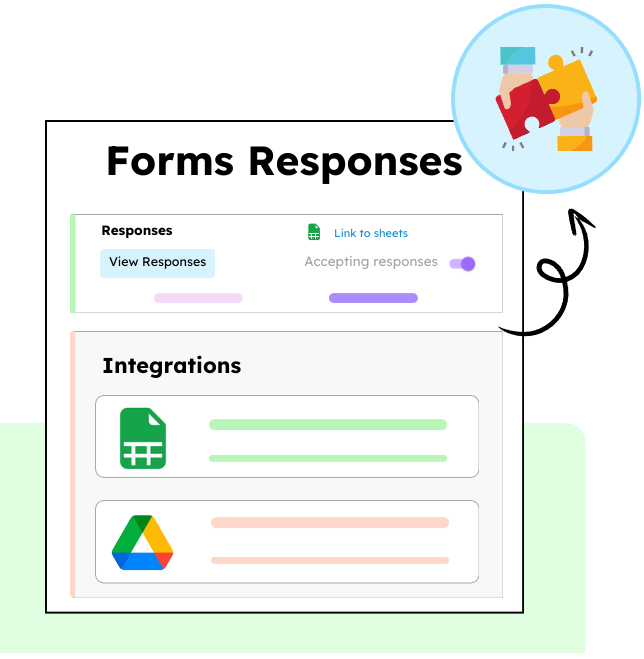
Google Drive & Sheets Integration
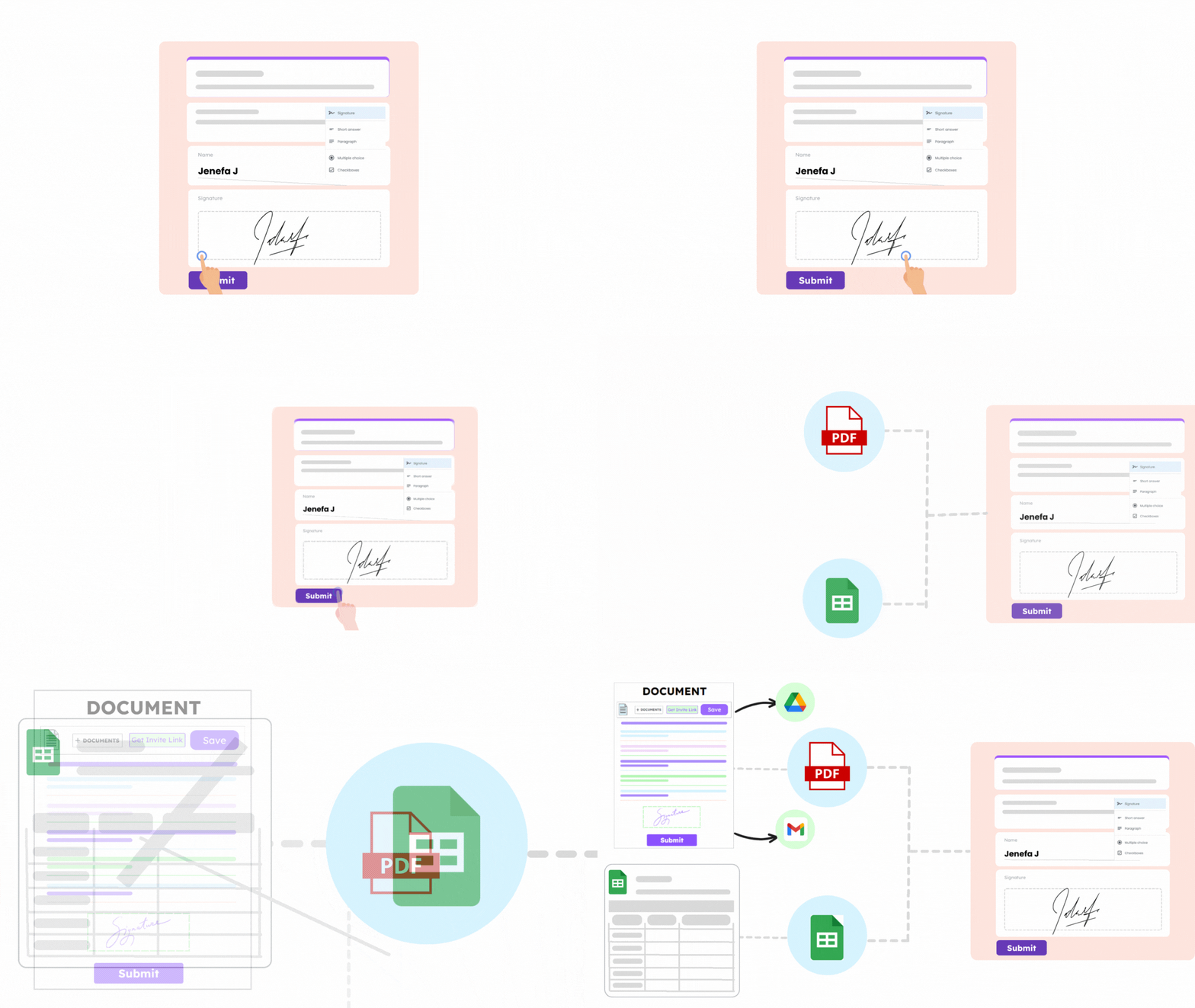
Keep your documents and data organized with seamless integration to Google Drive and Google Sheets. Automatically save signed PDFs to your Drive and sync responses to Sheets, providing easy access, organization, and analysis of your business information.
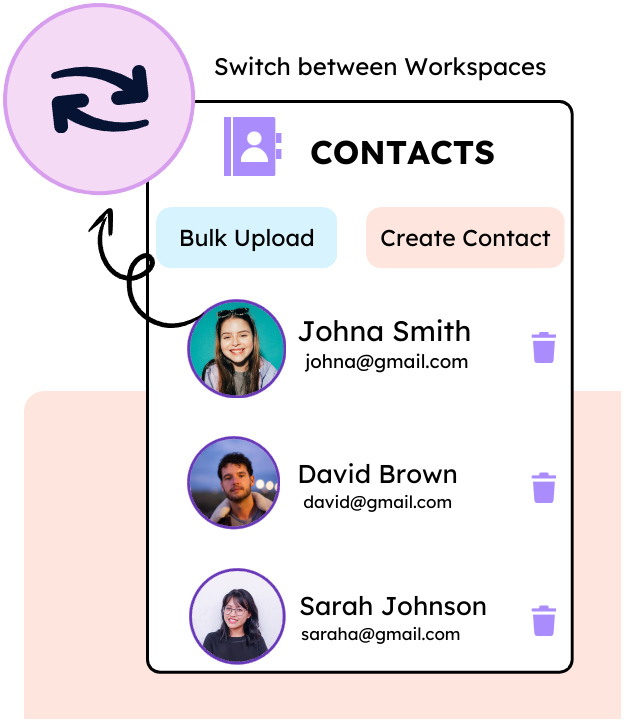
Collaborate with your Team
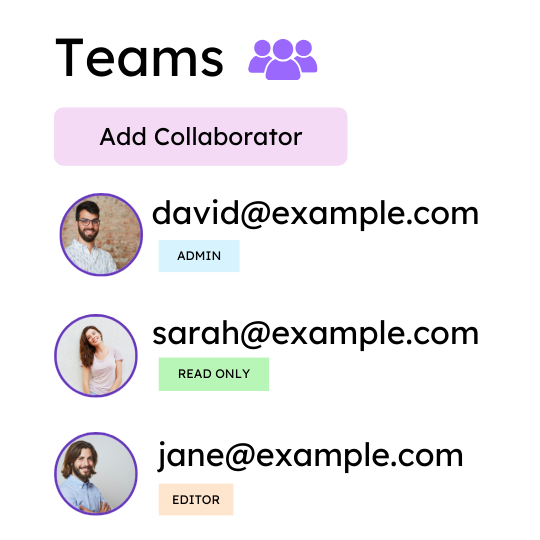
Work seamlessly with your team by allowing multiple members to review, comment, and sign documents in real-time. Keep everyone on the same page, ensuring faster approvals and smoother workflows.
Seamless Signing Experience
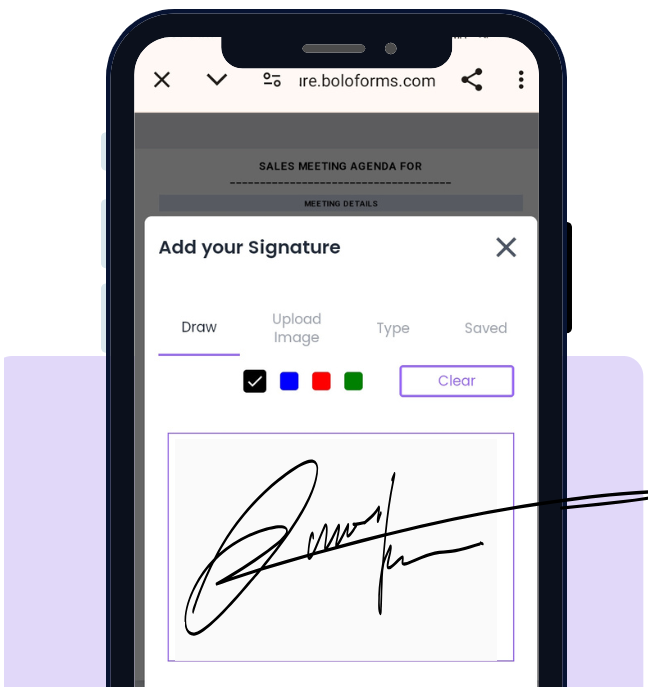
Offer your clients and team a convenient signing experience on any device, from desktop to mobile, ensuring quick, secure, and hassle-free document signing.

How does BoloSign's legal compliance compare to industry leaders like DocuSign?
BoloSign fully complies with all major e-signature regulations, including the ESIGN Act, UETA, PIPEDA, UECA, ETA, and CCLA. Our platform adheres to the same rigorous legal standards as industry leaders, ensuring documents signed through BoloSign maintain full legal validity across jurisdictions.














Trusted by Leading Brands Across Healthcare, Education, Retail, and Logistics
 4.9 rating
Collect eSignature in Google Forms
Frequently Asked Questions
How do I add eSignatures to Google Forms?
Are the signatures collected through Google Forms legally binding?
Can I collect multiple signatures on the same Google Form?
How do I send a form or document to multiple people for signatures?
Where are the signed documents stored?
Simple and Budget-Friendly Signing for Your Business
One fixed price for unlimited signatures, templates, forms, and contracts—no extra charges for adding users and more signatures.