

What Is Mobile Signing?
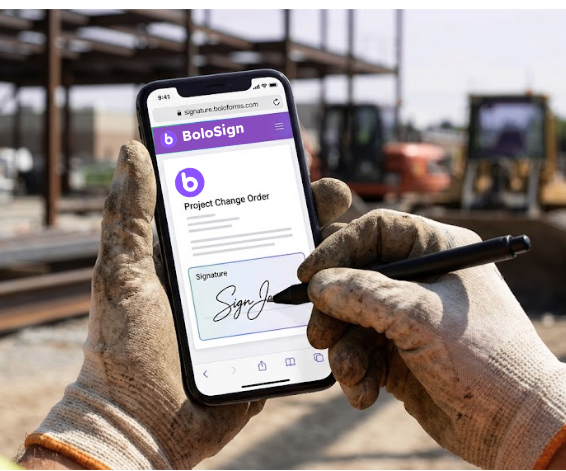
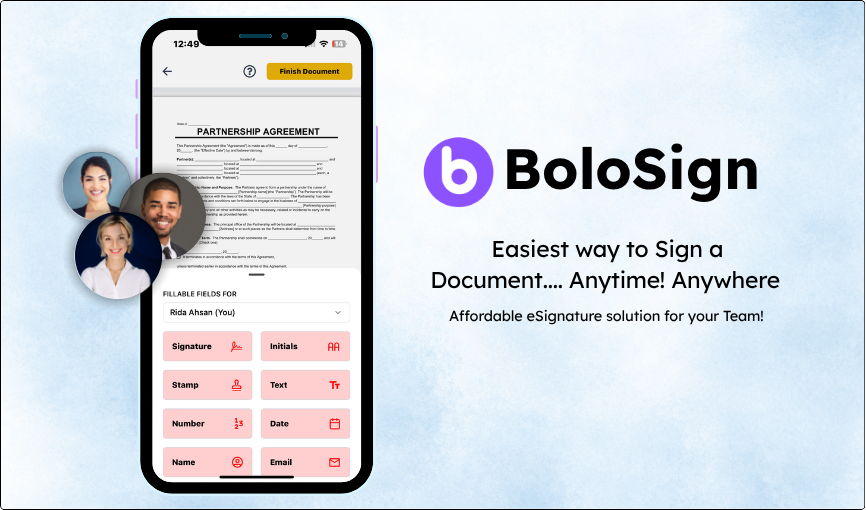
BoloSign works on every device - iPhone, Android, iPad, tablet, laptop, and desktop. Senders can create, send, and manage documents from native iOS and Android apps. Recipients sign from any device via a mobile-optimised web link - no app download required. The mobile signing experience is designed for thumb-friendly interaction with large touch targets and clear field indicators.
How Does Mobile Signing Work?
Senders: Download the BoloSign app from the App Store (iOS) or Google Play (Android). Create documents, use templates, and track status from your phone. Recipients: Open the signing link in their mobile browser. The document renders in a mobile-optimised view with pinch-to-zoom, clear field highlighting, and large signature capture areas. Sign with your finger and submit. The entire experience is designed for one-handed operation.
How Teams Use Mobile Signing
Field workers signing from job sites (construction, logistics)
Real estate clients signing at open houses
Patients signing consent forms on clinic tablets
Delivery drivers signing BOLs at loading docks
Sales reps getting contracts signed during client meetings
Why BoloSign's Mobile Signing Is Different
Most platforms offer mobile signing. BoloSign's advantage: native iOS + Android sender apps plus no app requirement for recipients.
Pro Tips
Start by identifying your highest-volume document type - that is where Mobile Signing will save the most time.
Combine Mobile Signing with reusable templates for maximum efficiency - build the template once, use Mobile Signing every time you send.
Connect Google Sheets integration alongside Mobile Signing to automatically track every document's status in real-time.
Test Mobile Signing during the 7-day free trial with real documents - not test files - so you see the actual time savings.
If your workflow has a unique requirement, contact BoloSign - custom features are built and shipped within 1 week.
Watch BoloSign in Action
See how easy it is to use Mobile Signing
Frequently Asked Questions
Everything you need to know about Mobile Signing
Related Features
Ready to try Mobile Signing?
Start your 7-day free trial. No credit card required.