

Top 12 DocuSign Alternatives in 2026
DocuSign gets expensive fast with per-user pricing and usage limits. We reviewed 12 tools so you don't have to — pricing verified, AI features tested, honest pros & cons.

Create a free BoloForms account today!
Create your free account today and start creating your own digital signature.
| Use Case | Best Pick | Why |
|---|---|---|
| Best overall for small businesses | BoloSign | Flat-rate, unlimited signatures, unique Google Forms integration |
| Best for PDF-heavy + AI workflows | Adobe Acrobat Sign | AI Assistant, deep Microsoft 365 integration |
| Best for developers / API-first | BoloSign | Unlimited envelopes, clean API, saves ~60% vs DocuSign |
| Best for sales proposals + contracts | PandaDoc | Document creation, analytics, and eSigning in one place |
| Best for full contract lifecycle | BoloSign | AI-native, covers drafting through renewal |
| Best for regulated industries | OneSpan Sign / Blueink | Enterprise compliance, HIPAA/FERPA, identity verification |
| Best for Google Form Integration | BoloSign | Add signature fields to Google Forms and collect e-signatures directly |
Why People Leave DocuSign in 2026
DocuSign remains the most recognized name in electronic signatures — but it's not always the best fit. Here's why businesses switch:
Cost scales badly. The entry-level Personal plan starts at ~$10/month but limits you to just 5 envelopes/month. Team plans quickly push above $50–$100/user/month.
Envelope limits are frustrating. Each document sent counts as an "envelope," and overages cost extra. Most competitors now offer unlimited sending.
The UI can feel dated. Several alternatives have invested heavily in UX, making document prep significantly faster.
AI is now a differentiator. DocuSign launched AI features (IAM) in January 2026, but AI-first competitors have been building these capabilities longer — at lower price points.
The Biggest Shift in 2026: AI Has Entered eSignature
AI is no longer a buzzword in document workflows — it's becoming the baseline expectation.
What modern AI-powered eSign tools can now do
Auto-detect signature fields — no manual tagging required
Plain-language contract summaries — signers understand what they're agreeing to
Smart routing — AI suggests the right signers and signing order
Contract review & risk flagging — flags unusual clauses before the doc goes out
Automated reminders — triggered by behavior, not just fixed schedules
Key question to ask any vendor: Does the platform treat AI as a bolt-on, or is it native to the workflow? DocuSign's IAM is largely enterprise-positioned and expensive. Alternatives like Adobe Acrobat Sign, Juro, and Legitt AI have deeper AI integration at more accessible price points.
Understanding DocuSign: The Benchmark

DocuSign remains the most recognized name in electronic signatures — but it's not always the best fit. Here's what they do well and where they fall short.
What DocuSign Does Well
- •Widest industry recognition — useful when counterparties are wary of lesser-known tools
- •1,000+ integrations (Salesforce, Microsoft 365, Google Workspace, SAP, Oracle)
- •Enterprise-grade compliance: SOC 2, ISO 27001, HIPAA, FedRAMP
- •New in 2026: AI-powered IAM platform with contract summarization and automated field detection
Where DocuSign Falls Short
- ✗Per-envelope pricing on lower tiers penalizes high volume
- ✗Small businesses often pay for unused features to unlock the ones they need
- ✗Customer support quality varies significantly by plan level
- ✗AI features (IAM) are largely enterprise-positioned and expensive
DocuSign Pricing (2026)
| Plan | Price | Envelope Limit |
|---|---|---|
| Personal | ~$10/month | 5 envelopes/month |
| Standard | ~$25/user/month | 100 envelopes/month |
| Business Pro | ~$60/user/month | Unlimited |
| Enhanced / IAM | Custom | Custom |
The 12 Best DocuSign Alternatives
Each tool reviewed for features, pricing, integrations, and honest pros & cons.
BoloSign — Best for Small Businesses
For: Small businesses, freelancers, and growing teams who need unlimited signing without unpredictable costs.
BoloSign was purpose-built as an affordable, unlimited alternative to enterprise eSignature tools. It operates on a flat-fee model — no per-envelope charges, no per-user fees on most plans, and no surprise bills.
What makes BoloSign genuinely different is its deep Google Workspace integration. You can embed eSignature fields directly into Google Forms — a capability no other major eSign tool matches. The Gmail Chrome extension lets you send docs for signing without leaving your inbox.
In 2026, BoloSign is available across iOS, Android, Google Workspace Marketplace, and a Chrome extension for Gmail.
ESIGN Act, UETA, eIDAS, GDPR, CCPA, HIPAA (add-on), ISO 27001:2022, SOC 2 Type I & II
Key Features
Integrations
Pricing
| Plan | Price | What You Get |
|---|---|---|
| Free | $0 | 5 form submissions, 2 PDFs, 5 signature forms |
| Freelancer | $10/mo | 100 form signatures/mo, 10 PDFs, form branding |
| Team | $49/mo | 500 form signatures/mo, unlimited members, PDFs & templates, bulk send |
| Growing Business | $99/mo | Unlimited signatures, email branding, reminders, password-protected PDFs |
| Enterprise | Custom | SSO, approval workflows, CRM integrations, dedicated onboarding |
Pros
- + Flat-rate pricing — no billing surprises
- + Google Forms integration is unique in the market
- + 7-day free trial, no credit card required
- + SOC 2 Type II and ISO 27001:2022 certified
- + Available across all major platforms and app stores
Cons
- − Form signature quotas on lower tiers (100/mo Freelancer, 500/mo Team)
- − HIPAA compliance is an add-on ($49/mo extra)
Adobe Acrobat Sign — Best for PDF-Heavy Workflows
For: Teams invested in the Adobe ecosystem; organizations handling large volumes of complex PDFs.
Adobe Acrobat Sign is significantly more powerful in 2025–2026 with Acrobat AI Assistant — which summarizes documents in plain language, highlights key terms, answers questions about contract content, and identifies fields.
Key Features
Integrations
Pricing
Starting at ~$14.99/user/month
Pros
- + Unmatched PDF tooling
- + Enterprise compliance
- + Strong AI features
- + Trusted brand
Cons
- − No free plan
- − Expensive without other Adobe products
- − Overkill for simple needs
BoldSign — Best for Developers & API-First Teams
For: Startups, developers, and technical teams needing embedded eSigning or unlimited envelopes.
Trusted by 50,000+ businesses, BoldSign offers unlimited envelopes across all plans — eliminating the envelope-counting anxiety that plagues DocuSign users. Switching from DocuSign Business Pro to BoldSign Business reportedly cuts costs by over 60%.
Key Features
Integrations
Pricing
Free plan available; paid plans from ~$15/user/month
Pros
- + Truly unlimited sending
- + Excellent API docs
- + Transparent pricing
- + Nonprofit discounts
Cons
- − Less brand recognition
- − Newer player with shorter enterprise track record
SignNow (airSlate) — Best Affordable Multi-User Platform
For: Small to mid-sized teams wanting collaboration features without enterprise rates.
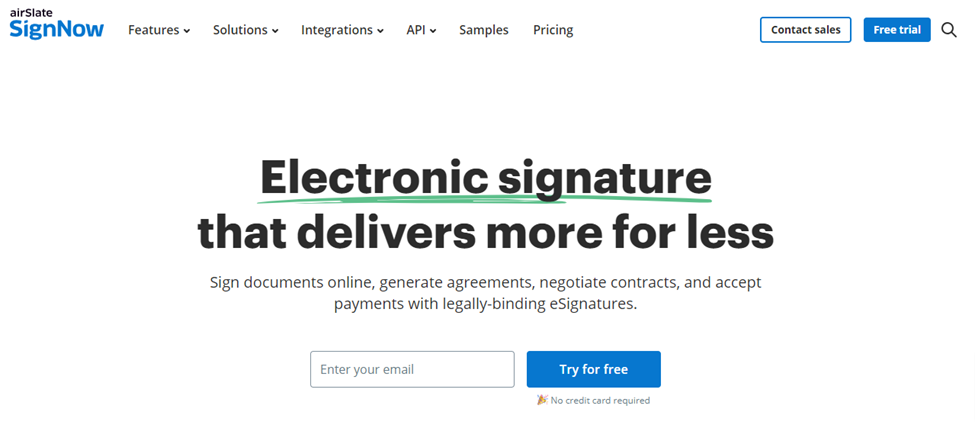
At $8/user/month billed annually, SignNow's Business plan is one of the most affordable multi-user eSign tools available. Part of the broader airSlate ecosystem, it adds automation and data extraction capabilities for teams with complex workflows.
Key Features
Integrations
Pricing
From $8/user/month (billed annually)
Pros
- + Very affordable
- + Good mobile experience
- + Solid team features
Cons
- − Interface feels dated
- − Some advanced features locked to higher tiers
Dropbox Sign — Best for Dropbox Users
For: Businesses already on Dropbox; teams wanting a clean, no-fuss eSignature tool.
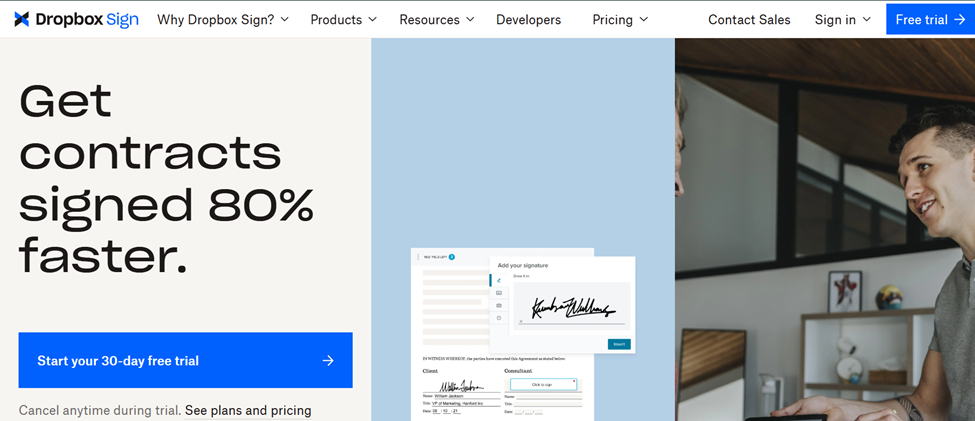
Formerly HelloSign, Dropbox Sign is deeply integrated into the Dropbox ecosystem. Send documents for signature without leaving Dropbox — and store signed documents right where your team already works.
Key Features
Integrations
Pricing
Free plan (3 requests/month); paid from $15/user/month
Pros
- + Seamless Dropbox integration
- + Clean UI
- + Trusted brand
Cons
- − Limited outside Dropbox ecosystem
- − Fewer advanced features
PandaDoc — Best for Sales Teams
For: Sales teams, agencies, and anyone who creates proposals, quotes, and contracts — not just signs them.
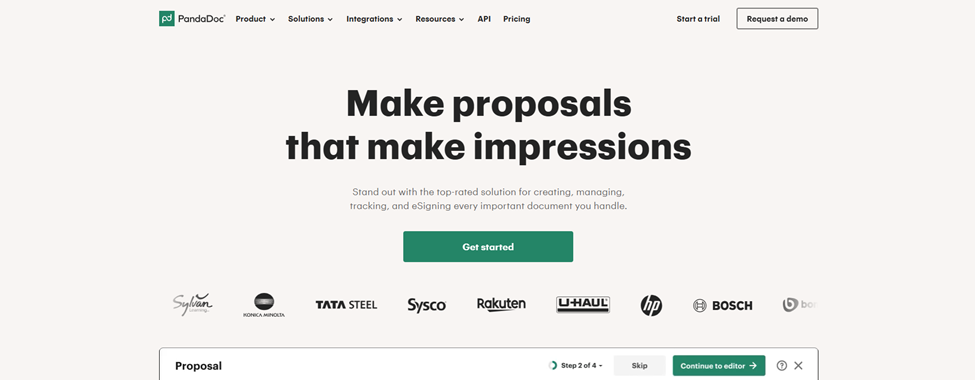
PandaDoc combines proposal creation, contract editing, eSigning, payment collection, and analytics in one platform. The built-in analytics show when a prospect opened a document, how long they spent on each page, and which sections they returned to.
Key Features
Integrations
Pricing
Free eSign plan; paid from $19/user/month
Pros
- + All-in-one creation through signature
- + Best analytics in class
- + Strong CRM integration
Cons
- − Higher learning curve
- − Overkill for simple signing needs
Zoho Sign — Best for the Zoho Ecosystem
For: Businesses running on Zoho CRM, Zoho Books, or other Zoho products.
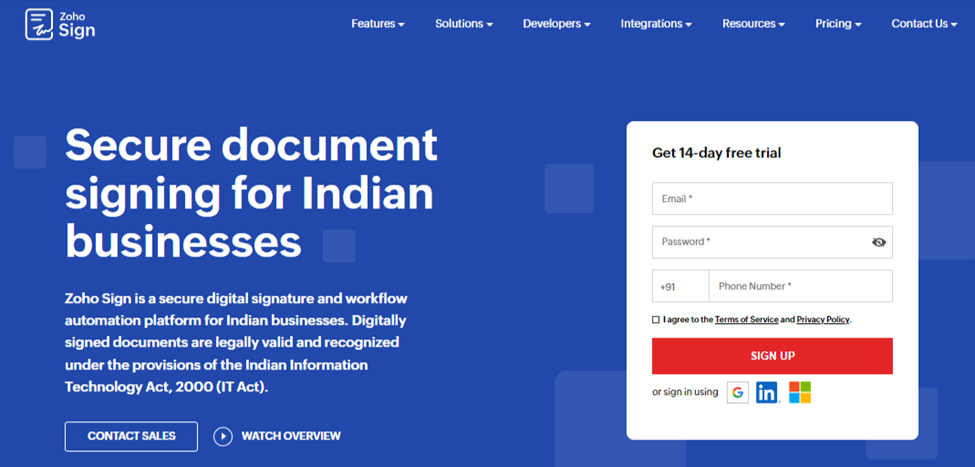
Zoho Sign integrates natively across the entire Zoho suite — CRM, Books, People, Flow. If your business runs on Zoho, consolidating eSignature within the same platform eliminates friction and third-party tool sprawl.
Key Features
Integrations
Pricing
Free plan (5 docs/month); paid from $10/user/month
Pros
- + Excellent within Zoho ecosystem
- + Affordable
- + Good compliance coverage
Cons
- − Less compelling as a standalone
- − Fewer non-Zoho integrations
Xodo Sign — Best All-Rounder for Freelancers
For: Freelancers and small teams wanting eSignature + PDF editing in one tool.
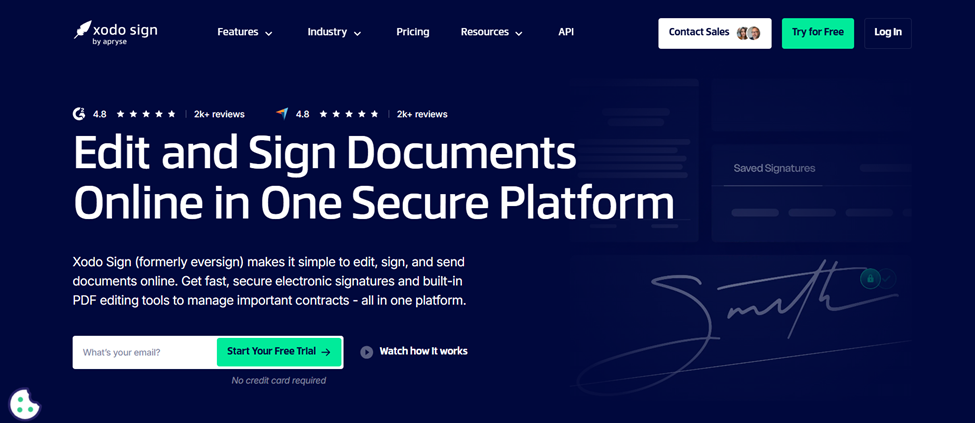
Xodo Sign (formerly Eversign, rebranded 2024) combines eSignature, PDF editing, and smart workflow automation in a single interface. The Professional plan adds AI-powered document summarization at an accessible price point.
Key Features
Integrations
Pricing
Free plan; Basic from $10/seat/month; Professional from ~$16/seat/month (billed annually)
Pros
- + Best combo of PDF editing + eSigning at this price
- + Clean UX
- + AI summarization
Cons
- − Smaller brand
- − Fewer enterprise integrations
Juro — Best for Full Contract Lifecycle Management
For: In-house legal teams and operations who need more than signatures — they need the whole contract lifecycle managed.
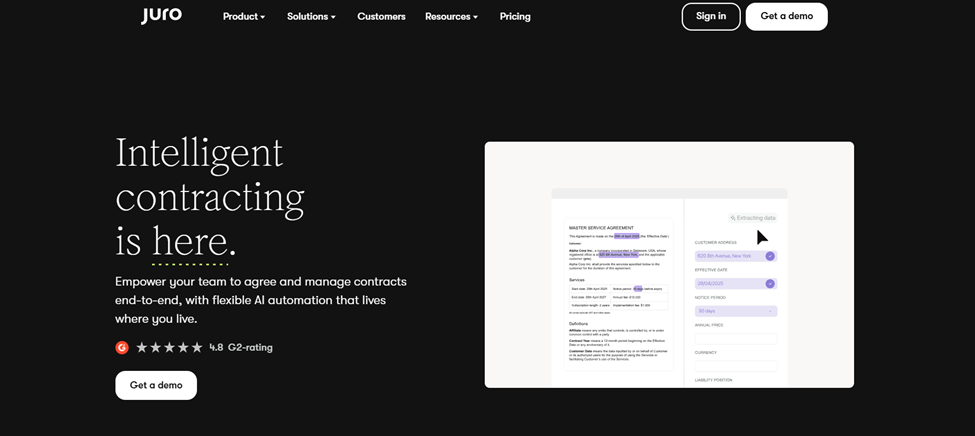
Juro is an AI-native contract management platform where eSigning is one component of a larger workflow: contract creation, collaborative redlining, approval routing, post-signature tracking, and renewal alerts. Where DocuSign handles the "sign" moment, Juro handles everything from first draft to archive.
Key Features
Integrations
Pricing
Contact for pricing
Pros
- + Most complete contract lifecycle tool
- + Excellent legal/sales alignment
- + Genuinely AI-native
Cons
- − Overkill for simple signing
- − Pricing not public
- − Steeper learning curve
Blueink — Best for Regulated Industries
For: Government, healthcare, and education organizations needing audit-proof compliance.
Blueink is the compliance-first DocuSign alternative, with particular strength in sectors where HIPAA, FERPA, and FedRAMP compliance are non-negotiable. Priced at approximately 50% less than comparable DocuSign plans. Unique perk: unused envelope credits roll over — something DocuSign doesn't offer.
Key Features
Integrations
Pricing
~50% less than equivalent DocuSign plans
Pros
- + Strong compliance
- + Excellent support and onboarding
- + Envelope rollover
- + Public sector fit
Cons
- − Less known outside regulated industries
- − Fewer third-party integrations
Signeasy — Best for Fast-Growing Companies
For: Growing companies in IT, healthcare, HR, and finance with high document volumes.
Signeasy handles 25+ document types (PDF, Word, Excel, and more), includes AI-powered document summaries on all plans, and supports signing directly inside Google Docs — no export to PDF required.
Key Features
Integrations
Pricing
From $10/user/month (billed annually)
Pros
- + Strong Google Docs integration
- + AI summaries at base tier
- + Excellent for document-heavy teams
Cons
- − Feature depth may be more than small teams need
- − Enterprise pricing climbs quickly
OneSpan Sign — Best for Enterprise Finance & Insurance
For: Large financial institutions, insurance companies, and enterprises with strict compliance requirements.
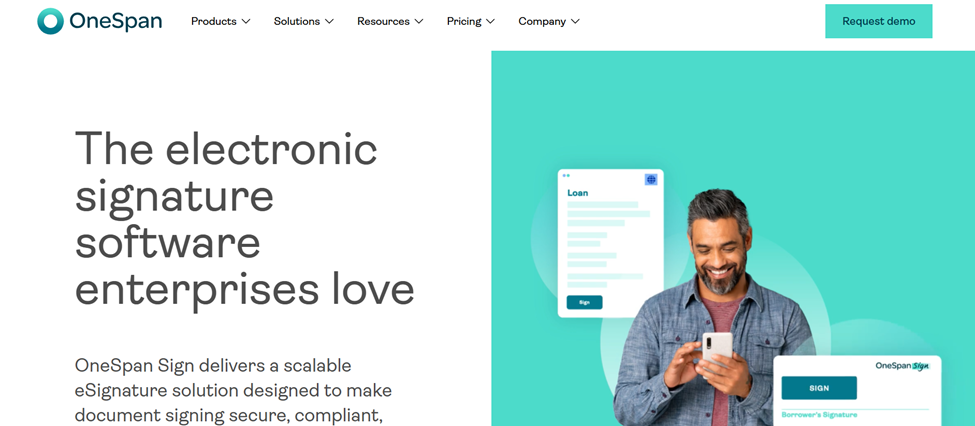
OneSpan Sign has been in the enterprise eSignature market for 25+ years, with one of the highest customer satisfaction ratings in its category. Trusted by major global banks and insurance companies for advanced identity verification, biometric authentication, and tamper-evident signing.
Key Features
Integrations
Pricing
Custom pricing
Pros
- + Unmatched security and compliance
- + 25+ years of reliability
- + Ideal for regulated enterprises
Cons
- − Expensive
- − Complex for small businesses
- − Requires dedicated setup
AI-Native eSignature: A New Category to Watch
Beyond the established tools above, a new category of AI-native eSign platforms has emerged — where AI isn't a bolt-on feature but the core of how the product works.
Legitt AI
Bundles contract drafting, negotiation, approval routing, e-signing, and repository analytics in a single AI-driven flow. Can draft the contract itself and flag risk before it goes out.
Box AI (with Box Sign)
AI-powered content intelligence for eSignatures: extracts structured data from contracts, summarizes documents, maintains governance. Strong for large-scale content management.
These platforms represent where the category is heading: from "sign this document" to "understand, manage, and act on your agreements intelligently."
Master Comparison Table
| BoloSign | DocuSign | Adobe Sign | BoldSign | PandaDoc | |
|---|---|---|---|---|---|
| Starting Price | Free / ~$10/mo | ~$10/mo (5 env.) | $14.99/mo | Free / ~$15/mo | Free / $19/mo |
| Unlimited Envelopes | ✅ All plans | ❌ Entry limited | ❌ Per plan | ✅ Paid Plans | ✅ Paid plans |
| Free Plan | ✅ | ❌ | ❌ | ✅ | ✅ |
| AI Features | Roadmap | ✅ IAM (enterprise) | ✅ AI Assistant | ❌ | ❌ |
| Google Forms Integration | ✅ Unique | ❌ | ❌ | ❌ | ❌ |
| Mobile App | ✅ iOS + Android | ✅ | ✅ | ✅ | ✅ |
| API Access | ✅ Add-on | ✅ Higher plans | ✅ Higher plans | ✅ Paid Plans | ✅ Paid plans |
| HIPAA | Add-on $49/mo | ✅ Business Pro+ | ✅ Enterprise | ✅ | ✅ Business+ |
How to Choose the Right Alternative
Start with your use case
- Just need to send and sign PDFs → BoloSign, BoldSign, or Xodo Sign
- Heavy document creation → PandaDoc
- Google Forms workflows → BoloSign
- Full contract lifecycle → Juro or BoloSign
- Regulated industry → OneSpan Sign or Blueink
- Adobe/Microsoft ecosystem → Adobe Acrobat Sign
Evaluate pricing honestly
- How many documents do you send per month?
- Do you need per-user or flat-rate pricing?
- Are envelope limits a real constraint for your volume?
Frequently Asked Questions
Answers to the most common questions about switching from DocuSign.
Conclusion
DocuSign isn't going anywhere — it's the market leader with deep enterprise relationships and a serious AI platform. But for most small businesses and growing teams, paying DocuSign prices for DocuSign's limitations no longer makes sense.
Ready to try BoloSign? Start your free 7-day trial — no credit card required.