

10 Service Level Agreement Templates: Compared for 2026
Compare 10 service level agreement templates for IT, support, and managed services, plus clauses, KPIs, red flags, and tips for automating SLAs with BoloSign.

Tired of nonsense pricing of DocuSign?
Start taking digital signatures with BoloSign and save money.
A staffing agency promises a client a four-hour response window for urgent requests. Two months later, a dispute starts over whether that clock began when the client sent an email, when the agency saw it, or when the request reached the right recruiter. The team copied its SLA from a Word file, but nobody defined the start event. Now the disagreement is about timing, not the work.
That's the clock problem behind many service level agreement templates. A template can look complete and still leave the parties arguing over how to measure performance, what counts as an exception, and what happens after a missed target. The history of SLAs helps explain why those details matter: IT service management practices formalized the idea of comparing promised performance with actual results. Kaseya's overview of ITIL describes the development of a repeatable service-management framework that helped make service-level management an operational function.
This guide compares ten options, from platform-based drafting tools to clause libraries and simple document downloads. Each entry looks at how the template might hold up in a live dispute and fit into a contract workflow, whether you're setting healthcare equipment uptime, logistics delivery targets, real estate maintenance response, education IT support, or professional services turnaround. For a practical starting point on drafting support commitments, see how to write a support SLA.
BoloSign can help teams create, send, and sign PDFs, templates, and forms instantly. It offers unlimited documents, templates, and team members at one fixed price, and positions itself as up to 90% more affordable than DocuSign or PandaDoc. Its AI-powered contract review can flag risky SLA language early, while its eSignature workflows support ESIGN, eIDAS, HIPAA, and GDPR requirements.
1. PandaDoc Service-Level Agreement Template
PandaDoc's service-level agreement template is a practical fit for sales, service, and IT teams that want a document and signing workflow in one place. Its pre-structured sections cover scope, uptime, response times, service credits, and dispute resolution, which gives a drafting team a useful outline before negotiation begins.
The platform supports redlining, approvals, and eSignature, and the template can also be exported for offline editing. That flexibility helps when a customer wants to work in Word or when counsel prefers to review a downloaded copy. Related service agreement, SaaS, and master service agreement templates can also help teams keep connected contract documents aligned.
The trade-off is that the template's strongest value comes when the team uses PandaDoc's platform. Advanced workflow features may require a plan, and a downloaded file won't automatically preserve the approval trail or signing process.
Dispute test: Before sending the draft, define which system records the incident timestamp and who can validate it. A response-time clause is hard to enforce if the parties rely on different ticketing or email records.
For a healthcare equipment support SLA, adapt the template to distinguish an equipment failure from a routine service request. Specify how the provider acknowledges each severity level, whether the clock runs outside business hours, and what evidence supports a service-credit claim. A polished document helps, but clear measurement rules do the work.
2. Rocket Lawyer Service Level Agreement Template
Rocket Lawyer's service level agreement template uses a guided questionnaire to gather details such as the parties, service scope, KPIs, and remedies. That approach can help a small or midsize business move from a vague promise to a draft with specific responsibilities and performance terms.
The prompts and FAQs offer useful guardrails for people who don't draft service contracts every day. The document can be exported to Word or PDF, and the broader document library includes related service documents. If the SLA sits alongside a broader agreement, it helps to understand what a service contract is before deciding which obligations belong in the SLA and which belong in the main contract.
Where the guided format helps
For a staffing agency, the questionnaire can prompt the parties to describe request categories, response targets, and remedies. But a prompt can't decide the commercial answer for you. The parties still need to define when a response clock starts, how a client's incomplete job details affect the clock, and who confirms that a candidate submission meets the agreed requirement.
Full document access and sharing typically require membership after a trial, and ongoing access may involve a subscription. That's a reasonable trade-off if you value guided drafting and related documents. It's less appealing if you need a single document without a continuing account.
Before signature, test each KPI against a real staffing workflow. If a client sends a request after hours, the SLA should say whether the response window starts immediately or at the next business opening. That one definition can prevent a disagreement later.
3. Juro Free Service Level Agreement Template
Juro's SLA starter template is built for teams that want collaborative contract drafting rather than a static file. It includes common SLA clauses and works inside a browser-based platform designed for shared editing, approvals, and contract management.
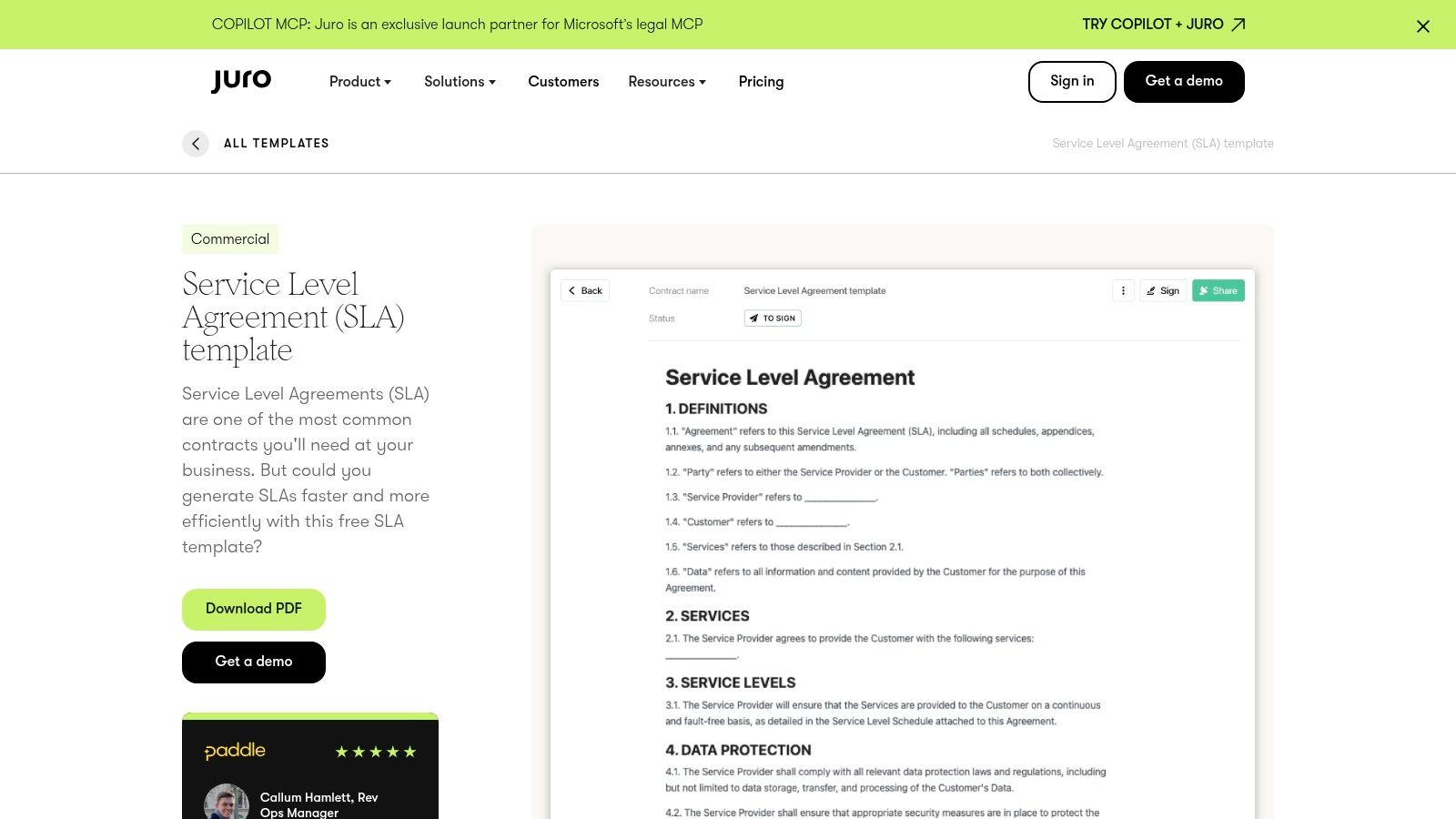
Juro's template logic and conditional rules can help legal operations teams manage variations, while role-based access controls support defined approval responsibilities. That's useful when procurement, operations, and legal all need to review different parts of a service commitment. The starter template is free, but access typically requires signing up, and its full utility depends on using Juro.
For an education organization buying IT support, conditional drafting could help distinguish a standard support arrangement from a higher-priority service for systems that affect teaching or administration. Still, the clauses need specific measurement rules. A response target should say whether it applies during school operating hours, across the calendar, or under another agreed schedule.
The collaborative workflow is the main advantage over a Word-only approach. The drawback is platform dependence. If counterparties prefer offline editing, agree in advance how the team will handle comments, redlines, and the final approved version.
Shared editing helps people find disagreements earlier, but it doesn't settle what “resolved” means. Define whether resolution means service restored, a workaround delivered, or the underlying issue fixed.
4. Template.net SLA Templates
Template.net's SLA template collection offers general and specialized options for IT, HR, and support contexts. Templates are available in common office formats, including Word, Google Docs, and Pages, and the site also provides a web editor and an AI SLA generator for creating a first draft.
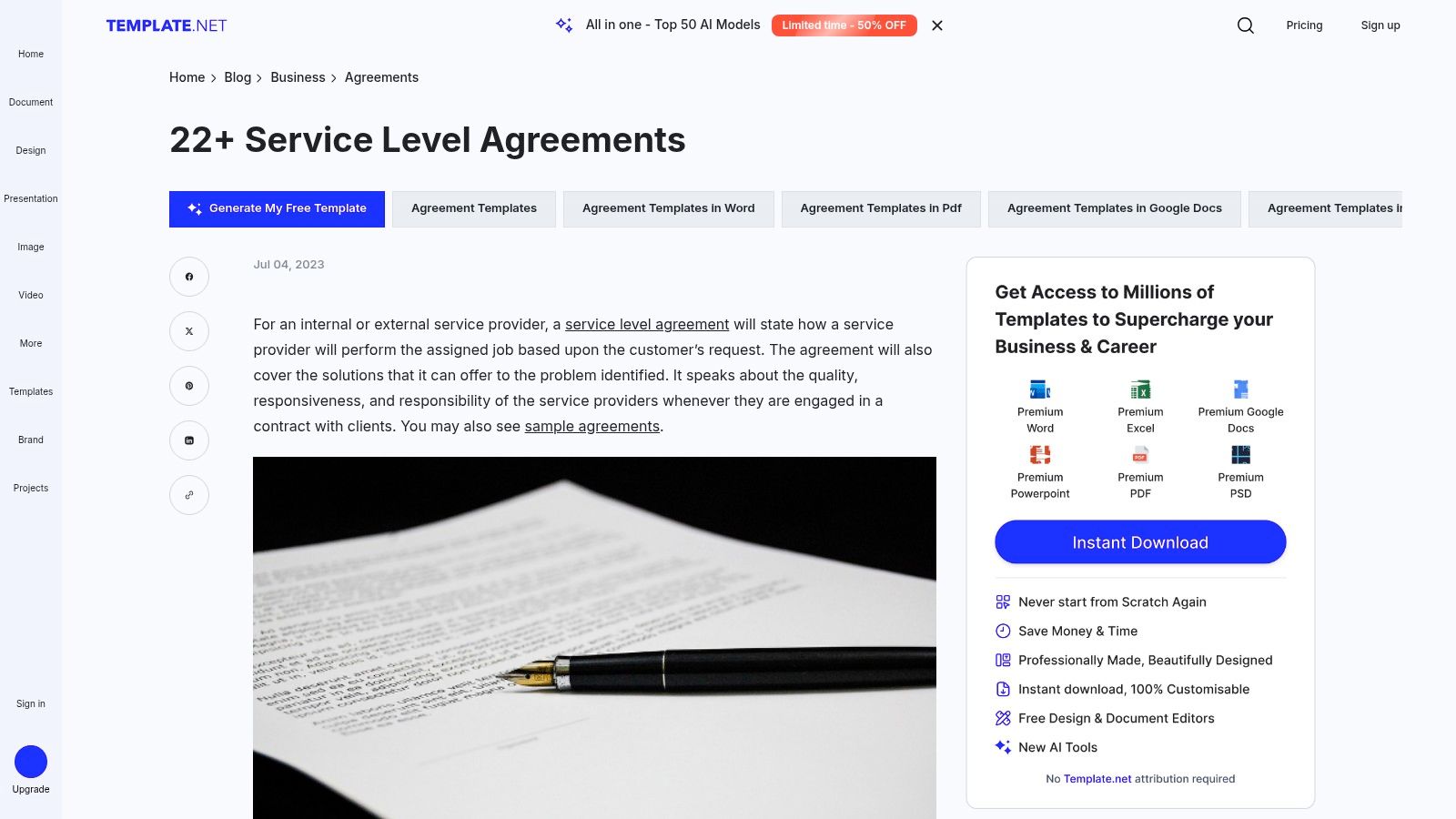
The range can save time when a team needs a starting point for a specific department. It's also convenient to move a document into familiar editing software. Teams exploring reusable business documents may find business documentation templates useful as a broader starting point for standardizing forms and agreements.
The trade-off is that quality and access vary by template. Some options are free, while others require a purchase or subscription. An AI-generated draft still needs a human review, especially for measurement periods, customer-caused delays, third-party dependencies, and remedies.
For a real estate maintenance SLA, choose a facilities or support-focused option, then define what counts as an emergency repair, how tenants or property managers report a problem, and when the provider must acknowledge it. A template that says “prompt response” isn't measurable. Replace that phrase with a defined event, clock, and owner.
Template.net works best as a discovery and drafting aid, not as a guarantee that the clause set fits the service. Check each clause against the actual operating process before sending the agreement for approval.
5. TeamSupport Customer Support SLA Template
TeamSupport's customer support SLA template focuses on ticket-based service operations. It includes response-time tiers, escalation paths, and response and resolution matrices, making it more directly useful for customer experience and helpdesk teams than a broad master agreement.
The support-specific language can reduce the time needed to structure a first draft. A logistics company, for example, could adapt the matrices for customer inquiries about shipment status, missing delivery scans, or urgent exceptions. The template is a PDF, so teams may need to convert it to Word or Google Docs for easier editing.
Adapt the clock to the ticket workflow
The main risk is treating acknowledgement and resolution as the same commitment. A support team may acknowledge a ticket quickly but need more time to investigate a carrier issue or obtain information from a customer. Define the response event separately from the resolution event, and state when the resolution clock pauses.
TeamSupport's template is less suitable as a master SLA for complex IT or infrastructure services without substantial customization. It's a focused operational document, not a substitute for broader terms covering uptime, continuity, third-party dependencies, or termination.
Operational rule: Don't promise a resolution time the team can't control. If the team can control acknowledgement but depends on a carrier or customer for the fix, write separate targets for each stage.
6. DocsAutomator Free Microsoft Word SLA Template
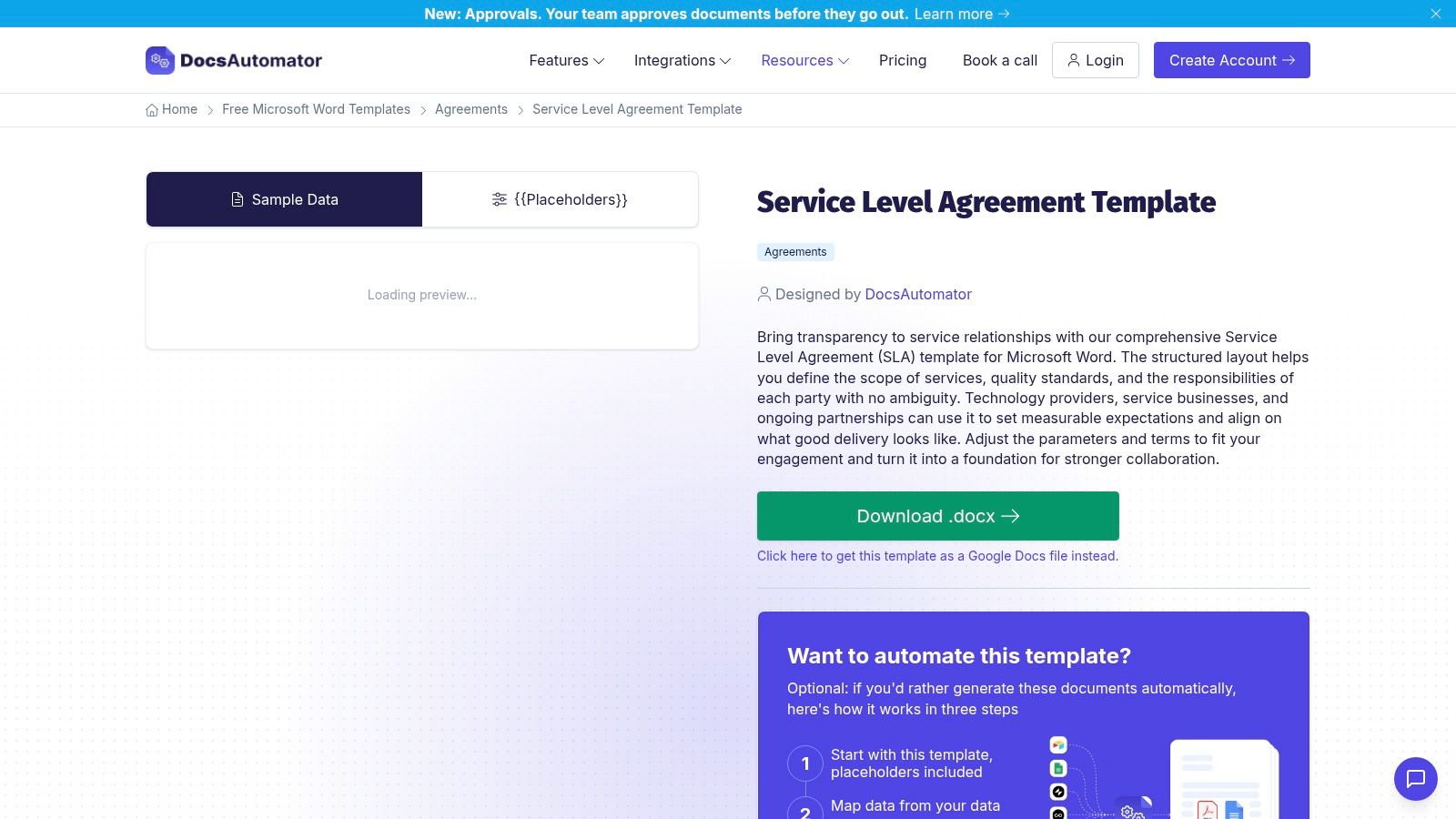
DocsAutomator's Word SLA template is a straightforward choice for teams that want an editable document without adopting a contract platform. It's available as a direct DOCX download, with a Google Docs version also offered.
The template covers service scope, KPIs, monitoring, and remedies. Those sections provide a useful outline, but the document doesn't include embedded drafting guidance or a clause playbook. Expect to tailor it closely to the service and the parties' actual responsibilities.
A professional services firm could use it to define delivery milestones for a recurring reporting or implementation engagement. The SLA should distinguish a provider-controlled delay from a client delay, such as late approvals or missing source data. It should also identify who records the milestone status and what evidence both sides accept if they disagree.
The practical advantage is freedom to edit in familiar tools, with no need to join a document workflow platform. The cost is that the drafting work remains with your team. If the service includes multiple dependencies, a generic KPI section won't explain how those dependencies affect the clock.
Use the template as a base, then have operations and contract owners walk through a missed-deadline scenario. If they can't agree on when the breach occurred or what remedy applies, the draft needs more detail before signature.
7. Klariti SLA Template Pack
Klariti's SLA template pack combines a Word agreement with Excel service-level tables. Its structure is aimed at IT services and managed service provider arrangements, with sections for uptime, response and resolution targets, and credits.
Keeping the contract language in Word and the metrics in Excel can suit teams that already track service performance in spreadsheets. For an MSP, the tables can make it easier to list targets and review them alongside service reports. The pack is listed as a one-time purchase, and no account is required after downloading.
That split also creates a risk. If the spreadsheet changes but the signed agreement doesn't, the parties may end up with conflicting versions. Identify which document controls, include version details in both, and attach or reference the approved metrics table in the executed agreement.
Klariti isn't jurisdiction-specific, so legal review is recommended before use. That matters when the SLA sits under a larger agreement with its own rules for credits, liability, confidentiality, or termination. The template can organize the service commitments, but it can't determine how those terms interact.
For a managed IT provider, customize the monitoring source, calculation period, maintenance exclusions, and incident evidence. Avoid relying on a headline uptime percentage without defining how the provider and customer can reproduce the calculation.
8. Forge Free SLA Template
Forge's SLA template is a simple DOCX and PDF document designed for quick copying, downloading, and editing. Its layout includes standard service scope, KPI, and remedy clauses, so a professional services team can rebrand a draft without first learning a new platform.
The low-friction format is its strongest point. A consultancy could use it to document turnaround expectations for recurring deliverables, such as review cycles or client support requests. But the template offers limited variations and may need to be expanded or paired with a master service agreement.
Make deliverables measurable
“Work completed promptly” won't help much in a dispute. State what starts the delivery clock, what the client must provide, how review and revision rounds work, and what happens when the client changes the scope. A service-level target should reflect steps the provider can manage, not just the final outcome.
Forge is useful when the team wants a clean starting draft and plans to do its own tailoring. It's less suited to a complex relationship with several service lines, multiple escalation paths, or detailed reporting requirements. Add those terms deliberately rather than assuming the standard clauses cover them.
Before sending the agreement, compare each remedy with the failure it addresses. A credit may be appropriate for a missed recurring service target, while repeated material failures may need a corrective plan or a path to renegotiation or termination.
9. WPS AI Free Editable SLA Template
WPS AI's editable SLA template is a general-purpose DOCX for users who want to work in Microsoft Word, WPS Office, or Google Docs. The familiar file format makes it easy to circulate internally or adapt for a vendor-facing draft.
That convenience comes with limited drafting guidance and no embedded legal commentary. The wording needs customization for the specific service, particularly if the parties have different operating hours, rely on outside providers, or use customer approvals as part of delivery.
A procurement team could use the document to outline supplier commitments for onboarding or document processing. Define which party owns each step, what information must be complete before a request is accepted, and how a delay caused by missing data is recorded. Otherwise, a simple target can become a dispute over responsibility rather than performance.
WPS AI is a reasonable starting point when the team values an editable document and doesn't need an integrated approval process. It shouldn't be treated as a ready-to-sign contract for every industry. Have the service owner validate the workflow, and have the appropriate contract reviewer check the final terms.
10. Law Insider oneSLA Standard and Clause Library
Law Insider's standards and clause library is better suited to negotiation and clause comparison than to downloading one finished SLA. Its oneSLA standard offers a structured starting point, while the library includes more than 500 SLA clause samples across industries. Examples address service credits, uptime, and excused downtime.
The resource can help a contract manager compare proposed language and identify issues to raise with a counterparty. For example, if a logistics supplier proposes broad exclusions for delivery delays, the team can examine how clauses address excused downtime and then negotiate wording that fits the actual route, data, and third-party dependencies.
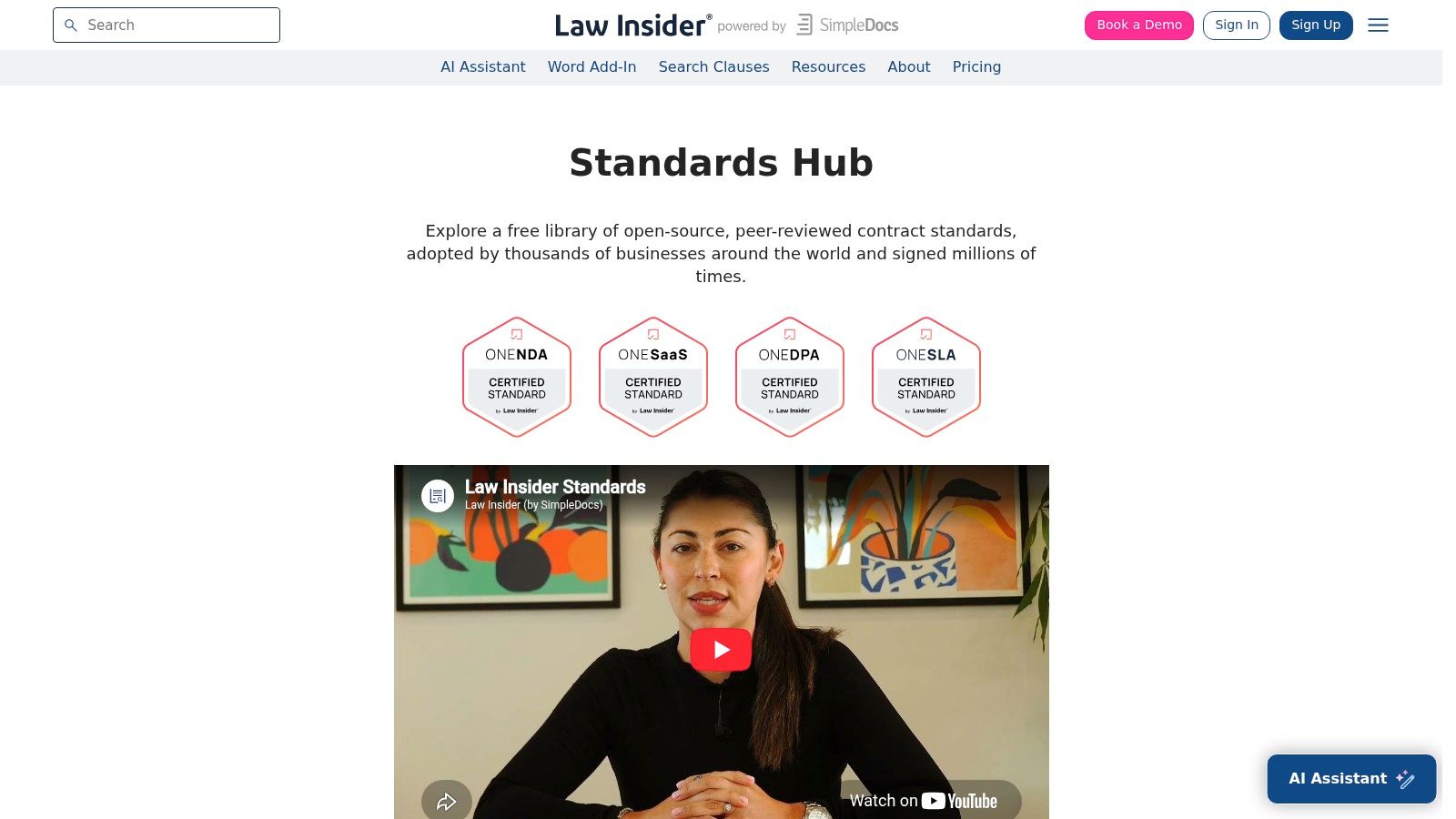
The trade-off is assembly work. This isn't a single download-and-go Word template. Users need to select and adapt clauses, and advanced tools or downloads may require an account or plan. Clause examples are useful for comparison, but copying language without checking how it fits the main contract can create conflicts. Review limitations of liability alongside credits and other remedies so the SLA doesn't promise a remedy that the wider agreement limits or displaces.
Use the library when the challenge is refining a specific clause, not when you need a quick operational draft. The final agreement still needs a clear measurement process, accountable owners, reporting rules, and a path for repeated failures.
Top 10 Service Level Agreement Templates Compared
| SLA Resource | Core Coverage & Format | Workflow & Standout Feature | Best For | Access & Value |
|---|---|---|---|---|
| PandaDoc | Scope, uptime, response times, credits, disputes | Redlining, approvals, and eSignature; offline export | 👥 Cross-functional teams | 💰 Free to view/download; advanced workflows may require a plan |
| Rocket Lawyer | Guided SLA covering parties, scope, KPIs, and remedies | Lawyer-reviewed; questionnaire, drafting guidance, Word/PDF export | 👥 SMBs and non-lawyers | 💰 Full access typically requires membership |
| Juro | Common SLA clauses in a browser-based template | Collaboration, conditional rules, and role-based access | 👥 Teams managing templates and approvals | 💰 Free starter; Juro signup typically required |
| Template.net | General, IT, HR, and support templates; office formats | Web editor and AI SLA generator | 👥 Teams seeking varied starting points | 💰 Mix of free and paid options |
| TeamSupport | Support response/resolution tiers and escalation paths; PDF | Support-specific matrices; PDF can be converted for editing | 👥 Helpdesk and customer experience teams | 💰 Free download |
| DocsAutomator | Scope, KPIs, monitoring, and remedies; Word/Google Docs | Direct editable files without a workflow platform | 👥 Users wanting a simple document | 💰 Free; substantial tailoring may be needed |
| Klariti | IT/MSP agreement plus Excel service-level tables | Includes uptime, response targets, and service credits | 👥 IT service and managed service providers | 💰 One-time purchase |
| Forge | Scope, KPIs, and remedies; DOCX/PDF | Quick copy/download and easy rebranding | 👥 Professional services teams | 💰 Free |
| WPS AI | General SLA wording; editable DOCX | Works with Word, WPS Office, and Google Docs | 👥 Users seeking a familiar document format | 💰 Free; customization recommended |
| Law Insider | oneSLA standard and 500+ clause examples | Real-contract language for benchmarking and negotiation | 👥 Legal and contract teams refining SLA terms | 💰 Some tools or downloads may require an account or plan |
Turn Your SLA Into a Signed, Trackable Agreement
Start with measurable definitions, not headline numbers. A 99.9% uptime commitment permits approximately 8.7 hours of downtime in a year, while a 99.99% commitment permits about 52 minutes, according to SLA uptime and service-credit benchmarks. Those figures only help if the parties also agree on the measurement period, maintenance rules, exclusions, incident clock, and calculation method.
Define when the response clock starts, how severity levels are classified, which service credits apply, and whether credits are the sole remedy. Treat an undefined clock start, unlimited exclusions, or credits with no path to termination as red flags. In negotiation, trade flexibility on scope for clarity on measurement, and record who owns the monitoring data.
The operational gap is often bigger than the document gap. A German trend study found that 56% of surveyed companies reported having no established service-level-management process, and the same proportion said they didn't use specialized software. The study also found that 35% cited insufficient flexibility or scalability in existing processes or solutions as a barrier to automation (amasol's service-level-management study). Modular fields for ownership, data source, review cadence, escalation, and remediation can make an SLA easier to manage as services change.
Performance measurement needs governance too. A global Forrester survey found that 81% of technology decision-makers were involved with formal SLAs, but respondents said those agreements met expectations only 74% of the time. The survey also found that 64% of respondents said they learned about problems only after users contacted the help desk (RCP Magazine's coverage of the Forrester survey). Set a baseline, identify the data owner, require proactive monitoring, and establish how the parties will retain and review evidence.
Once the terms are approved, move the SLA into a contract lifecycle workflow. Keep the final language in a clause library, route redlines through role-based approvals, track version history and renewal dates, and send the settled agreement for eSignature. For cross-border agreements, distinguish basic electronic agreement capture from qualified signing. Under the EU eIDAS framework, electronic signatures can't be denied legal effect or admissibility solely because they're electronic, but only a qualified electronic signature has the same legal effect as a handwritten signature across EU Member States (European Commission eSignature FAQ). For healthcare workflows, the HIPAA Security Rule doesn't mandate electronic signatures, but covered entities may use them when they determine the technology is a reasonable and appropriate safeguard (HHS guidance on electronic signatures).
BoloSign supports reusable templates built from existing PDF or DOCX files, with variables, clauses, form logic, approval routing, and signer fields. Its contract automation platform can connect drafting and review to execution, while its eSignature features support sending documents for electronic signature. Teams using Google Forms can also explore the Google Forms eSignature integration for a connected signing workflow.
Create a reusable SLA workflow with BoloSign, from adapting your PDF or DOCX template to routing approvals and collecting eSignatures. Start a 7-day free trial to test it on a live agreement, with support for ESIGN, eIDAS, HIPAA, and GDPR requirements.

Paresh Deshmukh
Co-Founder, BoloForms
22 Oct, 2026
Take a Look at Our Featured Articles
These articles will guide you on how to simplify office work, boost your efficiency, and concentrate on expanding your business.



