
Best E Signature Software for Small Business: 2026 Guide
Find the best e signature software for small business that fits your budget, speeds up contracts, and keeps documents legally binding. Compare options now.

Tired of nonsense pricing of DocuSign?
Start taking digital signatures with BoloSign and save money.
Paper signatures can cost more in delay than an eSignature subscription costs in cash. A global e-signature adoption summary reports that 65% of U.S. companies retaining paper signatures say tracking physical signatures can add a full day to workflow completion. The buying question is which tool removes that chasing without adding seat fees, sending caps, or awkward signing steps for your recipients.
The short answer by need
- Lowest predictable total cost for a growing team: BoloSign, particularly when several employees need to send documents.
- Best free plan for intake: Jotform Sign, if collecting information and signatures together matters more than team administration.
- Best for proposals: PandaDoc, because document creation and approvals are part of the buying case.
- Best for Google Workspace: BoloSign, especially when you want to add signature to Google Form workflows.
- Best open-source option: None of the tools in this comparison is an open-source product.
Each pick is judged on the same five criteria: sender count, document volume, reusable templates, evidence quality, and recipient usability. The best e signature software for small business for a solo consultant is rarely the right call for a team where five people send contracts daily, and no tool here wins every category.
Vendor billing pages change, so compare terms before committing: monthly versus annual billing, per-user versus flat pricing, and any envelope or volume limits. This overview of e-signature software costs and features works as a supplementary buying checklist.
1. Closer Innovation Labs Corp.
A 10-person team can run unlimited documents, users and templates through BoloSign for $49 per month flat. Best for teams that want predictable costs as headcount and document volume grow.
The pricing shape is the buying case: unlimited signatures, templates, forms, contracts and team members are covered by one fixed price, so an added recruiter or a busier month does not create another line item. A free plan covers low volume, and teams can start without a credit card and send a first document in under 2 minutes.
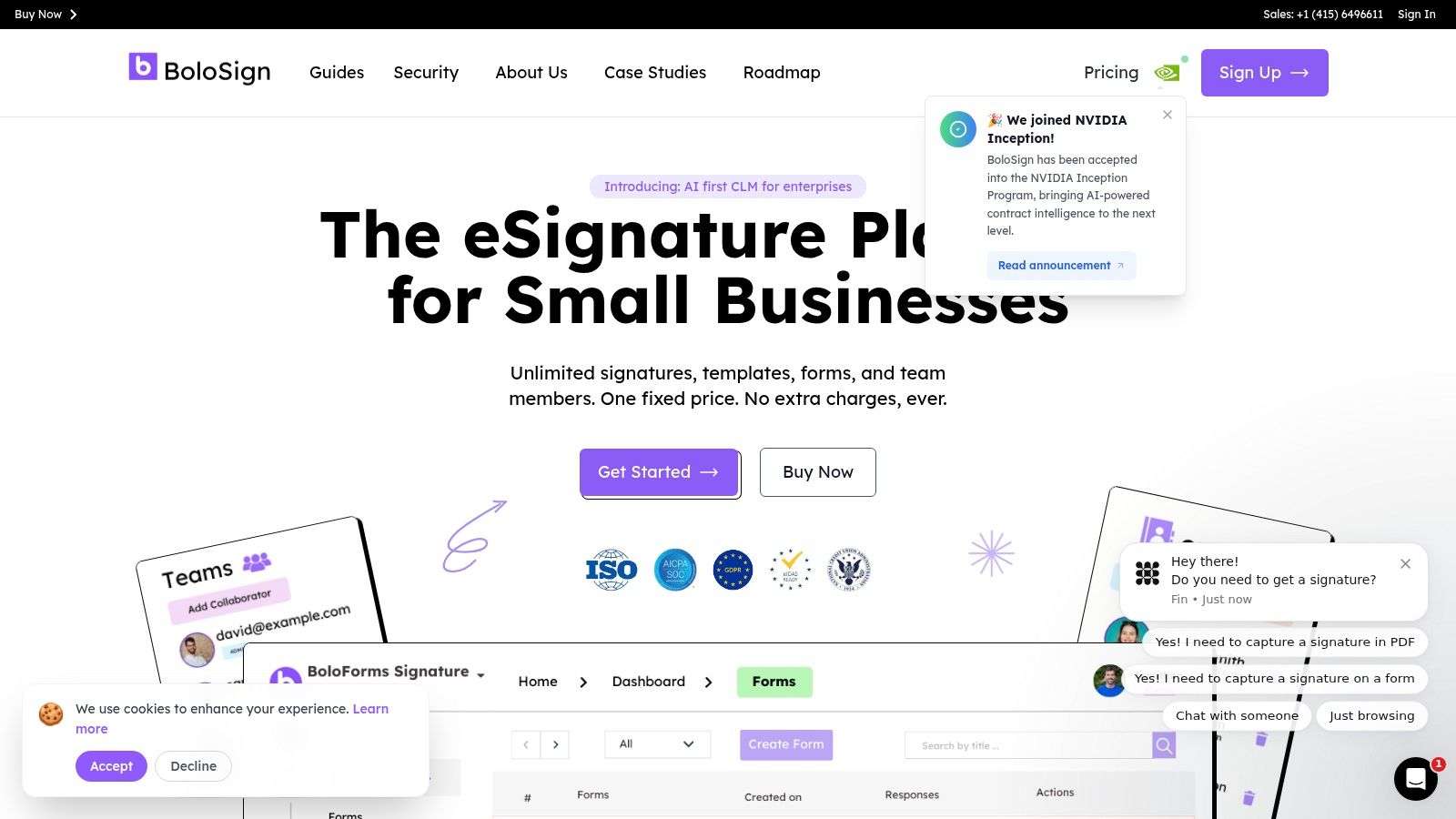
To sign PDFs online, upload the PDF, place signature, date, initial and custom fields, assign each field to a recipient role, enter email addresses and send. Reusable templates keep offer letters, NDAs, purchase orders, registration forms and feedback forms consistent instead of rebuilt every time.
Where the fixed-price model helps
Form workflows are the concrete advantage. Signing forms can be embedded on a website, and the form editor can put signature fields on forms so hundreds of signatures can be managed without creating individual documents.
- Connected workflows: Google Forms, Google Drive, Google Sheets, Zapier, Make, HubSpot, Salesforce, Slack, Microsoft Teams, mobile apps and a Document Signing API support different ways of collecting signatures.
- Document control: Multi-recipient routing, signing order, customizable request emails, dashboard tracking and audit trails cover routine operations.
- Compliance posture: BoloSign lists adherence to ESIGN, UETA, eIDAS, GDPR, HIPAA, ISO 27001 and SOC 2.
The trade-off: the entry price does not mean every enterprise control is included. SSO, approval workflow and bulk sending sit with the Enterprise plan, so match those needs before treating $49 as the whole answer. AI contract intelligence can speed review, but high-risk clauses still deserve a qualified read.
2. DocuSign eSignature
Best for teams that expect more structured agreement workflows and value broad integrations.
A sales team using Salesforce and an HR team using Microsoft tools may prefer a signing product that fits an established application stack. DocuSign eSignature lists annual-billing reference prices of $10 per month per user for Personal, $25 for Standard, and $40 for Business Pro, with five envelopes monthly on Personal and 100 per user annually on Standard and Business Pro.
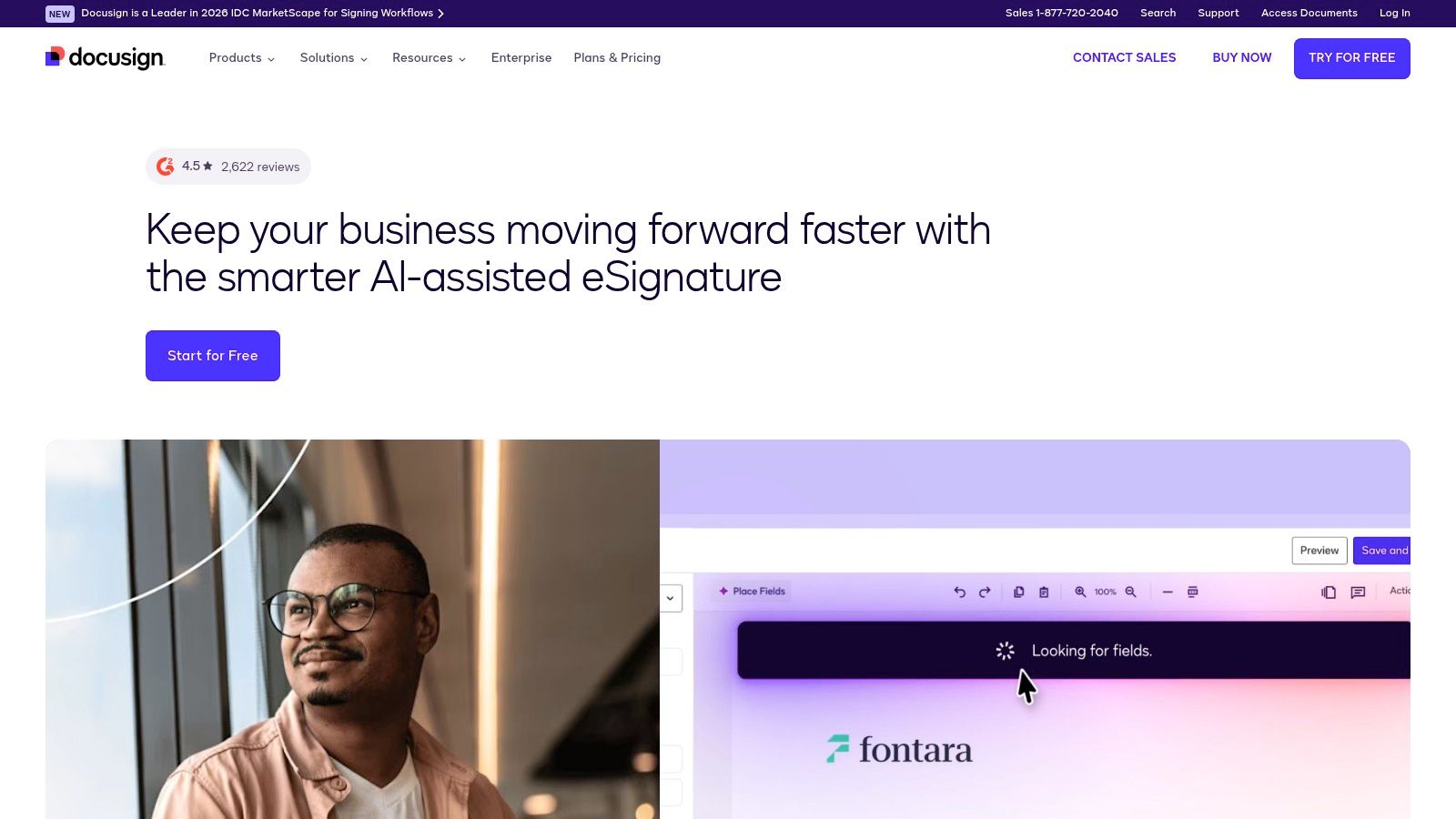
Reusable templates, reminders, audit trails, and mobile signing cover the daily requirements. Signers can complete requests without creating an account, which is useful when a supplier or candidate doesn't know your software.
Buy for the workflow, not the name
Business Pro adds capabilities such as web forms, payment collection, attachment requests, and bulk sending. Those features can justify a higher tier for recurring customer agreements, but they're unnecessary overhead if an owner only sends occasional NDAs.
Buying rule: Count the people who need to send agreements, then check the envelope allowance separately. Paying for a sender doesn't necessarily buy unrestricted sending.
The main compromises are per-user growth and usage allowances. The DocuSign versus Adobe Sign comparison is useful when you're deciding between an agreement-focused product and a broader PDF workflow.
DocuSign belongs on a structured-workflow shortlist. It isn't automatically the lowest-cost choice for a business with many occasional senders.
3. Adobe Acrobat Sign
Best for PDF-heavy teams that need editing, redaction, and signing together.
Start with your existing PDF subscription before adding another signing tool. The Adobe business signing page lists U.S. annual-billing prices of $16.99 per license per month for Acrobat Standard for teams and $23.99 for Acrobat Pro for teams, and describes team subscriptions as including unlimited eSignatures.
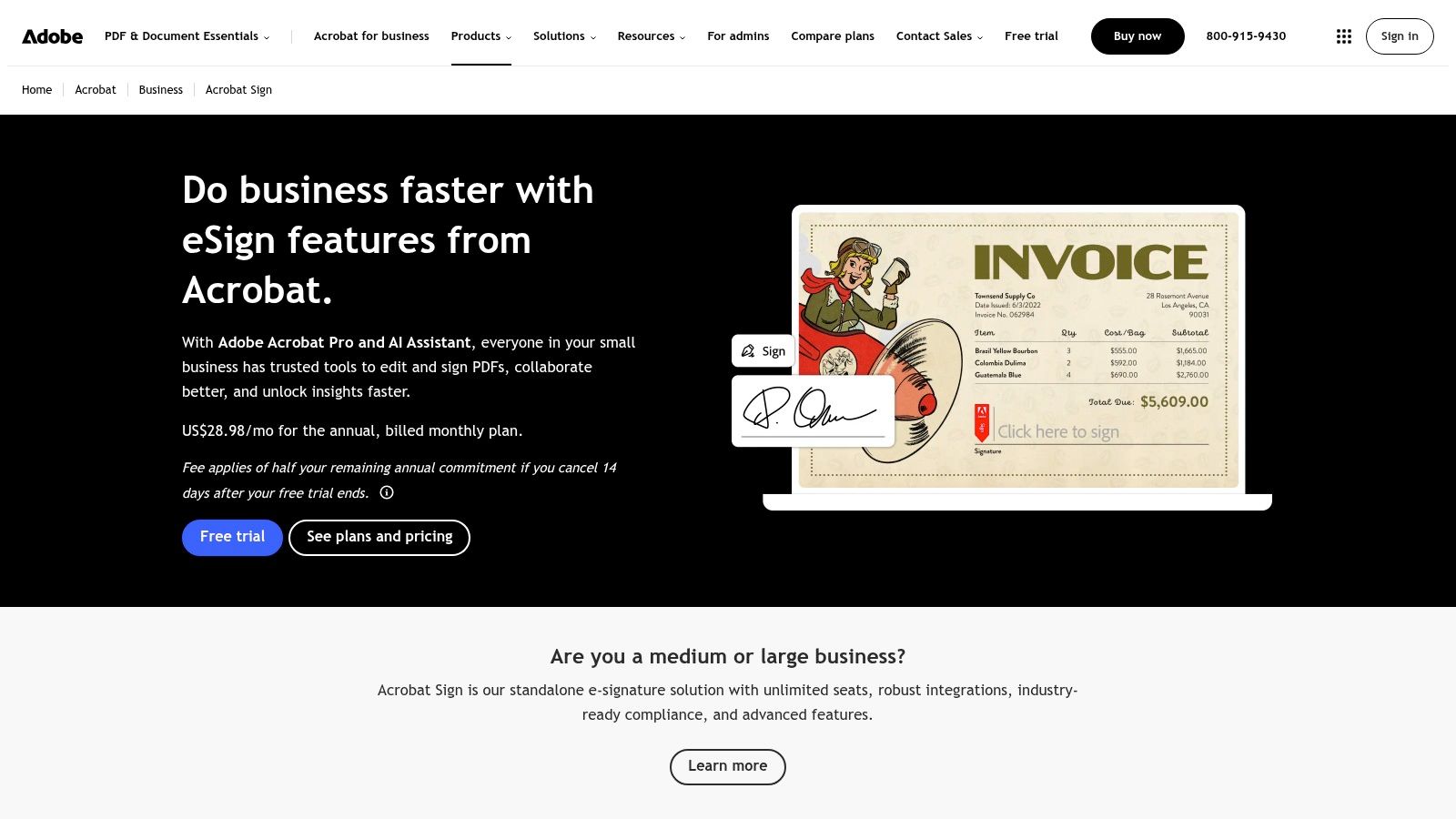
That combination suits a professional-services firm that revises client PDFs before sending them. Acrobat Pro's redaction and advanced PDF tools are more relevant to that workflow than a long list of signing integrations.
Where the bundle earns its place
Senders can request signatures from desktop or mobile, track responses, and route documents to multiple recipients. Team licensing also provides administration and business support, which matters when employees join or leave.
- Choose it for document preparation: Editing, cleaning up, or redacting a PDF is part of the same job as getting it signed.
- Skip unnecessary duplication: If your team already has suitable Acrobat access, establish what signing functionality is included before buying another subscription.
- Separate the offerings: Individual Acrobat subscriptions, team plans, and enterprise agreement products aren't interchangeable.
The trade-off is paying per license for a broader PDF suite. If your documents are already finalized and all you need is signature collection, a dedicated signing service may be easier to justify.
4. airSlate SignNow
Best for budget-conscious teams sending recurring, template-driven documents.
SignNow is a sensible shortlist candidate when the entry subscription matters more than proposal design or a large contract repository. The SignNow plans page lists Business at $8 per user per month with annual billing or $20 with monthly billing, alongside a usage-based site-license option.
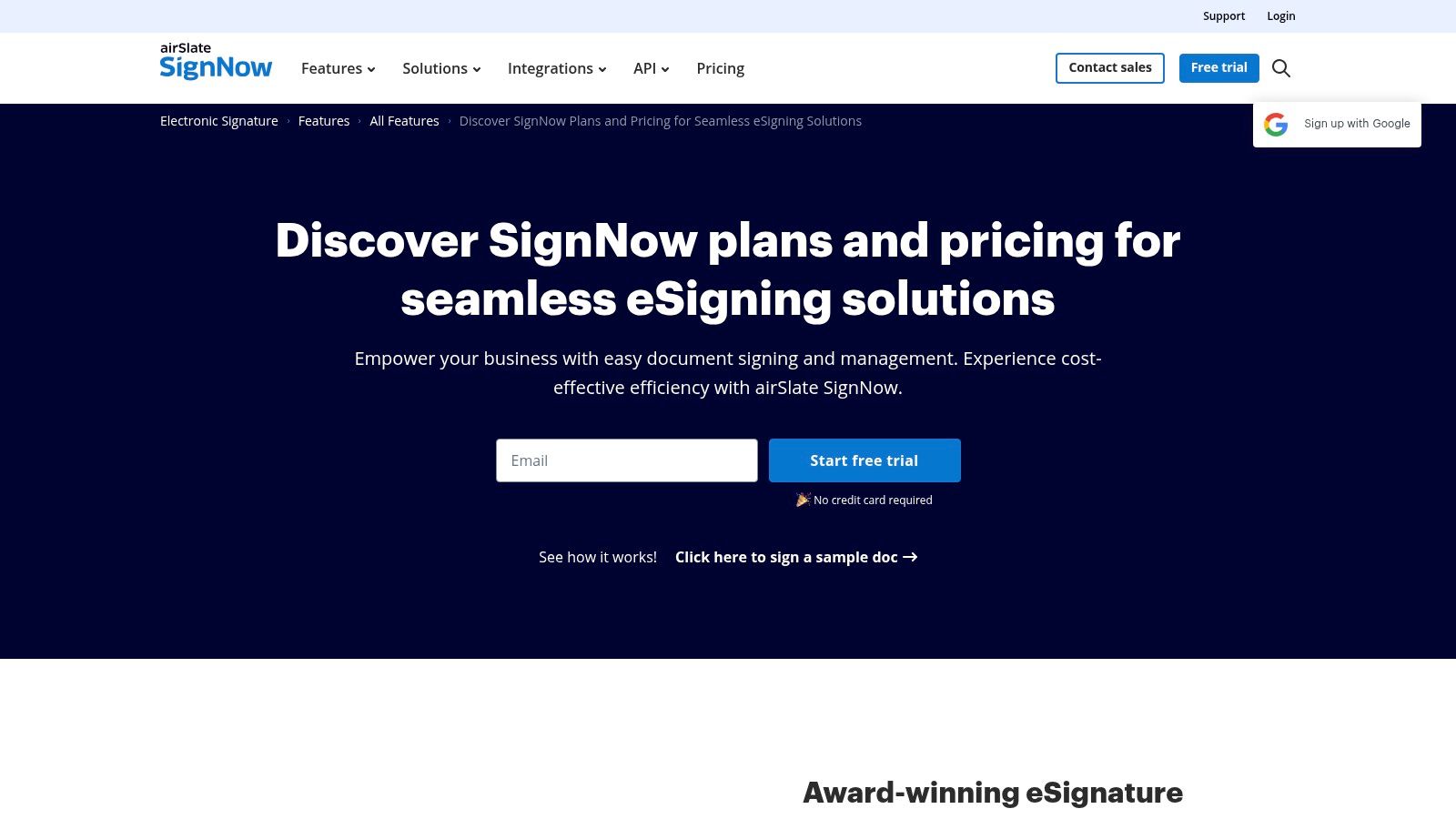
Reusable templates suit logistics companies sending vendor agreements or service teams repeating standard work authorizations. Higher tiers add more advanced workflow capabilities, integrations, and API options.
Watch the allowance behind the seat
The low entry price is only meaningful if the applicable sending allowance and feature tier fit your process. Don't assume bulk sending, automation, or every integration comes with the least expensive subscription.
The practical test: Build a recurring agreement, assign recipient roles, send it from an ordinary employee account, and retrieve the completed record. Then repeat through the integration you intend to use, rather than testing only the web dashboard.
Per-user costs rise as more employees become senders. The site-license model deserves attention when broad employee access matters more than maintaining individual subscriptions.
SignNow's strongest case is routine signing at a modest entry-seat price. Its weakest case is a purchase made without checking invite limits, plan-specific features, and the final checkout terms.
5. PandaDoc
Best for sales-led businesses that need proposals, approvals, and signatures together.
PandaDoc is more compelling when your team creates the document as well as collects the signature. Its pricing page lists annual-billing reference prices of $19 per seat per month for Starter and $49 for Business, plus a free plan capped at five documents monthly.
A consultancy preparing scoped proposals can benefit from document editing, reusable content, tracking, and approvals in the same workflow. That's a different requirement from uploading a finished NDA and adding signature fields.
Pay for proposal work you actually do
Business capabilities include CRM integrations, web forms, branding, approval workflows, and bulk sending. Those functions can support contract automation, but some integrations and automated document creation can involve credits or additional charges.
- Good fit: Salespeople repeatedly assemble customer-facing proposals before routing them for approval and signature.
- Less convincing fit: Operations staff send finalized PDFs and don't need document design.
- Budget consideration: Paid seats, required integrations, and automation usage all belong in the same cost comparison.
A proposal platform can replace document-creation work. If you won't use that capability, don't count it as a benefit merely because it's included.
For a sales agency, the editor may justify the subscription. For a small landlord or staffing coordinator sending standardized agreements, a simpler eSignature product may require less administration.
6. Dropbox Sign
Best for small teams already organizing documents in Dropbox.
Dropbox Sign keeps the buying case focused on sending, tracking, and completing signature requests. Its product page lists Essentials at $15 per month and Standard at $25 per user per month, with unlimited signature requests on paid plans; annual-billing offers may differ.
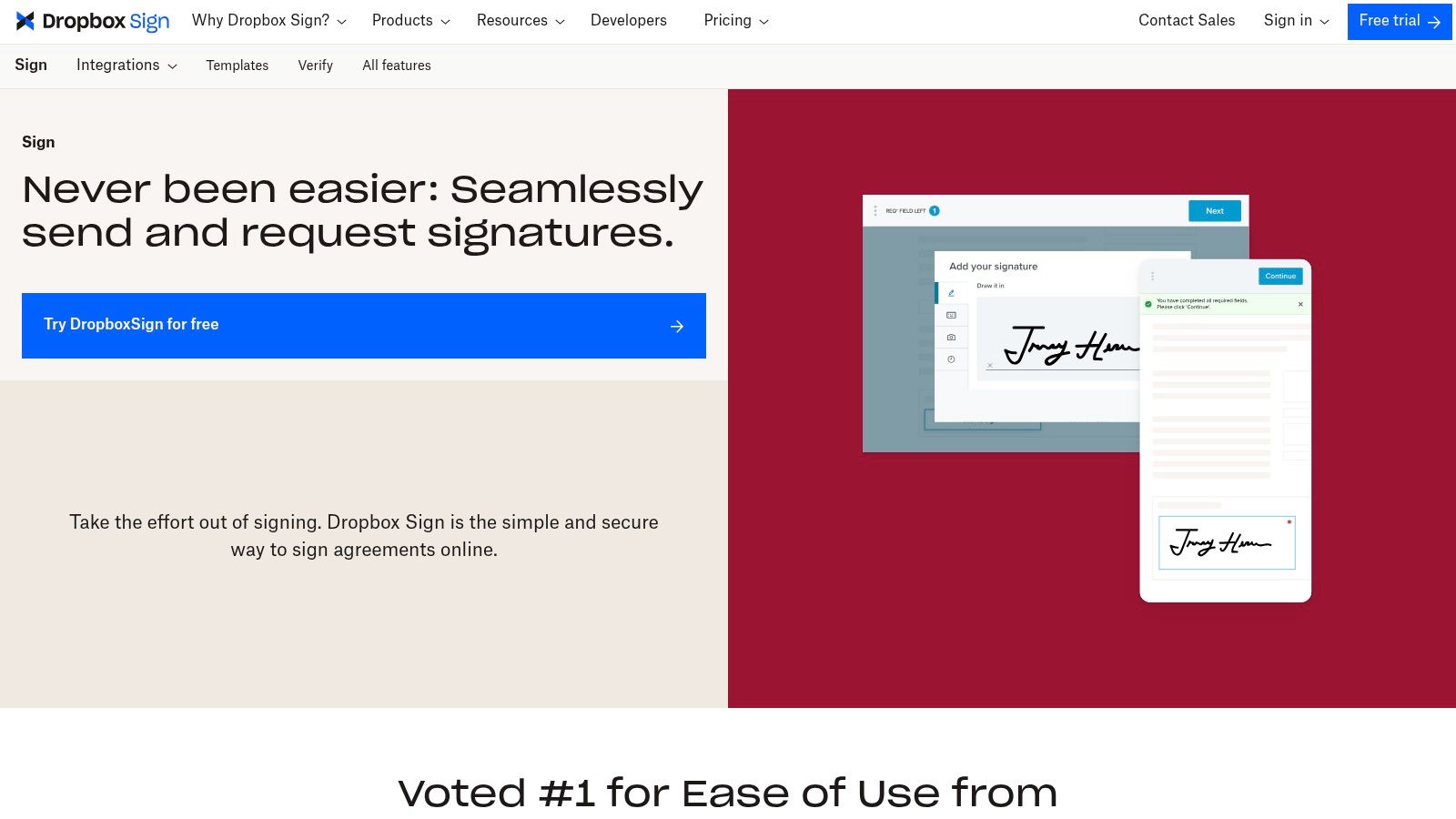
Reusable templates and request tracking suit a small agency that already stores client paperwork in Dropbox. Non-editable audit trails and tamper protection help preserve the completed signing record.
A focused tool has advantages
A straightforward signing product can be preferable to a larger contract platform when staff only need to prepare requests and file completed agreements. Team administration and document permissions become more important as several employees share responsibility for client paperwork.
The limitation: Unlimited requests don't eliminate per-user subscription costs. Advanced administration or specialized requirements may also push the purchase toward a quoted Premium arrangement.
The Dropbox Sign versus DocuSign comparison helps distinguish focused signing from a broader agreement-management buying case.
Choose Dropbox Sign because its workflow fits your document habits, not because your business already has Dropbox storage. Test how completed documents are named, filed, and retrieved by someone other than the original sender.
7. Zoho Sign
Best for businesses already working in Zoho CRM, Books, or People.
If employee and customer records already live in Zoho, keeping signature requests nearby can remove a manual handoff. The Zoho Sign pricing page specifies five envelopes monthly for one user on Free and 25 envelopes per user monthly on Standard, while Professional adds unlimited envelopes and templates.
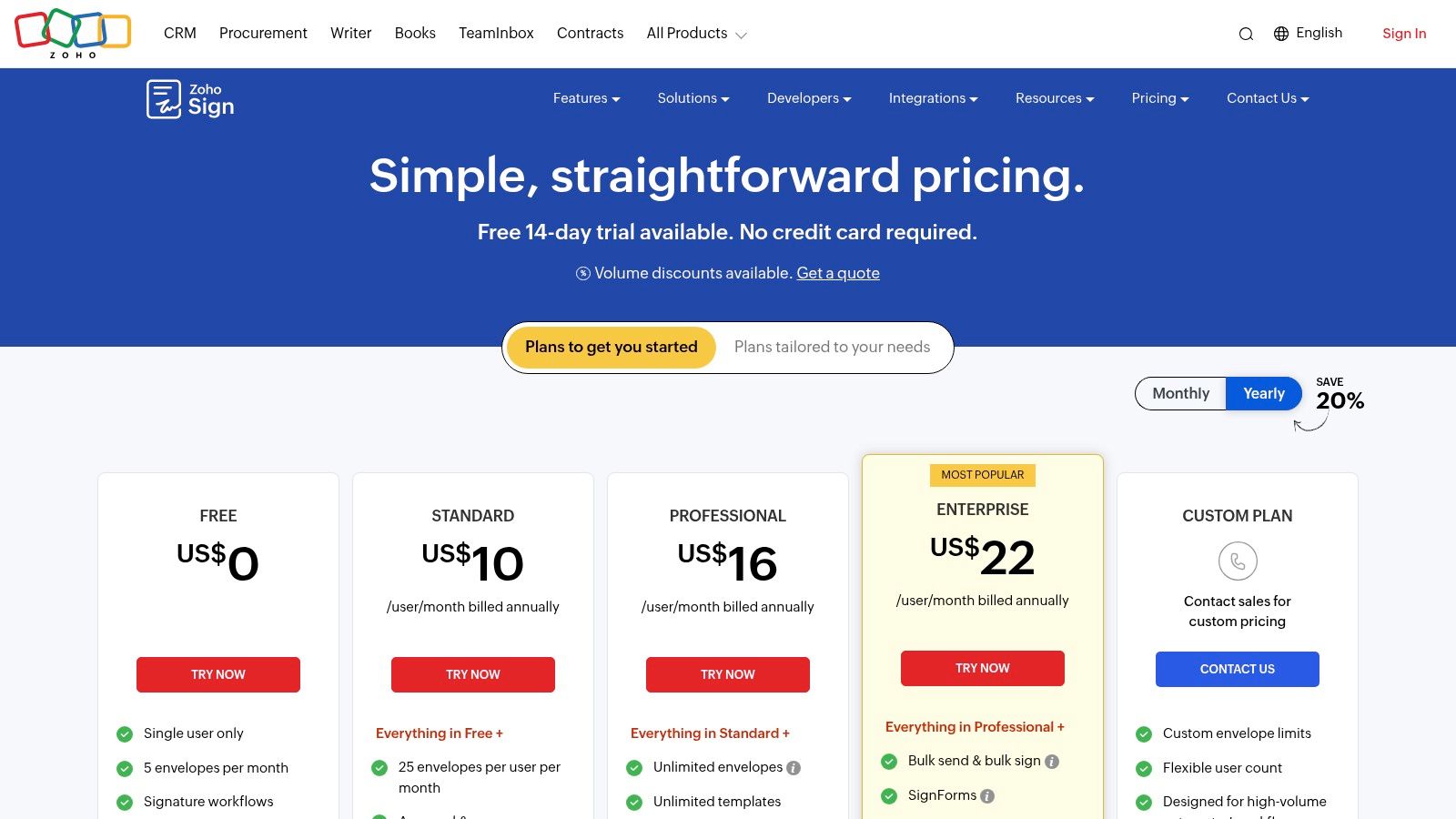
Use the official regional selector for the applicable paid subscription price rather than treating another country's display as your quote. Paid plans are per user, and some integrations or advanced signing services consume credits.
Integration is the deciding factor
For an HR coordinator using Zoho People, an offer-letter workflow should start from the employee record and return the completed document to the correct place. Test that round trip before treating ecosystem integration as a saving.
- Standard workflows: Approval routing supports agreements requiring internal review.
- Higher-tier needs: Bulk sending, SignForms, in-person signing, and conditional fields belong in the feature comparison.
- Cost control: Compare sender subscriptions and credits, not just the headline plan.
The Adobe Sign versus Zoho Sign comparison is relevant when you're weighing PDF preparation against suite integration.
Zoho Sign's appeal is strongest inside a Zoho-centered business. Outside that environment, compare it on the same recipient experience, evidence, and total-cost criteria as every other option.
8. SignWell
Best for solo senders and very small teams wanting straightforward signing costs.
SignWell offers a clear progression from occasional use to paid sending. Its pricing page lists three documents monthly for one sender on Free, with annual-billing prices of $10 per month for Light and $30 for Business, and unlimited signing requests on paid plans.
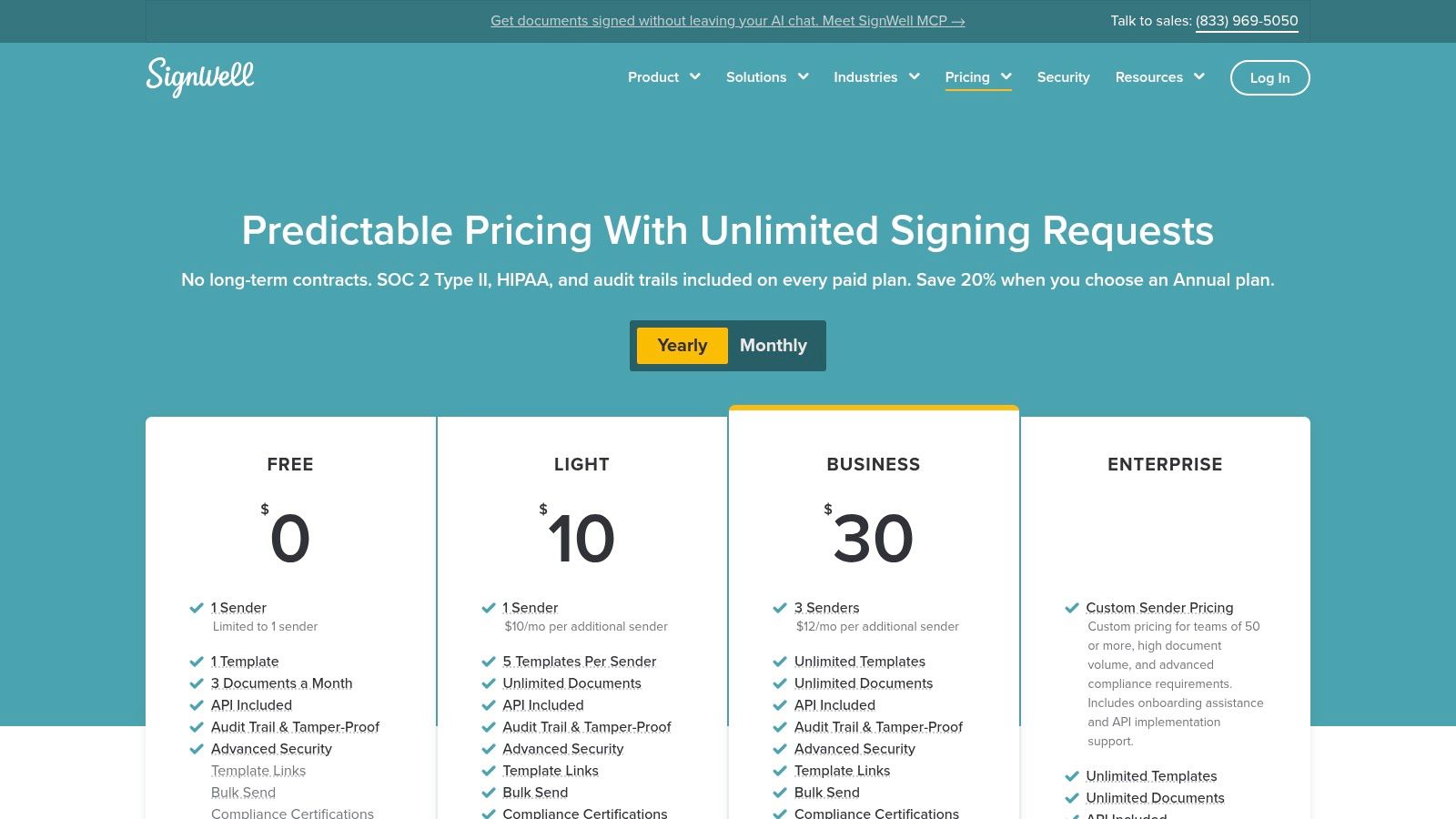
For an independent consultant sending finalized service agreements, that structure is easier to evaluate than a feature-heavy proposal platform. The free allowance is useful for occasional requests, not a substitute for budgeting regular business use.
Count senders, not recipients
Sender-based pricing means the people initiating requests determine the subscription requirement. Clients signing those requests are a different group, so don't use employee headcount alone as your estimate.
Audit trails, bulk sending, template links, and API capabilities can support repeatable work. Confirm how those features map to your subscription and whether API or automation usage requires a separate arrangement.
The trade-off: Paid document volume can be predictable while sender growth still increases cost. Template access and shared team workflows also need attention before committing to the smallest plan.
SignWell belongs among the best e-signature tools for small teams when simplicity is the priority. A larger team should compare its sender charges against a fixed-price alternative.
9. Jotform Sign
Best for applications, consents, and onboarding that combine data collection with signing.
An education application isn't just a contract. Applicants may need to enter contact information, select options, submit supporting details, and sign, which makes form-based signing worth considering.
Jotform Sign pricing lists 10 signed documents monthly and five forms on Starter, with annual-billing prices of $34 monthly for Bronze, $39 for Silver, and $99 for Gold.
Treat the limits as a combined budget
Document allowances aren't the only constraint. Form counts, submissions, and storage can also affect whether a subscription fits an intake-heavy business.
- Useful workflow: Collect application details and signatures together rather than sending a separate PDF afterward.
- Team constraint: Standard paid tiers are individual-user offerings; multiuser administration is associated with Enterprise.
- Healthcare distinction: HIPAA-enabled features are listed for Gold, not Starter, Bronze, or Silver.
- Presentation trade-off: Free-plan documents include Jotform branding.
A training provider can test whether signed submissions reach the correct administrator without manual copying. A healthcare practice should evaluate the agreement, access controls, and handling of patient information before entering real sensitive data.
Jotform Sign earns its place through intake convenience. It isn't the obvious low-cost team choice when several staff members need independent sending access or submission volume varies sharply.
10. SignRequest
Best for lightweight signing when euro-denominated pricing fits the business.
SignRequest focuses on signature requests, templates, and audit trails rather than extensive document creation. Its plans page lists Professional at €9 per user per month and Business at €15, a 14-day trial, and a free allowance of 10 documents per user monthly.
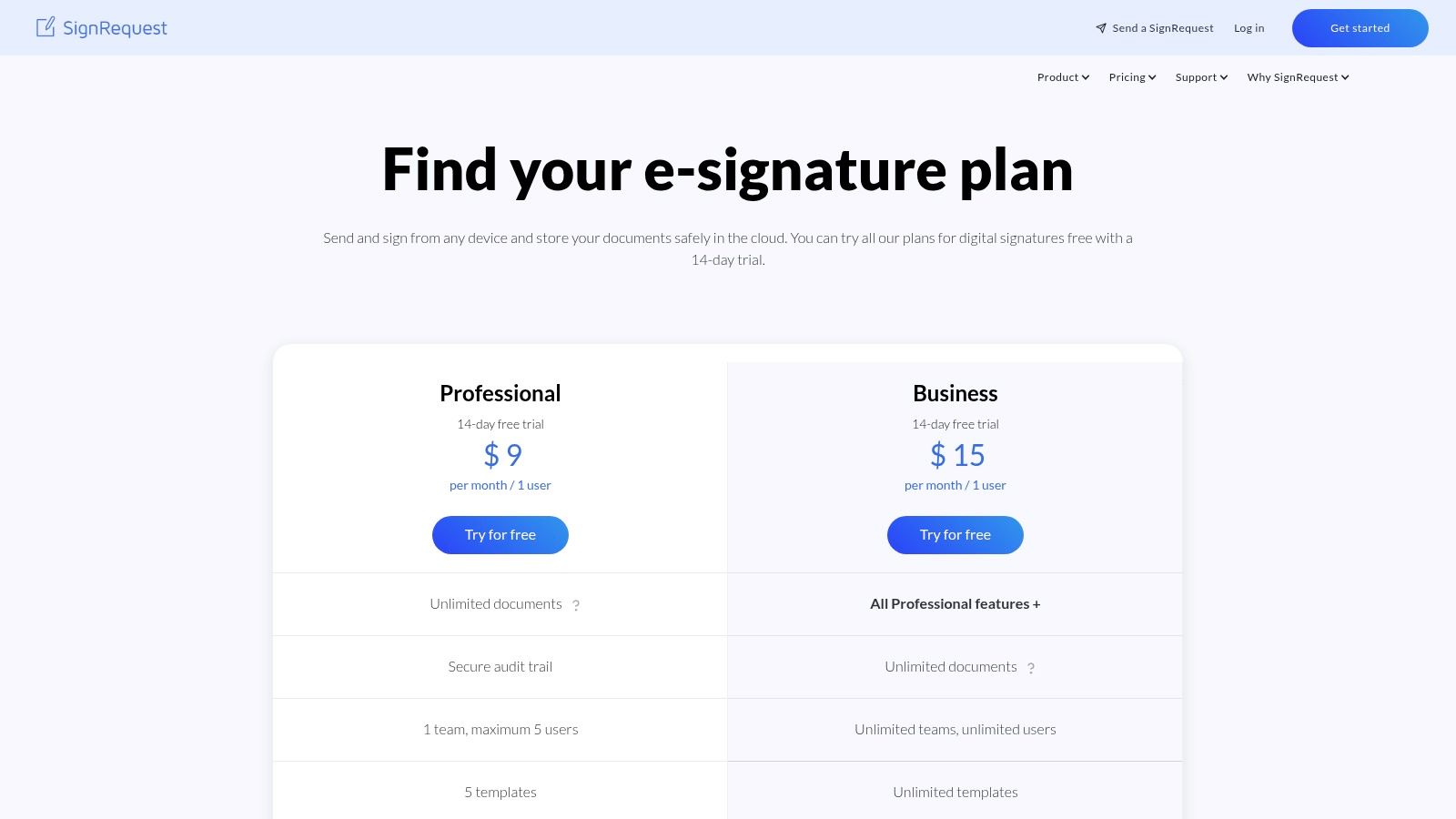
Paid plans describe unlimited documents subject to fair use. That qualification matters for a business expecting seasonal campaigns, frequent bulk requests, or automated sending.
Keep currency and usage separate
A European professional-services business may find euro billing convenient. Buyers in the United States, Canada, Australia, New Zealand, or UAE should account for their actual billing currency and applicable taxes rather than treating the displayed amount as a local price.
Professional supports a limited team and template collection, while Business expands team and template capabilities. API access, bulk sending, and high-volume document bundles can involve additional charges.
Volume warning: An unlimited manual-sending allowance isn't proof that API requests, bulk campaigns, or every automated workflow are included.
SignRequest is worth considering when basic requests and an auditable record cover the job. For complicated onboarding or CRM-driven contract automation, test the full connected workflow before choosing it on entry price.
E-Signature Tools Compared
Treat this table as a filter rather than a ranking. "Starting price" is each vendor's entry tier on annual billing, and the last column names the buyer each tool fits best.
| Pricing model | Starting price | Users / documents included | Free plan | Google Workspace add-on | Best for |
|---|---|---|---|---|---|
| Closer Innovation Labs Corp. (BoloSign), fixed price, no per-user or per-signature fees | $49/month flat | Unlimited users, signatures, templates, forms, and contracts | Yes, for low volume; free trial needs no card | eSignature for Google Forms, plus Google Sheets integration | Teams seeking predictable costs as they grow |
| DocuSign eSignature, per user | $10/user/month, annual billing | Personal: 5 envelopes/month; higher tiers: 100 envelopes/user/year | Not listed | Google Workspace integration | Teams scaling into structured agreement workflows |
| Adobe Acrobat Sign, per license | $16.99/license/month, annual billing | Team plans include unlimited eSignatures | Not listed | None listed | PDF-heavy teams needing editing and signing |
| airSlate SignNow, per user or usage-based site license | $8/user/month, annual billing | Limits set per plan tier | Free trial available | None listed | Budget-conscious teams with routine signing needs |
| PandaDoc, per seat | $19/seat/month, annual billing | Free plan: 5 documents/month | Yes, limited | None listed | Sales-led businesses managing proposals and signatures |
| Dropbox Sign, individual or per user | $15/month for Essentials | Paid plans list unlimited signature requests | None listed | None listed | Small teams already using Dropbox |
| Zoho Sign, per user | Free; paid per-user tiers | Free: 1 user and 5 envelopes/month; paid limits vary by tier | Yes | None listed | Businesses already using Zoho apps |
| SignWell, sender-based | $10/month, annual billing | Free: 1 sender and 3 documents/month; paid plans include unlimited requests | Yes | None listed | Solo senders and small teams seeking simple pricing |
| Jotform Sign, individual plans; enterprise pricing available | Free; paid plans from $34/month, annual billing | Starter: 10 signed documents/month and 5 forms | Yes | None listed | Intake workflows combining forms and signatures |
| SignRequest, per user | €9/user/month | Free: 10 documents/user/month; paid plans list unlimited documents subject to fair use | Yes | None listed | European small businesses needing lightweight signing |
The pricing model matters more than the sticker. A lone sender pays $49 monthly for BoloSign where SignWell starts at $10, so the flat rate only wins once several people sign or send. At ten senders, DocuSign Personal runs $100 a month with a five-envelope cap, more than twice BoloSign's flat fee for the same team size. The free rows split differently too: PandaDoc, Zoho Sign, SignWell, Jotform Sign, and SignRequest cap monthly documents, while BoloSign pairs its low-volume free plan with a no-card trial that allows unlimited signing.
Red Flags, ROI, and Running Your Trial
A tool that looks cheap on the pricing page can get expensive fast once your whole team needs to send. Run every shortlisted product through this filter before procurement sees it:
- Growing per-user fees: Price the employees who will send next, not just today's administrator.
- Monthly document caps: Establish whether usage means documents, envelopes, invitations, or completed requests.
- No downloadable audit trail: Require a completed agreement and its supporting event record.
- No BAA for healthcare: Don't put protected health information into a workflow without appropriate contractual coverage.
- Weak mobile signing: Test a real phone, keyboard navigation, and assistive technology.
- Paid template add-ons: Include the reusable documents and shared workflows you'll need.
The HHS Security Rule summary requires appropriate safeguards for electronic protected health information, including access control, identity verification, and audit controls. A signature image alone doesn't address those obligations.
Build the business case
Work a sample through the formula before plugging in your own figures. Say a five-person team sends 40 contracts a month. Manual handling, printing, chasing, scanning, and filing takes about 45 minutes per contract; the eSignature workflow takes 15. That is 30 minutes saved per contract, or 20 hours a month. At a loaded labor cost of $40 an hour, recovered time is worth $800. Subtract the subscription and any overage charges to get net monthly savings.
Inputs: Contracts per month, hours per contract, and team size. Add measured time after implementation, loaded hourly labor cost, subscription cost, and any integration or overage charges.
Calculate time saved per contract as the old handling time minus the new handling time. Multiply that difference by monthly contract volume and labor cost, then subtract software expenses to estimate net monthly savings.
Don't count passive waiting as employee labor. Track turnaround separately, whether you're onboarding candidates or signing landscaping agreements online.
Run a trial with real work
Use a fortnight-long evaluation window across your shortlist, without assuming every vendor offers that trial duration. Send an NDA, a recurring agreement, and a multi-recipient form using non-sensitive test information.
Record preparation time, recipient difficulties, reminders, filing steps, and audit-export quality. Include a mobile-only signer and test the integration that will carry daily work. The metric that matters is preparation time per document, because that is where the hours in your business case live.
Frequently asked questions
Which e-sign app should I choose for contracts and NDAs?
Choose BoloSign for shared team sending at a fixed price, or a focused sender-based tool for occasional individual use. Add proposal software only if document creation is part of the requirement.
Are electronic signatures legally recognized in the U.S.?
The FDIC's ESIGN Act guidance explains that covered signatures can't be denied legal effect solely because they're electronic. Exceptions, consent requirements, and retention still matter.
Which e-sign services work worldwide without limits?
No unlimited subscription guarantees legal suitability everywhere. For cross-border use, match local formalities, identity requirements, and document types to the workflow.
Does eIDAS mean every signature is equivalent to handwriting?
No. The European Commission's eSignature FAQ distinguishes simple, advanced, and qualified signatures, with qualified signatures explicitly receiving handwritten-signature equivalence.
What should we test before moving healthcare forms?
Test permissions, authentication, retention, exports, and recipient access. Establish BAA coverage and the applicable subscription before introducing patient information.
Closer Innovation Labs Corp. offers BoloSign for reusable PDFs, signed forms, and secure team workflows, with unlimited signatures, templates, and team members at one fixed price. Visit Closer Innovation Labs Corp. to start a free trial, no credit card required, and test your own agreements with ESIGN, UETA, eIDAS, GDPR, and HIPAA compliance support.

Paresh Deshmukh
Co-Founder, BoloForms
12 Nov, 2026
Take a Look at Our Featured Articles
These articles will guide you on how to simplify office work, boost your efficiency, and concentrate on expanding your business.