



Quick Summary
If you are looking for a Adobe Sign alternative for education, BoloSign offers unlimited signatures, templates, and team members for $49/month flat — compared to Adobe Sign's $240-300/month for a 10-person team. BoloSign includes Google Sheets integration, CRM connections (HubSpot, Pipedrive), Stripe payments, website embedding, and mobile apps at no extra cost. ISO 27001 and SOC 2 Type II certified. REST API available. Custom feature development within 1 week. 7-day free trial, no credit card.
The Easiest Way to Sign Documents
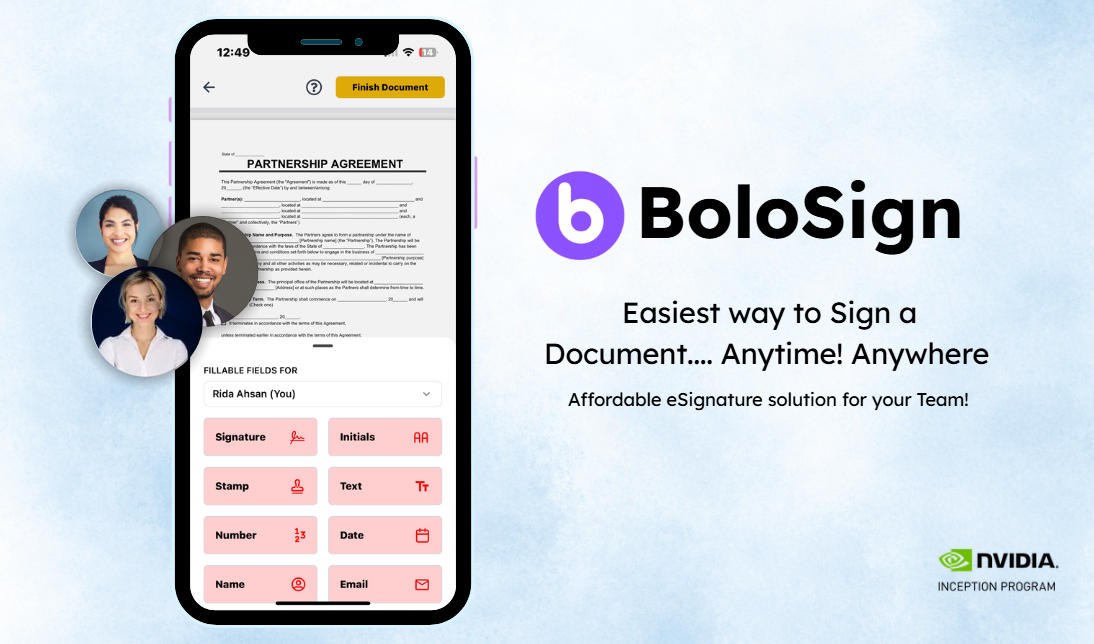
Send, sign, and track documents with BoloSign
Why Education Teams Need a Better E-Signature Solution
Schools and universities manage paperwork for thousands of students and hundreds of staff. Permission slips, enrollment forms, faculty contracts, and financial aid agreements all need signatures — often from parents who cannot visit campus during business hours.
Key documents
permission slips, enrollment forms, faculty contracts, and financial aid agreements
Why Education Teams Are Switching Away from Adobe Sign
The most common reasons education teams leave Adobe Sign are limits issues, lock_in frustrations, and compliance_cost problems. Here is what we hear from teams that switched to BoloSign.
150 transaction cap per user per year on team plans
limitsAdobe Sign team plans are capped at 150 transactions per user per year. That is roughly 12 documents per month — if your team sends more, you either pay for overages or upgrade to Enterprise at custom pricing.
Annual billing required — no monthly flexibility
lock inAll Adobe Sign plans require annual commitment. There is no month-to-month option for teams, which means you are locked in for 12 months before you can evaluate if the tool works for your organization.
HIPAA and FERPA compliance only on Enterprise (custom pricing)
compliance costIf your organization handles patient data or student records, you need HIPAA or FERPA compliance. Adobe only offers this on Enterprise plans with custom (undisclosed) pricing — typically 2-3x the listed rates.
AI Assistant is an extra $4.99/user/month add-on
add onsAdobe's AI features for document assistance are not included in any plan. They cost an additional $4.99 per user per month on top of your existing subscription.
Complex tiering makes it hard to know what you actually need
complexityAdobe offers Standard, Pro, Standard for Teams, Pro for Teams, Studio, and Enterprise — each with different features, transaction limits, and pricing. It takes significant research just to figure out which plan matches your needs.
Adobe Sign vs BoloSign for Education: Side-by-Side Comparison
A 10-person education team pays $240-300/month on Adobe Sign. BoloSign costs $49/month flat for the same team with unlimited everything. Here is the feature-by-feature breakdown.
Feature
BoloSign
$49/month (flat — unlimited everything)
Adobe Sign
$240-300/month (Per-user, billed annually)
Need a Custom Feature for Your Education Workflow?
BoloSign's engineering team builds custom features for education teams and ships them within 1 week. If your workflow requires a specific integration, document type, or automation that does not exist yet — we build it for you.
Custom features shipped within 1 week
- Custom education document templates with industry-specific fields
- Integration with your existing education software/ERP/CRM
- Custom approval workflows matching your organization's hierarchy
- White-label signing experience under your brand
- Custom webhook events for your specific automation needs
Build Education Signing Workflows with BoloSign's REST API
BoloSign's REST API lets education teams embed signing into their own software, auto-generate documents from business events, and sync signed data back to their systems. Full API documentation and sandbox available.
API Capabilities
Watch BoloSign in Action
See how easy it is to send documents for e-signature
Pro Tips
Expert advice for Education
Before switching, list your 5 most-used Adobe Sign templates — you will recreate them in BoloSign in under 10 minutes and never need to rebuild from scratch again.
Run BoloSign in parallel with Adobe Sign for 1-2 weeks — send new education documents from BoloSign while existing Adobe Sign documents complete their signing cycles.
Connect BoloSign to Google Sheets immediately after setup — you will get a free real-time document tracking dashboard that Adobe Sign does not offer.
Calculate your true Adobe Sign cost including all add-ons and per-user fees — most teams discover they are paying 2-4x more than the listed base price.
If your education team needs a feature that BoloSign does not have yet, contact sales — our engineering team ships custom features within 1 week.
Frequently Asked Questions
Everything you need to know about e-signatures in Education
Conclusion
50,000+ businesses have switched from expensive per-user e-signature tools to BoloSign's flat-rate unlimited plan. Start your free 7-day trial or book a demo with our team.