

What Is Document Version Control and How Does It Work?
Learn what is document version control and how it streamlines collaboration, prevents errors, and ensures compliance. A practical guide for modern teams.

Tired of nonsense pricing of DocuSign?
Start taking digital signatures with BoloSign and save money.
Document version control is the systematic process of managing multiple drafts and revisions of a document. It ensures your team always has access to the most current file, tracks every change made, and preserves a complete history of previous versions, eliminating confusion and costly errors.
Untangling Document Chaos With Version Control
Have you ever stared at a folder cluttered with files like Final_Contract_v3_USE_THIS.pdf and ClientAgreement_FINAL_final_2.docx? If that looks familiar, you know the chaos it creates. It's a recipe for confusion, wasted time, and serious mistakes.
Without a clear system, team members can easily overwrite crucial work, reference outdated information, or—worst of all—send the wrong version of a contract to a client.
Think of it like a shared recipe. If everyone makes their own changes to separate copies, you'll end up with a dozen conflicting versions. One person might add more salt while another removes it entirely. The result is a mess. Document version control acts as the master recipe book, creating a single source of truth where every adjustment is recorded in one place.
The Problem With Manual Tracking
Relying on confusing file names or endless email threads is not just inefficient; it's risky. This disorganization leads to significant headaches for businesses, especially in high-stakes industries.
- Staffing Agencies: Sending an offer letter with outdated salary details can instantly damage a candidate relationship and your client's trust.
- Real Estate Firms: Using an old version of a purchase agreement could ignite legal disputes over property terms.
- Healthcare Providers: An unapproved change to a patient consent form could lead to serious compliance violations under HIPAA.
These manual methods leave no clear audit trail, making it impossible to prove which version was agreed upon and signed. For instance, proper versioning is a cornerstone of secure document management, especially in sectors like real estate where document integrity is everything.
When you're dealing with manual methods, it's a constant struggle. But when you switch to an automated system, the difference is night and day.
Let's quickly compare the two.
Manual Tracking vs Automated Version Control
| Challenge | Manual Method (The Problem) | Automated Version Control (The Solution) |
|---|---|---|
| Finding the Right File | Sifting through names like Report_v2_Final.docx and Report_Final_Final.docx. |
A central repository with a clear, single "latest" version. |
| Tracking Changes | Relying on memory, email chains, or "Track Changes" in Word, which can be messy. | Every edit is logged automatically with who made the change and when. |
| Collaboration | Team members accidentally overwrite each other's work or work on outdated copies. | Check-in/check-out features prevent simultaneous edits, ensuring no work is lost. |
| Audit & Compliance | No reliable way to prove document history, creating legal and compliance risks. | A complete, unchangeable audit trail is generated for every document. |
| Restoring Old Versions | Hoping someone saved a copy somewhere on their local drive or in an email. | Instantly revert to any previous version with just a few clicks. |
The table makes it pretty clear: sticking with manual methods is like trying to build a house with a hammer and a prayer. An automated system gives you a full toolkit.
A Systematic Approach to Clarity and Security
Fortunately, there’s a much better way. Document version control provides a systematic approach to managing document changes, ensuring your team is always working on the most up-to-date file while preserving a complete history of every edit. This practice prevents the chaos of overwriting critical contracts or losing track of important updates.
Modern platforms like BoloSign integrate this control directly into your daily workflows. Instead of wrestling with files, you can create, send, and manage legally binding agreements within a secure, centralized system. Every edit is tracked, creating an unchangeable audit trail that strengthens compliance and brings order to your entire document management process.
How Document Version Control Actually Works
To really get why document version control is such a game-changer, you have to look under the hood. It’s not nearly as complicated as it sounds. These systems run on a few simple, logical ideas to turn a chaotic mess of files into a single source of truth. Think of it as a meticulous digital librarian for your most important documents.
The whole point is to swap out uncontrolled, confusing edits for a structured, transparent history.
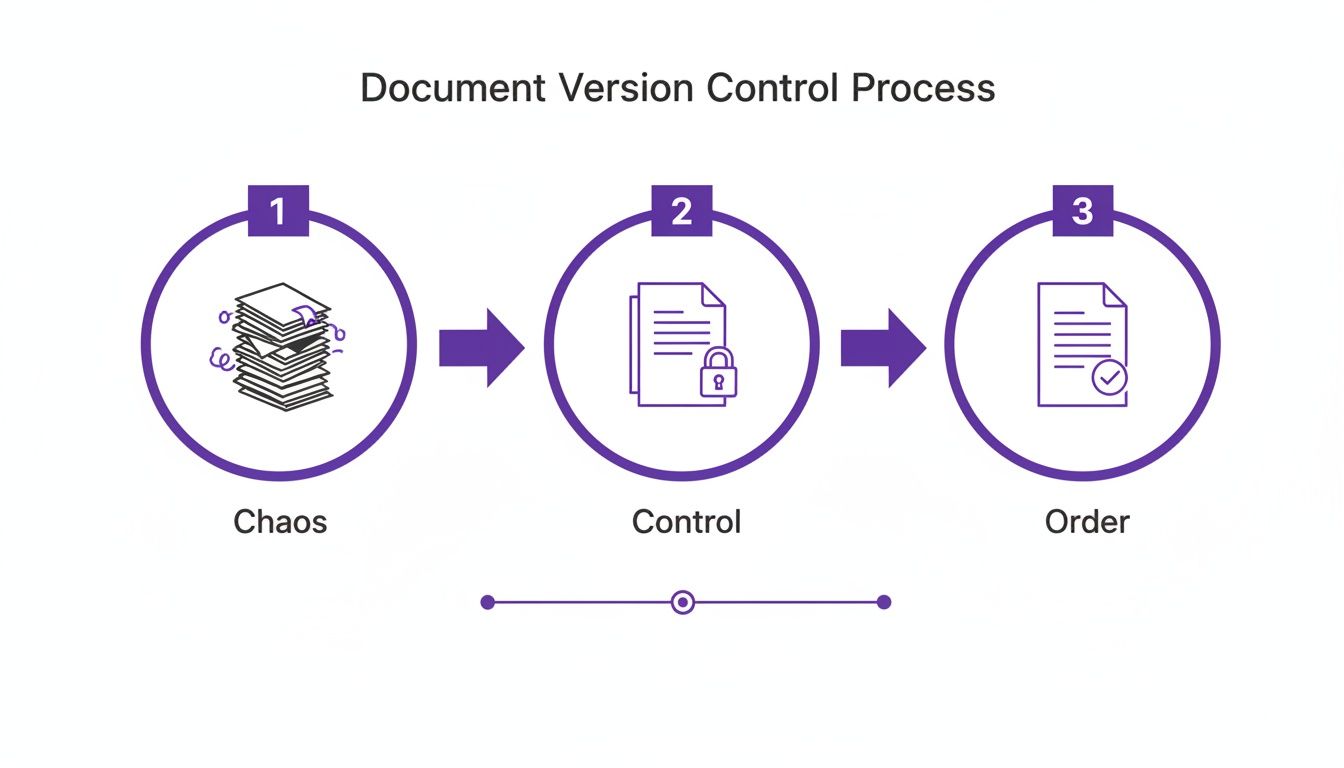
As you can see, the journey moves from total disorganization to a single, controlled document, which ultimately creates legally sound order. This transformation is powered by a handful of key features working in sync behind the scenes.
The Building Blocks of Control
At its core, a version control system automates the tracking that’s nearly impossible for humans to keep up with. It leans on a few specific functions to build that reliable history for every single document.
- Version Numbering: Instead of a folder full of files named
Contract_Final_V2_final_final.docx, the system assigns a unique ID to each revision. A major new draft might be v1.0, while a small tweak becomes v1.1. This simple change instantly tells you where the document is in its lifecycle. - Check-In/Check-Out Systems: This is how you stop people from accidentally overwriting each other's work. When a team member "checks out" a file, it gets locked for editing. This acts as a clear signal to everyone else that it's being worked on. When they "check in" their changes, a new version is automatically created.
- Rollback Capabilities: This is your ultimate safety net. Made a huge mistake? Need to revert to the terms agreed upon last Tuesday? You can instantly restore any previous version of the document. No more digging through old emails—just one simple click.
These features work together to create a secure space where your team can collaborate freely without the fear of losing crucial work or acting on outdated information.
Creating an Unbreakable Audit Trail
The real power of modern version control lies in the audit trail—a detailed, chronological log that records every single thing that happens to a document. This is way more than just a list of saved files. It's a complete history that tells you who made a change, what they changed, and exactly when they did it.
A TechTarget analysis points out that every time a file is updated, the system creates a new version tagged with metadata like the author and a timestamp. This creates an airtight history that is absolutely essential for compliance. For instance, teams in regulated fields like education or finance can easily pull up old standards to prove their actions were aligned with the policies in place on a specific date.
For any legally binding document, this unchangeable audit trail is non-negotiable. It’s the hard proof you need to defend an agreement's integrity, which is vital for meeting compliance standards like HIPAA in healthcare or the ESIGN Act for digital transactions.
This level of detailed tracking is what elevates a system from simple file management to true contract automation and workflow approval. For example, BoloSign builds this compliance-ready audit trail right into the eSignature process. When an education provider sends an enrollment form or a company sends an employment contract, the final version is locked the moment it's signed. The audit trail that comes with it serves as a legally admissible record, detailing the document's entire journey from creation to final signature and ensuring it will hold up under any scrutiny.
The Payoff: Why Version Control is a Game-Changer for Your Business
For any company juggling multiple projects, clients, and team members, moving from a mess of files to a structured system isn't just a minor upgrade. It’s a fundamental shift in how work gets done. Adopting document version control delivers real, day-to-day advantages that directly impact your bottom line, team morale, and even your legal standing.
The benefits are especially powerful for growing companies and those working in regulated fields. Instead of wasting time hunting for the right file, your team can focus on what they do best.
Think about it: a staffing agency can manage dozens of candidate contracts at once, knowing every offer letter has the correct, final terms. Or a real estate firm can confidently track every single edit on a property agreement, making sure all parties are on the same page before a single signature is added.
Drastically Reduce Costly Errors
We're all human, and mistakes happen. But their consequences don't have to be so severe. Working from an outdated document can snowball from a minor hiccup into a major legal headache. Version control is your safeguard, making sure everyone is always working from the single source of truth.
What does this mean in practice?
- Fewer Mistakes: Your team sends the right quotes, uses the correct legal clauses, and references the latest project specs. No more "oops" moments.
- Improved Quality: With a crystal-clear history of every change, quality assurance becomes simpler and much more effective.
- Enhanced Client Trust: Clients get accurate, professional documents every single time. That kind of consistency builds serious confidence in your brand.
Boost Collaboration for Modern Teams
In today's world of remote and hybrid work, smooth collaboration isn't a "nice-to-have"—it's non-negotiable. Version control provides the framework for teams to work together effectively, whether they're in the same office or on different continents. When everyone has access to the latest information in a central hub, you eliminate the productivity-killing silos.
This structured environment is invaluable for any organization that deals with complex paperwork. For growing businesses and regulated teams, the benefits extend to the complex process of drafting and managing commercial agreements and licenses, guaranteeing every change is recorded and auditable.
An organized document workflow isn't just about finding files faster. It's about empowering your team to collaborate with confidence, knowing their hard work won't get lost or overwritten.
Simplify Compliance and Audits
If you're in healthcare, education, or professional services, compliance is the name of the game. Regulations like HIPAA and GDPR demand strict control over how sensitive information is handled. Document version control provides the immutable audit trail you need to meet these standards without breaking a sweat.
In these industries, audit trails are your best friend. In fact, one company saw a 30% reduction in approval times just by implementing a version control system.
This is where a platform that builds version control directly into secure workflows becomes essential. For instance, when a healthcare provider uses BoloSign for patient intake forms, the system automatically generates a comprehensive audit log. That log is fully HIPAA compliant, providing a clear, defensible history of the document’s entire lifecycle.
Make Enterprise-Grade Features Affordable
Not too long ago, powerful document management systems were reserved for huge corporations with deep pockets. Thankfully, modern tools are changing the game for small and growing businesses. You no longer have to choose between a system you can afford and one with robust features.
BoloSign was built on this very principle. We offer unlimited documents, team members, and templates at one fixed price. This makes top-tier capabilities—like legally binding eSignatures, AI-powered automation, and compliant audit trails—accessible to everyone.
At 90% more affordable than traditional tools, it allows you to scale your operations without ever worrying about surprise fees or per-user costs. Ready to see how these benefits can transform your own workflows? Start a 7-day free trial of BoloSign and experience a simpler, more secure way to manage your documents firsthand.
Version Control in High-Stakes Environments
In a lot of offices, document version control is a great way to stay organized. But when the stakes are high—think legal, healthcare, or logistics—it’s not just a nice-to-have. It’s an absolute necessity.
For these industries, a single mistake from using an outdated document isn't just a minor hiccup. It can spiral into serious legal trouble, compliance failures, and major financial losses. When every detail counts and a solid audit trail is mandatory, a powerful system for tracking changes becomes the bedrock of your entire operation.
Navigating Legal Complexities
For legal teams, contract negotiations can feel like navigating a minefield of drafts, redlines, and revisions. Without one central place to store everything, crucial documents get buried in endless email chains, creating a mess of confusion and costly mistakes.
Version control brings order to this chaos. Adobe found that 47% of professionals point to confusing filing systems as a major headache. A good system solves this by creating a permanent, unchangeable record of every single iteration. If you want to dive deeper, you can discover more insights about legal document management.
Here’s what that looks like in practice:
- Automated Versioning: Every change gets a timestamp, so you know exactly when a clause was added or removed.
- Detailed Logs: You can see precisely who altered the document, creating a clear line of accountability.
- Side-by-Side Comparisons: Instantly spot the differences between two versions, making reviews faster and way more accurate.
With this level of control, when you send a contract out for signature, you can be 100% confident it’s the right one.
Ensuring Healthcare Compliance and Patient Safety
In healthcare, document accuracy isn't just about good record-keeping; it's directly linked to patient safety and regulatory compliance. Heavy-hitting regulations like HIPAA demand strict controls over patient information and procedural documents. One small, unapproved change to a patient consent form can have devastating consequences.
Version control provides the rigorous oversight needed to stay compliant. It ensures that clinicians are always working with the most current, approved forms and policies, eliminating the risk of using outdated information. Platforms like BoloSign, which offer compliant eSignature solutions, build this control right into their workflows. Every signed patient form is backed by a detailed, HIPAA-compliant audit trail, giving you a defensible record of the document's entire history.
Maintaining Order in Logistics and Supply Chains
The logistics industry runs on precision. A shipping agreement, a bill of lading, a customs form—these documents contain the critical details that keep supply chains moving. Using an old freight agreement with outdated rates can halt shipments and lead to expensive disputes with vendors.
For a logistics company, the "single source of truth" isn't just an efficiency metric—it's the difference between a shipment arriving on time and a container getting stuck at a port for weeks.
By implementing solid version control, logistics companies make sure every driver, warehouse manager, and partner is working from the same playbook. It guarantees consistency from the moment a shipment is picked up to its final delivery.
BoloSign is built to support these high-stakes industries by embedding compliance and security into every step. With full adherence to ESIGN, eIDAS, HIPAA, and GDPR, our platform gives you a secure environment for managing critical agreements. Our AI-powered automation helps reduce risk even further by speeding up contract reviews and flagging potential issues before they become real problems. Ready to bring this level of control to your team? Explore our digital signing solutions to see how it works.
Integrating Version Control into Your Daily Workflows
Real efficiency isn't about piling another standalone tool onto your tech stack. It’s about weaving powerful features directly into the workflows you and your team already live in every day. This is especially true for document version control—its true power is unlocked when it works seamlessly in the background.
Think of it like this: a separate version control app is like having a locked file cabinet down the hall. Every time you make an update, you have to stop what you're doing, walk over, find the right key, and manually file the new version. An integrated system, on the other hand, is like having a smart assistant right at your desk, automatically organizing every draft and final copy as you work.
Why Built-In Versioning is a Game-Changer
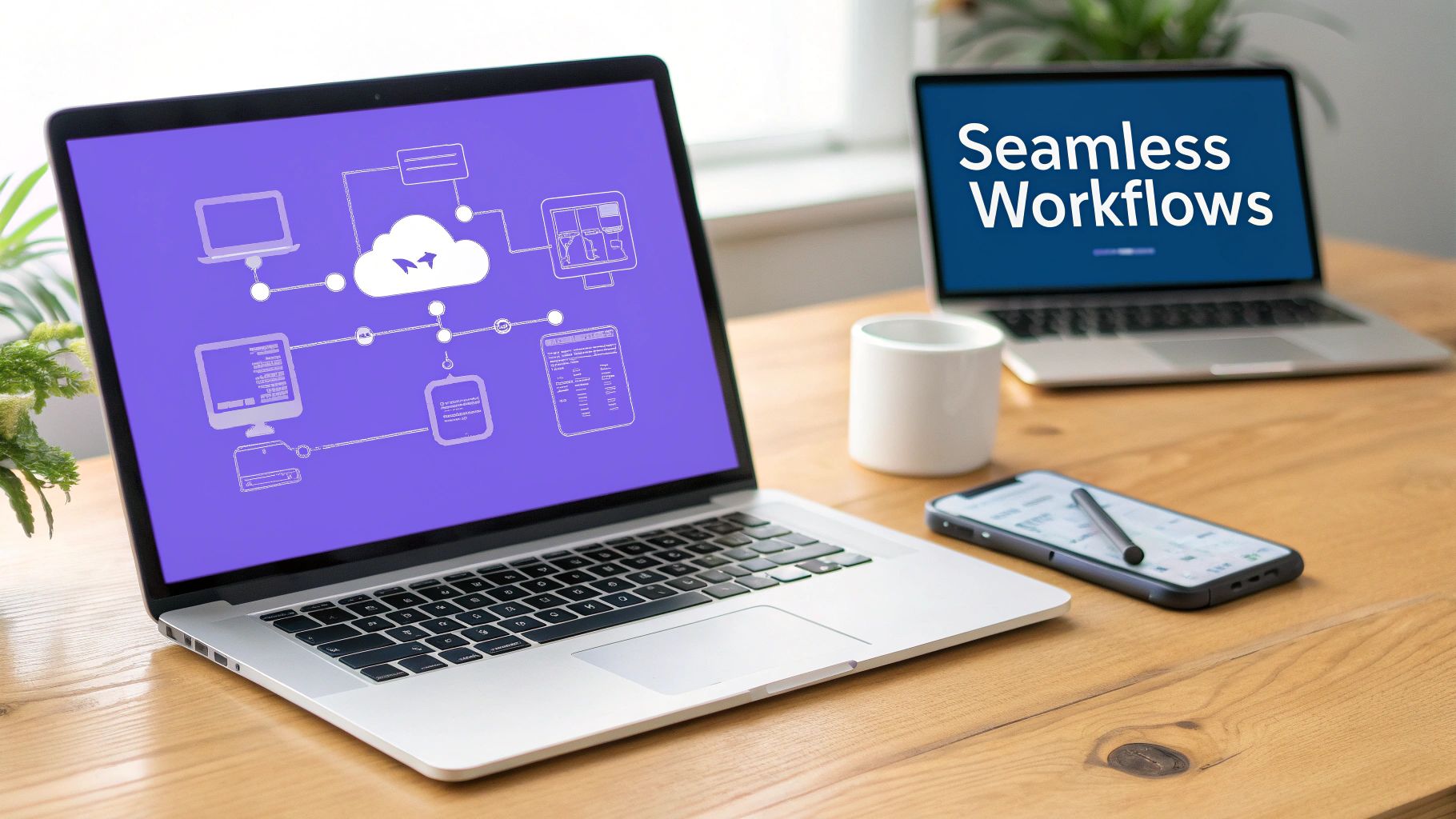
When version control is baked directly into your eSignature and contract management platform, it becomes an invisible but powerful force for order and security. Instead of juggling documents in one place and signatures in another, everything happens inside a single, unified environment.
Platforms like BoloSign build version control into every step of your document’s life. This takes what used to be a clunky, disjointed process and turns it into a fluid, automated system.
The goal is to make version control so natural that you don't even have to think about it. Your system should handle the tracking, logging, and security, freeing you up to focus on the work itself.
For example, think about these common situations, all handled effortlessly in one place:
- Managing Reusable PDF Templates: A consulting firm updates its standard master services agreement. The system automatically creates a new version of the template, making sure all future contracts start from the correct one while keeping a perfect history of the old versions.
- Tracking Form Changes: An education provider needs to modify its enrollment forms to comply with new regulations. Every change is logged, giving them a clear history for audits and ensuring signed forms are always linked to the exact version the student saw.
- Handling Multi-Recipient Signatures: A real estate agent sends a purchase agreement to a buyer, seller, and their respective agents. The platform tracks the document's journey for each person, maintaining a complete history of the signature request from the moment it was sent.
Building a Fully Automated, End-to-End Process
The power of integration doesn't stop with a single platform. When your central document hub can talk to the other tools your business relies on, you can build a truly automated, version-controlled process from start to finish. This is where you graduate from simple efficiency to real operational excellence. Curious about setting up a system like this? Learn how to automate your company's approval workflow to see how it works.
BoloSign’s integrations with tools like Zapier, HubSpot, and Google Drive make this a reality.
Imagine a sales team using HubSpot. When a deal is moved to the "Contract Sent" stage, it can automatically trigger BoloSign to generate a sales contract. That contract is version-controlled, sent out for eSignature, and once signed, the final version is automatically saved back to Google Drive and attached to the client's record in HubSpot.
This seamless connection makes BoloSign the central command for secure and efficient document management. It cuts out the manual steps and guarantees a perfect audit trail every single time. With AI-powered automation and solid compliance features, it’s simply the smarter way to handle your most important agreements.
Putting Document Version Control Into Practice
Alright, so you understand what version control is and why it matters. Now for the fun part: making it a reality in your business. Moving from theory to practice can feel like a big step, but it's really about building a few simple, smart habits. The goal is to create a consistent system that your whole team can get behind without a second thought.
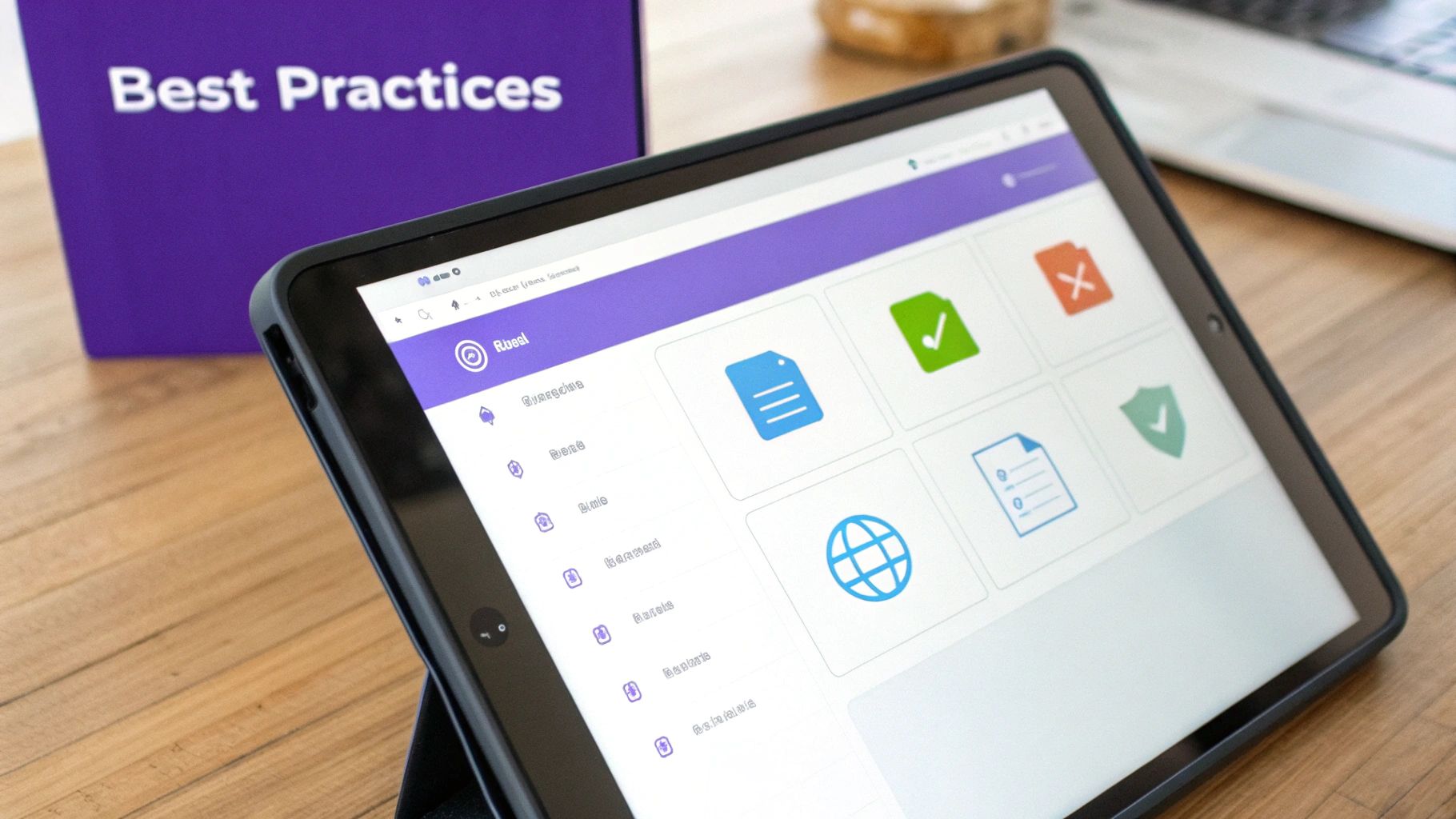
This isn’t about bringing in expensive consultants or wrestling with complicated software. It’s about setting some straightforward ground rules. These best practices are the bedrock of a reliable system that cuts through the clutter and gets everyone working from the same script.
Laying Down a Clear Framework
Your first move is to define the rules of the game. A little bit of structure right now saves you from a world of chaos later. Get started with these foundational habits:
- Create a Naming Convention: Settle on a standard way to name every file. Something simple like
DocumentType_ClientName_YYYY-MM-DD_v1.0tells you exactly what a file is, who it's for, and where it is in its lifecycle at a single glance. - Define User Roles and Permissions: Not everyone on your team needs the keys to the kingdom. Restrict editing rights to only the necessary people to keep your documents secure. Think about a real estate agency—you’d only want the lead agent to have final approval rights on a sales contract, right?
- Centralize Your Documents: It's time to end the madness of files scattered across desktops and inboxes. Using a single, cloud-based hub makes it crystal clear where the one true version of any document lives.
Getting these habits in place is your first real step toward a transparent, solid workflow. It turns "version control" from a fuzzy concept into a concrete part of your team's daily routine.
Let the Right Platform Do the Heavy Lifting
You could enforce all these best practices manually, but why make it harder on yourself? A platform built for secure document workflows handles all of this automatically. BoloSign, for instance, bakes these principles right into its system, making implementation a breeze. It’s designed to help you create, send, and sign PDFs online while taking care of the version control behind the scenes.
BoloSign’s reusable templates, for example, guarantee your team is always working from the latest approved version of a contract or agreement. The unified dashboard gives you a single command center to see every document, and the team management tools make setting user permissions dead simple.
Ready to see just how easy this can be? Start your 7-day free trial of BoloSign and see for yourself how a smart platform can turn best practices into an effortless, automated reality.
Frequently Asked Questions
Even with a solid understanding of document version control, a few questions always pop up when you're ready to put it into practice. Let's tackle some of the most common ones to clear things up.
What Is the Difference Between Version Control and Simple File Backups?
It's easy to mix these two up, but they solve very different problems. Think of a backup as a snapshot in time—a complete copy of everything, just in case of a disaster like a server crash or a lost laptop. It's your safety net.
Version control, on the other hand, is like a detailed, living history of a single document. It doesn't just save a copy; it meticulously tracks every single change. Who edited it? What exactly did they alter? When did they do it? This gives you the power to compare versions side-by-side, undo a specific change without losing other work, and see the entire story of a document's creation. That level of detail is something a simple backup could never provide.
How Does Version Control Work With Legally Binding eSignatures?
This is where version control becomes absolutely essential. When a document is finalized and sent out for a signature with a platform like BoloSign, that specific version is essentially locked in place. You can't have people signing different versions of the same agreement—that would be a legal nightmare.
The system then creates a rock-solid audit trail that's permanently tied to that exact, signed version. This trail is your tamper-evident proof, showing who signed, when they signed, and that the document hasn't been altered since. This is fundamental for meeting the standards of regulations like the ESIGN Act and eIDAS, ensuring the contract you both agreed on is the one that holds up.
Can I Use Version Control Without Expensive Software?
Sure, you could try to manage it manually. Some teams attempt this with complex file-naming rules (Contract_v3_Final_JDEdits_FINAL_2.docx) and separate changelog documents. But let's be honest—this approach is a magnet for human error and becomes a chaotic mess as soon as more than one person is involved. Plus, it completely lacks the automated audit trails you need for compliance.
This is why modern platforms integrate version control directly into your daily workflow. At BoloSign, for instance, we build it right in. You get unlimited documents, team members, and templates at a single, fixed price. It gives you the security and efficiency of an enterprise-level system, but at a cost that’s 90% more affordable than many of the big-name tools out there. It’s a practical solution that actually scales with your business.
Ready to see how straightforward and secure document management can be? With BoloSign, you can create, send, and sign all your PDFs, templates, and forms in minutes, backed by AI-powered automation and a compliant audit trail you can trust.
See the difference for yourself. Start your 7-day free trial today and find out why businesses around the world are simplifying their workflows with us.

Paresh Deshmukh
Co-Founder, BoloForms
28 Jan, 2026
Take a Look at Our Featured Articles
These articles will guide you on how to simplify office work, boost your efficiency, and concentrate on expanding your business.



