

Top 12 Best Workflow Automation Software Tools for 2026
Discover the 12 best workflow automation software platforms of 2026. Compare features, pricing, and use cases to find the right tool for your business needs.

Tired of nonsense pricing of DocuSign?
Start taking digital signatures with BoloSign and save money.
In today's fast-paced business environment, manual processes are a significant roadblock to growth. From onboarding new hires in a staffing agency to finalizing sales contracts in real estate, repetitive tasks consume valuable time, drain resources, and introduce unnecessary human error. The solution? Workflow automation. By automating routine processes, you can boost team efficiency, reduce costly mistakes, and free up your staff to focus on strategic initiatives that drive real business value.
But with countless options available, choosing the best workflow automation software can be overwhelming. This guide cuts through the noise in a practical, conversational way. We provide a detailed, side-by-side comparison of the top platforms to help you find the perfect fit for your specific needs, whether you're a startup looking to scale or an established enterprise refining complex operations. To truly streamline success and find the right automation engine, it helps to first understand how to optimize various business operations, including efficient Procure to Pay Processes.
This comprehensive listicle dives deep into each tool's core features, ideal use cases, integration capabilities, and pricing structures. We’ll explore everything from no-code giants like Zapier to eSignature-driven solutions like BoloSign that automate document-heavy workflows in sectors like HR, legal, and sales. Each review includes screenshots and direct links, giving you all the information needed to make a confident, informed decision and select the right automation engine to power your business's success.
1. Closer Innovation Labs Corp.
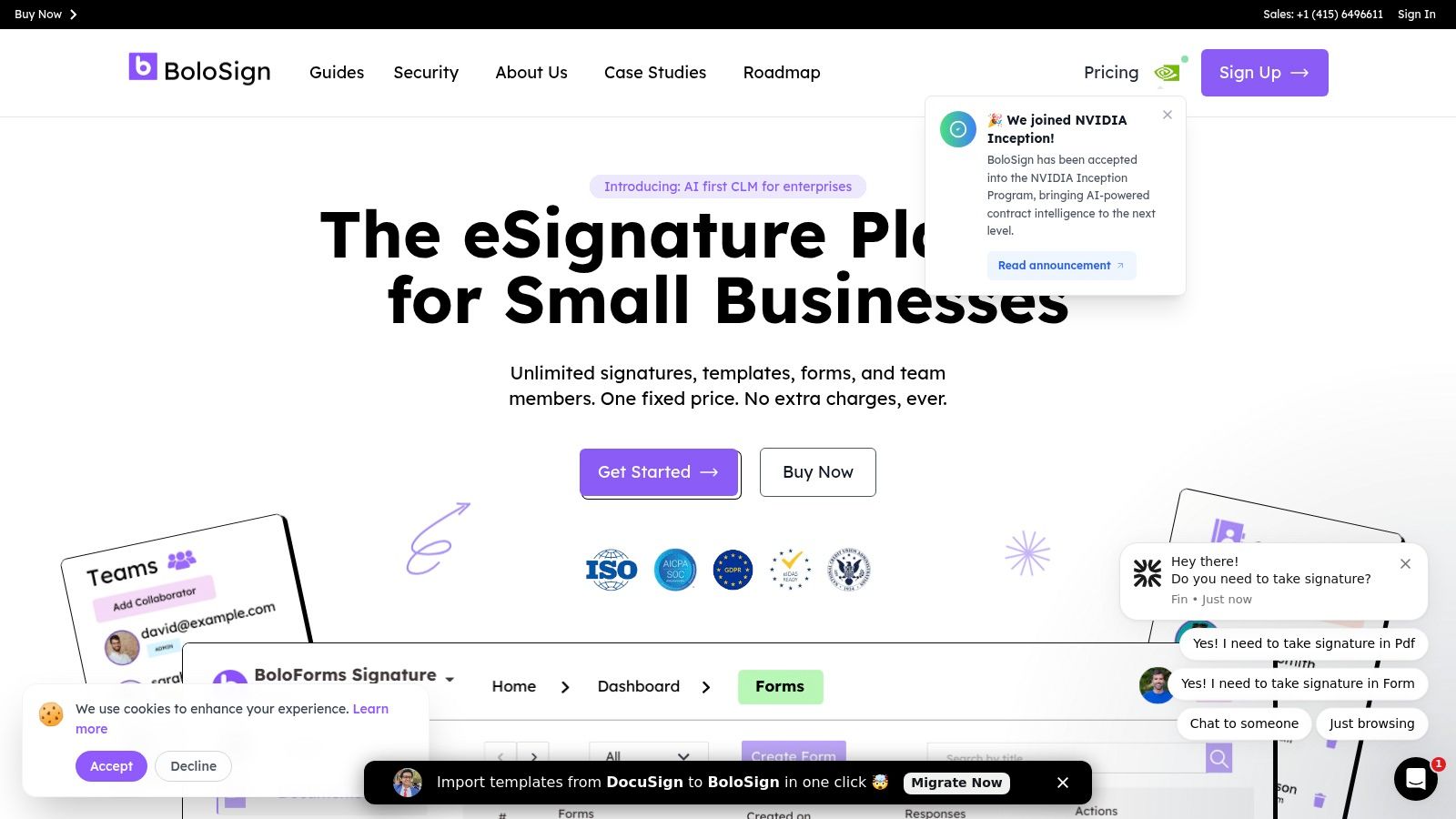
Closer Innovation Labs Corp. introduces BoloSign, a powerful eSignature and contract management platform engineered to anchor your document-centric processes. Positioned as a premier choice for the best workflow automation software, BoloSign excels by combining enterprise-grade compliance and AI-powered automation with a pricing model designed for accessibility and scale. It directly addresses the primary pain point for growing businesses: the unpredictable, escalating costs of traditional eSignature tools.
BoloSign’s core value proposition is its transparent, single fixed-price structure. This model grants unlimited documents, team members, and templates, effectively eliminating the per-user or per-envelope fees that often penalize growth. This makes it an incredibly cost-effective solution—up to 90% more affordable than legacy platforms—while delivering robust functionality. Businesses in high-demand sectors like healthcare, real estate, and logistics can now automate high-volume agreement workflows—from patient intake forms to vendor contracts—without worrying about hitting a usage ceiling.
Key Features and Strategic Advantages
What sets BoloSign apart is its intelligent blend of usability and sophisticated automation. A standout feature is the unique ability to add a legally binding signature field directly within Google Forms, streamlining data collection and authorization into a single, familiar step. This is invaluable for HR teams automating onboarding or education institutions managing admissions. For professional services firms, its one-click DocuSign template import tool significantly reduces the friction of migration.
The platform is built on a foundation of security and compliance, adhering to global standards like ESIGN, UETA, eIDAS, GDPR, and HIPAA, and is fortified with ISO 27001 and SOC 2 protections. This makes it a reliable choice for legal and compliance teams in highly regulated industries. Integration is another major strength; BoloSign connects seamlessly with essential business tools including Zapier, Salesforce, HubSpot, and Google Drive, ensuring it enhances, rather than disrupts, existing workflows. Its AI-powered automation accelerates document review and analysis, transforming static contracts into actionable data.
Use Case Spotlight: HR and Sales Automation
- For HR/Staffing Agencies: Automate the entire employee lifecycle. Use reusable PDF templates for offer letters, NDAs, and policy acknowledgments. Route documents for multi-departmental approval and track progress in real-time.
- For Sales Teams: Integrate BoloSign with your CRM (like Salesforce or Pipedrive) to generate and send sales contracts directly from a deal record. This accelerates the sales cycle and provides a complete audit trail for every agreement.
Website: https://boloforms.com
| Feature Analysis | Closer Innovation Labs Corp. (BoloSign) |
|---|---|
| Pricing Model | Single fixed price for unlimited documents, team members, and templates |
| Unique Capability | Legally binding signatures embedded directly in Google Forms |
| Security & Compliance | ESIGN, eIDAS, HIPAA, GDPR, ISO 27001, SOC 2 |
| AI Features | AI-powered automation for accelerated document review |
| Key Integrations | Zapier, Make, HubSpot, Salesforce, Google Workspace, Microsoft Teams |
Ready to simplify your contract workflows and eliminate unpredictable costs? You can explore how BoloSign makes it easy to sign PDFs online and build secure, automated processes.
2. Zapier
Zapier is arguably the most recognized name in no-code integration, functioning as the digital glue connecting thousands of disparate web applications. Its core strength lies in its simplicity and sheer breadth of connectivity, making it an ideal choice for the best workflow automation software for small to mid-sized businesses and non-technical users. The platform allows you to create automated workflows, called "Zaps," using a simple "if this, then that" logic. For instance, a logistics company could create a Zap that automatically saves a new shipping manifest from a Gmail attachment to Dropbox and then notifies the warehouse team in a Slack channel.
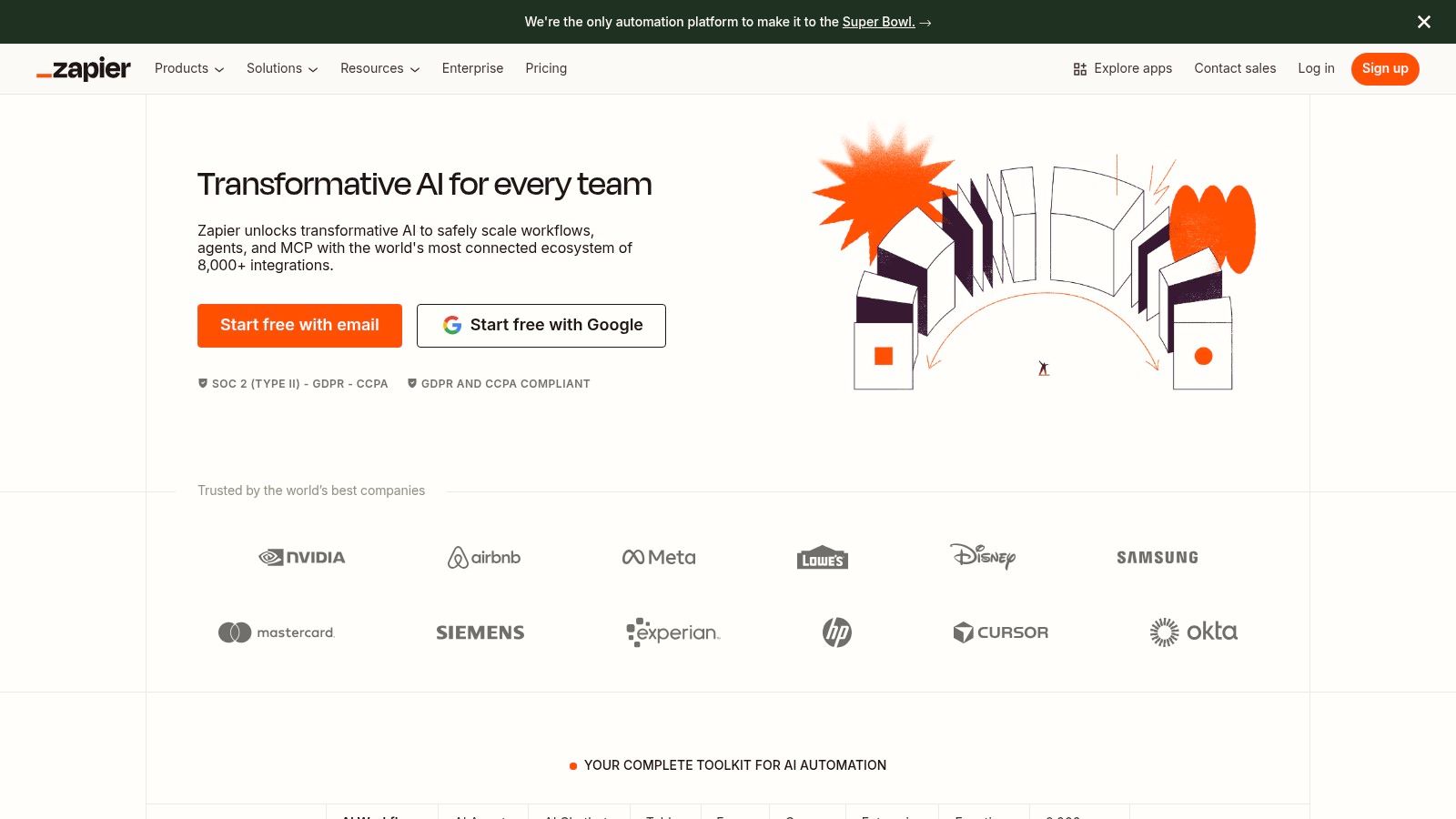
This massive library of pre-built integrations is Zapier's key differentiator, offering a quick time-to-value without requiring any developer resources. Users can also leverage built-in tools like Tables and Forms to create lightweight databases and data-capture points directly within their automations. For those looking to automate business workflow processes from end to end, Zapier provides a powerful and accessible starting point.
Key Features & Considerations
- Ease of Use: An intuitive visual builder makes creating multi-step Zaps straightforward, even for beginners.
- Integration Library: With over 5,000 supported apps, the ecosystem is unmatched, covering everything from CRMs and marketing platforms to project management tools.
- Pricing Model: Plans are primarily based on the number of "tasks" (actions your Zaps perform) you use per month. This can become costly for high-volume operations, requiring careful monitoring of task consumption.
- Limitations: While excellent for linear, app-to-app connections, complex logic, branching, or advanced error handling can be challenging and often requires moving to a higher-tiered plan or a different platform entirely.
Website: https://zapier.com
3. Make (formerly Integromat)
Make, formerly known as Integromat, is a visually-driven platform that excels at creating complex, non-linear workflows. Its core strength lies in its powerful, drag-and-drop scenario builder, which allows users to map out intricate processes with branching logic, loops, and advanced data transformations. This makes it an excellent choice for the best workflow automation software for tech-savvy users, developers, and businesses with demanding, high-volume data operations who need granular control over their automated processes. For example, a user could build a scenario to parse a complex JSON webhook, iterate through a list of items, query a database for each item, and then aggregate the results before sending a summary to a project management tool.
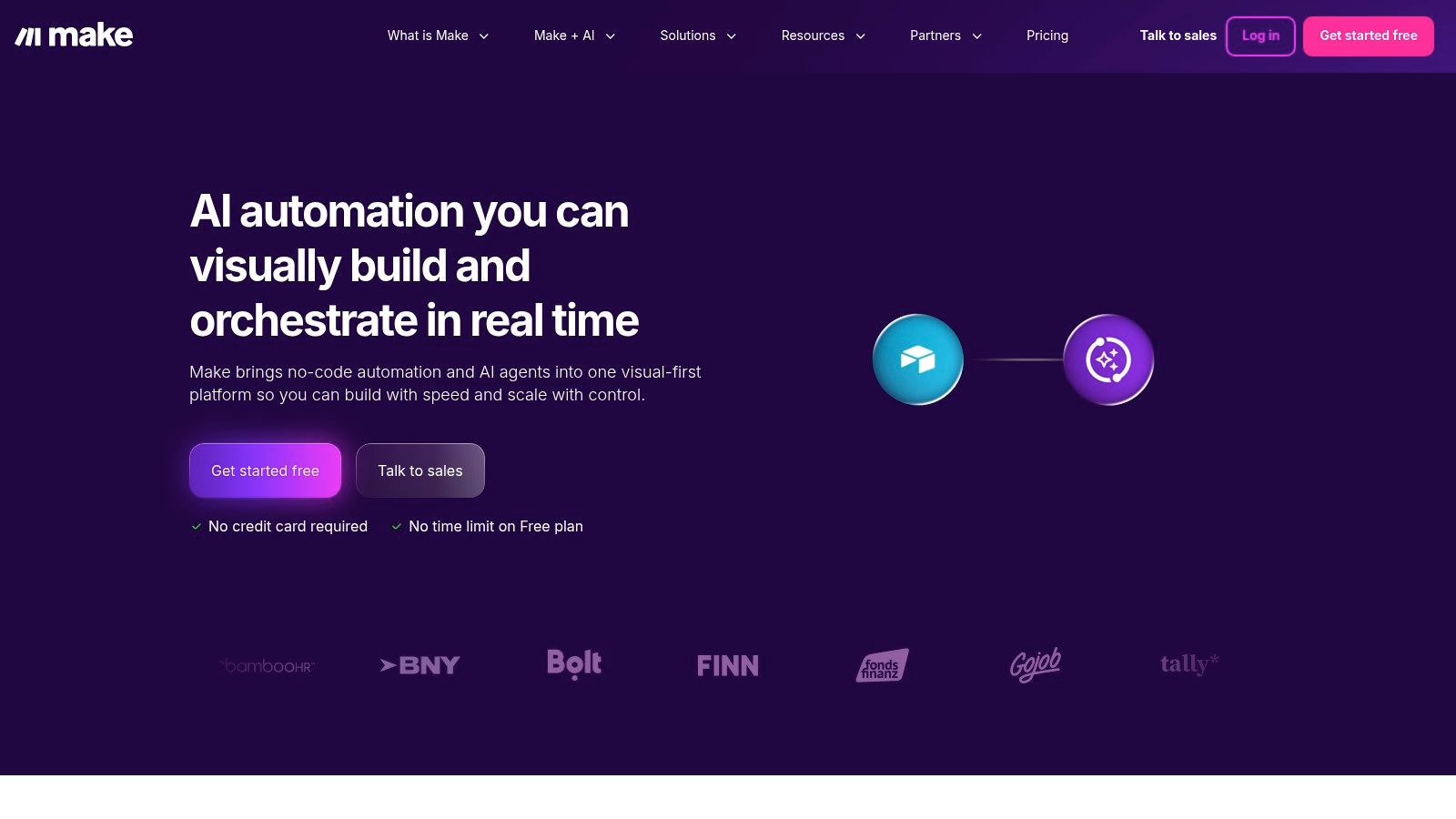
This visual, canvas-based approach is Make's key differentiator, offering a unique way to visualize and debug data flow that is difficult to achieve in more linear, list-based builders. It empowers users to tackle sophisticated automation challenges that would typically require custom code. While it presents a steeper learning curve than simpler tools, the payoff is a highly flexible and cost-effective solution for complex, high-operation workflows, particularly when you need to automate a business workflow from end to end with multiple decision points.
Key Features & Considerations
- Visual Scenario Builder: The drag-and-drop canvas allows for building highly expressive workflows with routers, iterators, aggregators, and error handlers for unparalleled logical control.
- Data Transformation Tools: Offers robust built-in modules for manipulating text, numbers, dates, and arrays directly within your automations without needing external tools.
- Pricing Model: Plans are based on the number of "operations" (a single action, like reading a file or sending an email) used per month. This model can be very cost-effective for heavy usage, but complex scenarios with loops can consume operations quickly.
- Learning Curve: The platform's immense flexibility and power come with a higher initial learning curve compared to simpler "if this, then that" automation tools.
Website: https://www.make.com
4. Microsoft Power Automate
For organizations deeply embedded in the Microsoft ecosystem, Power Automate stands out as a powerful, low-code automation engine. It seamlessly connects Microsoft 365, Teams, SharePoint, and Dynamics 365, making it the best workflow automation software for businesses that rely on these tools. The platform goes beyond simple app-to-app connections by offering both cloud-based API "flows" and desktop-based Robotic Process Automation (RPA) for automating legacy systems. This dual capability allows users to automate everything from modern cloud services to on-premise, UI-driven tasks within a single environment.
Power Automate's key differentiator is its integration with Dataverse, providing a secure, scalable data backbone for automated processes. This makes it ideal for building complex solutions like a sophisticated automated approval workflow system that can handle intricate business logic and data storage requirements. Its ability to combine API and UI automation makes it a versatile choice for enterprises aiming to modernize operations while still supporting older applications.
Key Features & Considerations
- Deep Microsoft Integration: Unparalleled native connectivity with Office 365, SharePoint, and Dynamics 365, enabling robust internal process automation.
- Hybrid Automation: Combines cloud (API) flows and desktop (RPA) flows, including attended and unattended bots, to automate a wide range of tasks.
- Licensing Complexity: The pricing model, which often involves per-user, per-flow, and add-on licenses for features like RPA, can be complex and requires careful planning to manage costs.
- Governance: Setting up and managing environments, data loss prevention (DLP) policies, and connector governance requires significant administrative familiarity with the Power Platform.
Website: https://www.microsoft.com/en-us/power-platform/products/power-automate/pricing
5. Workato
Workato positions itself as an enterprise-grade Integration Platform as a Service (iPaaS), designed for mission-critical, cross-departmental automations within large organizations. It moves beyond simple "if this, then that" logic to handle complex, multi-system workflows involving HR, finance, and IT. For instance, a large healthcare provider could use Workato to orchestrate a complete employee onboarding process that provisions accounts in Active Directory, creates a profile in Workday, and assigns initial training in a learning management system, all triggered from a single HR event.
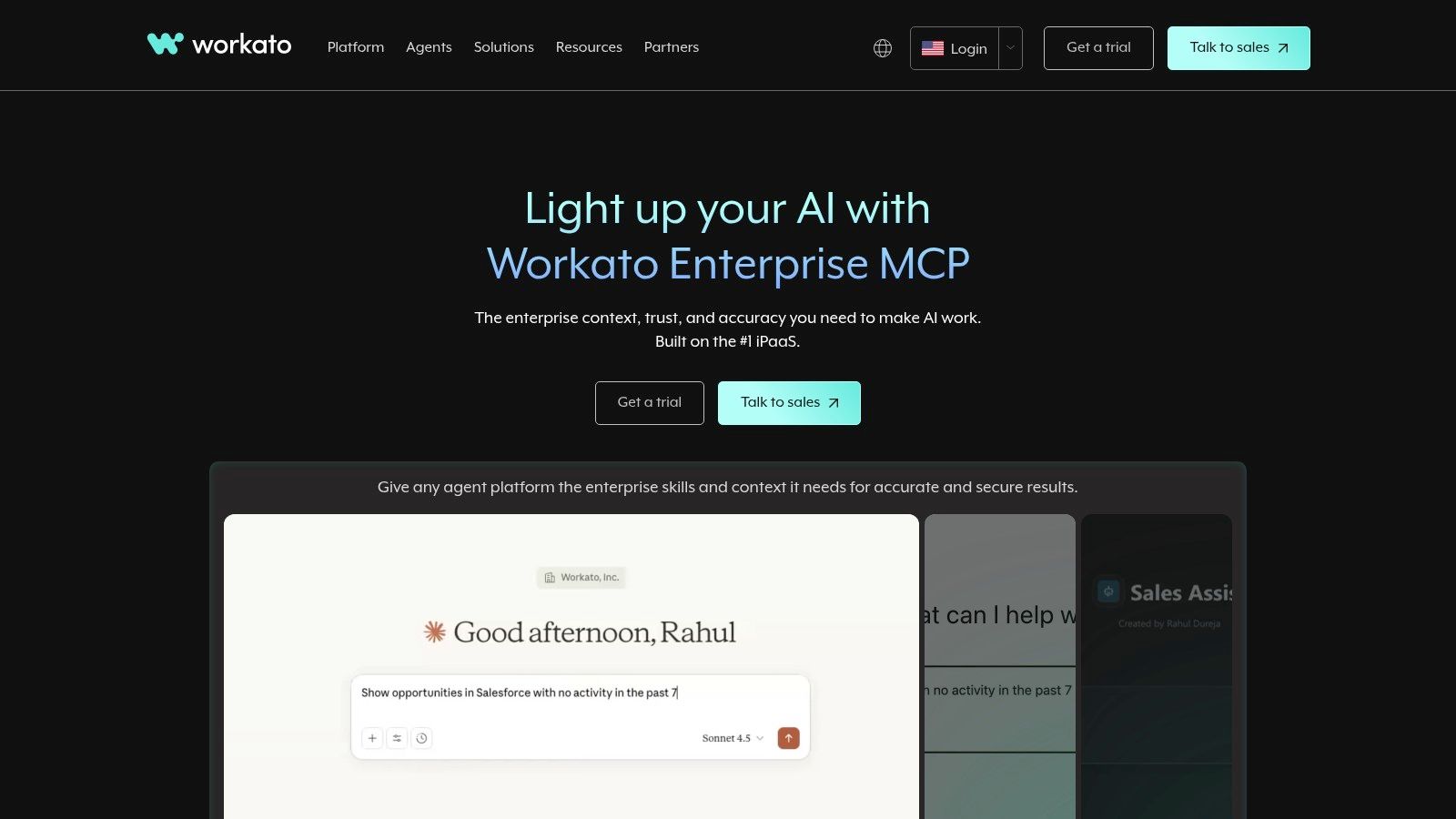
Its core strength lies in robust governance, lifecycle management, and security features tailored for enterprise needs. Workato provides the tools for IT teams to manage, monitor, and secure automations at scale, making it one of the best workflow automation software options for companies with stringent compliance and administrative requirements. The platform's use of "recipes" for automation allows for both pre-built solutions and highly customized development.
Key Features & Considerations
- Enterprise-Grade Focus: Built for complex, cross-departmental automation with strong governance, role-based access controls, and environment management (dev/test/prod).
- Hybrid Connectivity: Offers on-premise agents and SDKs to securely connect cloud applications with legacy systems behind a corporate firewall.
- Pricing Model: Features a sales-led, usage-based model that can have a higher total cost of ownership compared to SMB-focused tools, making it less suitable for simple or low-volume needs.
- Complexity: The platform's extensive capabilities and enterprise focus mean it can be overkill and overly complex for small businesses or teams needing simple app-to-app connections.
Website: https://www.workato.com
6. n8n
n8n is a powerful open-source workflow automation platform that offers a unique value proposition for developers and technically-inclined teams. It provides the flexibility to self-host its Community Edition for free or use a managed cloud service, positioning it as an excellent choice for businesses that prioritize control, customization, and cost-effectiveness. The platform’s core is its visual, node-based editor, which allows users to build complex, multi-step workflows with advanced logic, branching, and custom code execution.
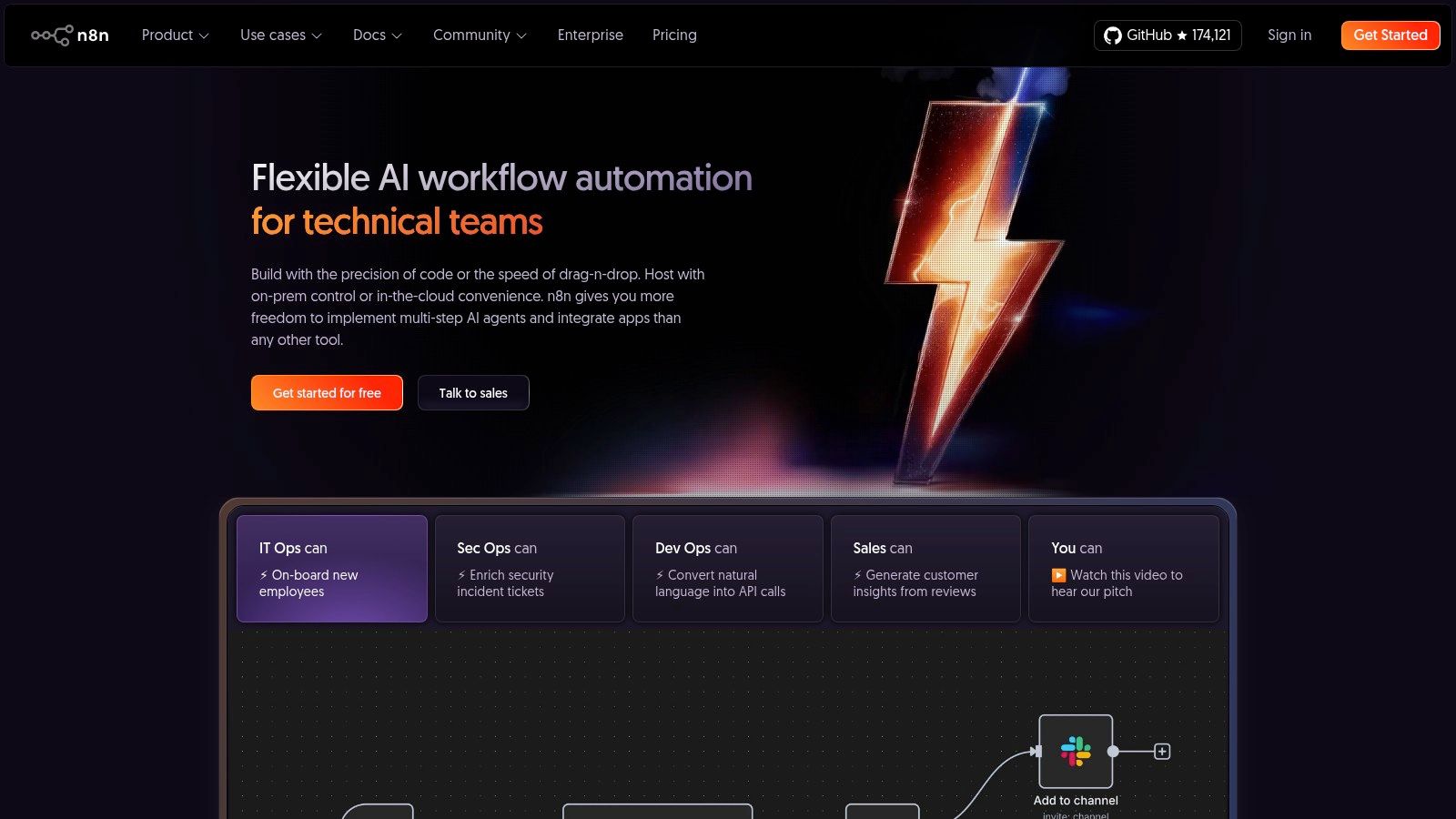
Unlike platforms that bill per task, n8n's cloud pricing is based on the number of workflow executions, which can be more economical for workflows with many steps. This makes it a strong contender for the best workflow automation software for data-heavy processes, internal tooling, and back-end automations where cost at scale is a primary concern. The ability to extend its functionality with JavaScript or TypeScript makes it highly adaptable to unique business challenges that off-the-shelf connectors cannot solve.
Key Features & Considerations
- Hosting Flexibility: Offers a free, self-hosted Community Edition for complete data control and a paid cloud version for convenience.
- Extensibility: Natively supports custom JavaScript and TypeScript code within any workflow, allowing for nearly limitless customization and integration possibilities.
- Cost-Effective Model: Self-hosting can be extremely cheap, and the cloud version’s execution-based pricing is advantageous for complex, multi-step automations. There are no per-user limits on self-hosted instances.
- Security & Maintenance: Self-hosting places the responsibility for security and updates squarely on the user. Staying current with patches is critical, as recent vulnerabilities have highlighted the risks of unmaintained instances. The cloud offering has a trial but no permanent free tier.
Website: https://n8n.io
7. Pipedream
Pipedream is a developer-centric workflow automation platform designed for connecting APIs and running custom code in event-driven automations. It occupies a unique space in the market, offering a powerful alternative for technical users who find traditional no-code tools too restrictive. The platform is considered one of the best workflow automation software options for scenarios that require intricate logic, data transformation, or direct interaction with APIs that lack pre-built connectors elsewhere. You can build workflows using a mix of over 3,000 integrated app triggers and actions alongside custom code steps written in JavaScript, Python, or Go.
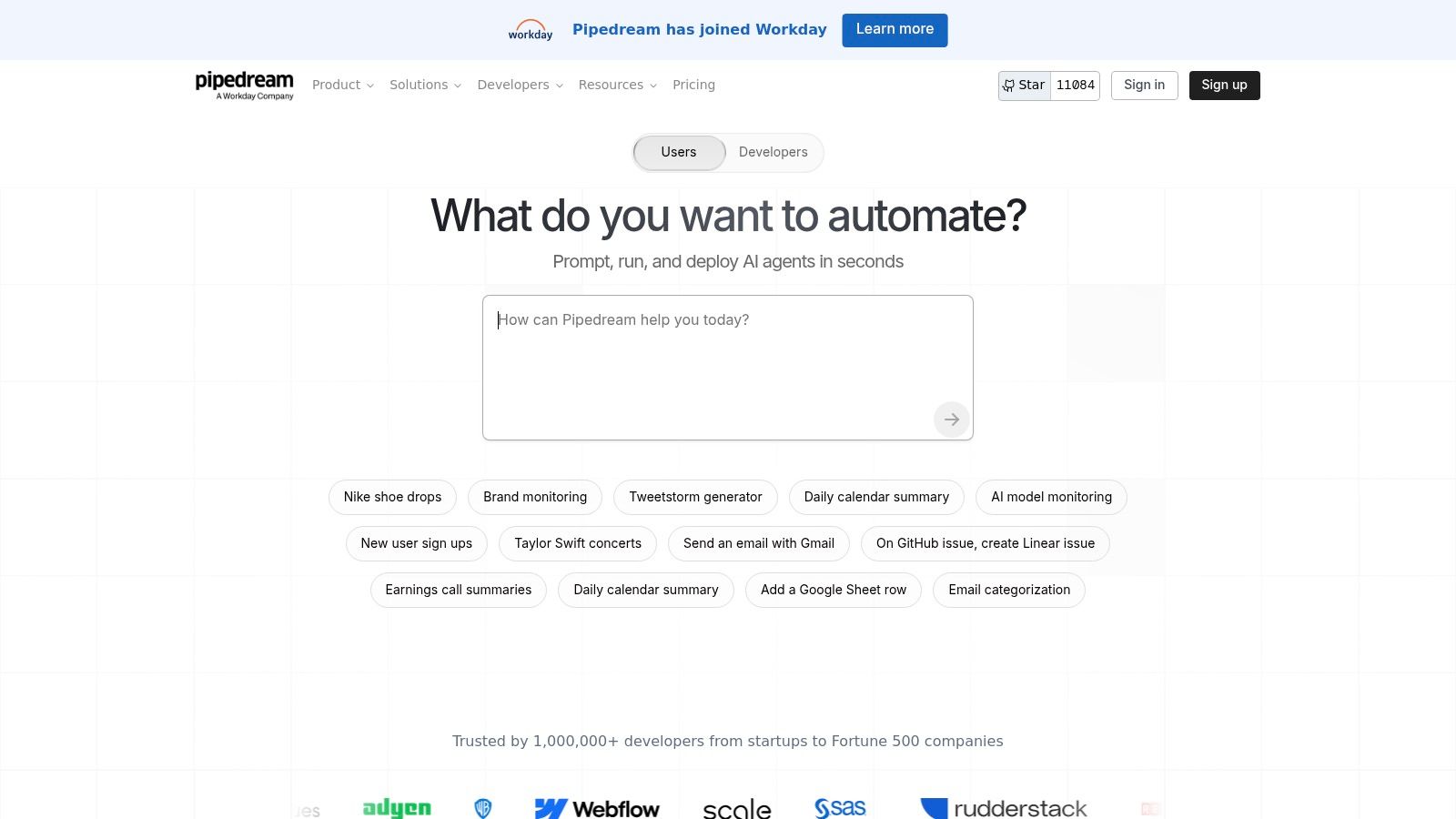
This hybrid code-first and no-code approach is Pipedream's key differentiator, empowering developers to solve complex integration challenges without being locked into a purely visual interface. Its pricing model, based on compute time rather than the number of tasks, is another significant advantage for high-frequency or API-intensive workflows, often making it more cost-effective than per-action alternatives. For teams needing to integrate custom applications or perform sophisticated data manipulation, Pipedream provides an unparalleled level of flexibility and control.
Key Features & Considerations
- Code-Level Control: Execute Node.js, Python, or Go code directly within your workflows, enabling custom logic and integration with any API.
- Integration Ecosystem: Features a large library of pre-built triggers and actions from thousands of popular apps, which can be combined with custom code steps.
- Compute-Based Pricing: A generous free tier is available. Paid plans are based on credits that are consumed by compute time, which is highly efficient for quick-running, API-heavy tasks.
- Developer-Focused: The platform's true power is best harnessed by users comfortable with coding and API documentation. Non-technical users may face a steep learning curve compared to no-code platforms.
Website: https://pipedream.com
8. Airtable Automations
Airtable Automations transforms the popular database-spreadsheet hybrid into a powerful, self-contained workflow engine. Its core strength is its data-centric approach, making it the best workflow automation software for processes that revolve around structured information, such as content calendars, project management, or inventory tracking. Instead of just connecting apps, Airtable automates actions within its own highly customizable databases (called "Bases"), triggering workflows when records are created, updated, or meet specific conditions. For example, a real estate agency can automatically assign a realtor to a new lead when a form submission is received and change its status to "Contacted."
The platform's uniqueness lies in combining a flexible database, a user interface builder, and automation logic in one cohesive environment. This allows teams to build entire mini-applications to manage their work without writing code. By keeping the data, UI, and logic together, Airtable reduces the complexity of juggling multiple tools and ensures automations are always working with real-time, in-context information. This is ideal for managing processes like approvals, where a manager can view all relevant data in an interface and approve a record, which in turn triggers the next step in the workflow.
Key Features & Considerations
- Data-in-Context Automation: Workflows are triggered directly by data changes within your Airtable Bases, making it perfect for status updates, notifications, and data enrichment tasks.
- Integrated Platform: It combines the functionality of a database, form builder, app interface, and automation tool, reducing the need for other subscriptions.
- Pricing Model: The per-seat pricing can become expensive for larger teams. Automation runs and advanced features are tied to paid plans, with limits that may require an upgrade for high-volume use.
- Limitations: While it integrates with other tools like Slack and Google Workspace, its primary focus is on internal, Airtable-centric workflows. Complex, multi-app orchestrations are better handled by dedicated integration platforms.
Website: https://www.airtable.com/product/automations
9. monday.com Work Management (Automations)
monday.com has evolved from a project management tool into a comprehensive Work Operating System (Work OS) where automation is a core, embedded feature. Rather than acting as a separate connector, its automations are built directly into the visual boards that teams use daily. This integrated approach makes it one of the best workflow automation software options for teams seeking to streamline processes like task handoffs, status updates, and notifications without ever leaving their primary workspace. For example, a professional services firm can set a rule to automatically assign a project manager when a task status is changed to "Client Approved" and notify them via Slack.
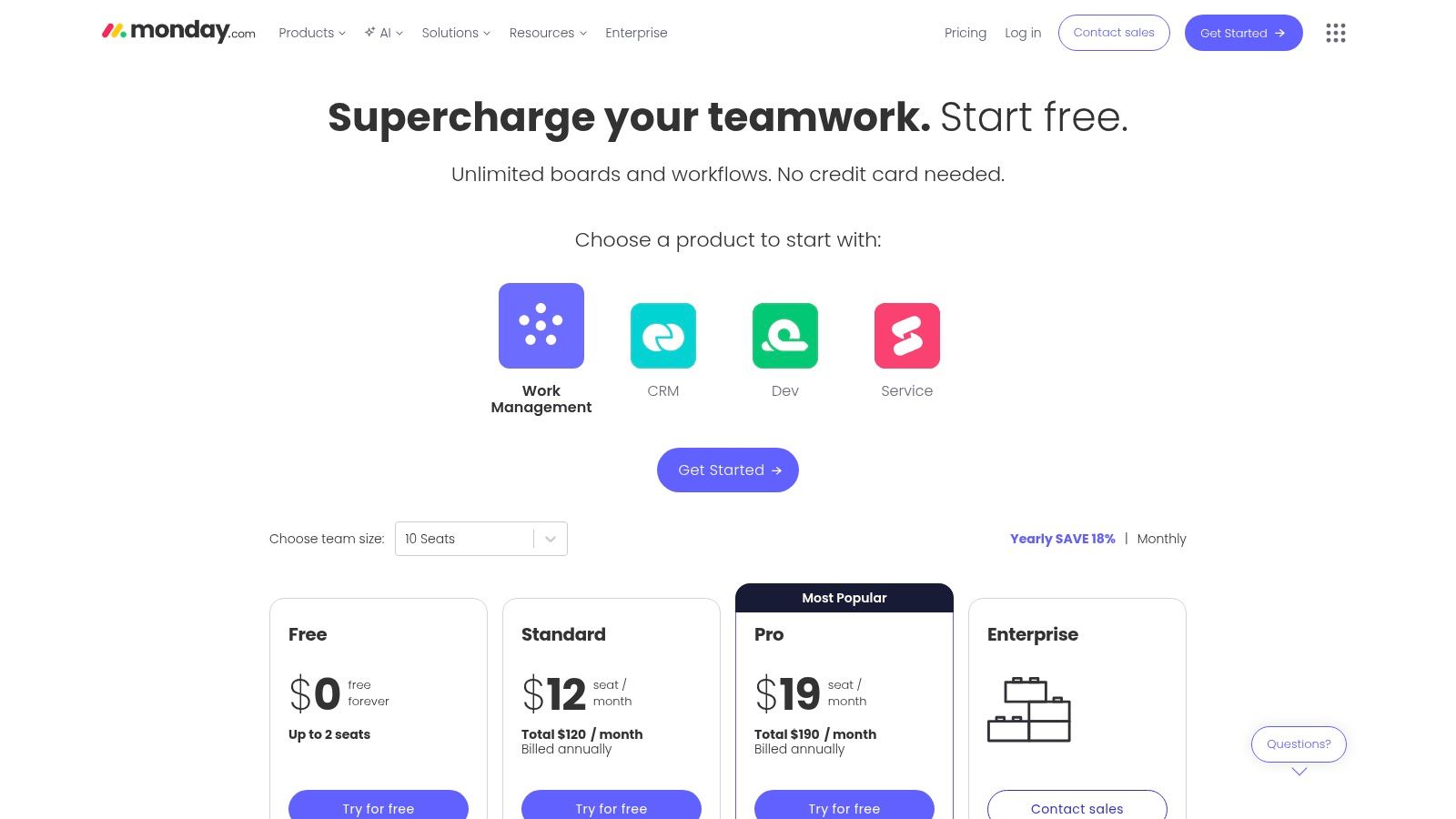
The platform's strength lies in its user-friendly, recipe-based automation builder ("When this happens, do that"), which allows non-technical users to quickly set up powerful workflows. Its vast library of over 200 templates for everything from CRM to HR provides a running start for teams looking to implement structured, automated processes immediately. This makes it an excellent choice for organizations that want to manage their work and automate it in one unified, visually intuitive platform.
Key Features & Considerations
- Integrated Automations: No-code automation rules are built directly into the boards, making them easy to create and manage within the context of your work.
- Visual Management: Combines powerful automation with visual boards, timelines, Gantt charts, and dashboards for a holistic view of projects and processes.
- Template Library: Offers over 200 customizable templates that help speed up adoption and provide pre-built workflows for common business needs.
- Pricing and Limitations: The per-seat pricing can become expensive for larger teams. More importantly, automations and integrations are metered by "actions" per month, which are capped based on your plan tier (e.g., Pro, Enterprise), potentially limiting high-volume workflows.
Website: https://monday.com/pricing
10. Pipefy
Pipefy is a no-code process automation platform that excels at structuring and managing operational workflows. It is particularly well-suited for request-based processes like procurement, HR onboarding, and IT support tickets. The platform distinguishes itself by providing a visual, Kanban-style interface where teams can track tasks as they move through predefined stages. This makes it an excellent choice for the best workflow automation software for teams needing clear visibility and control over complex, multi-step internal procedures.
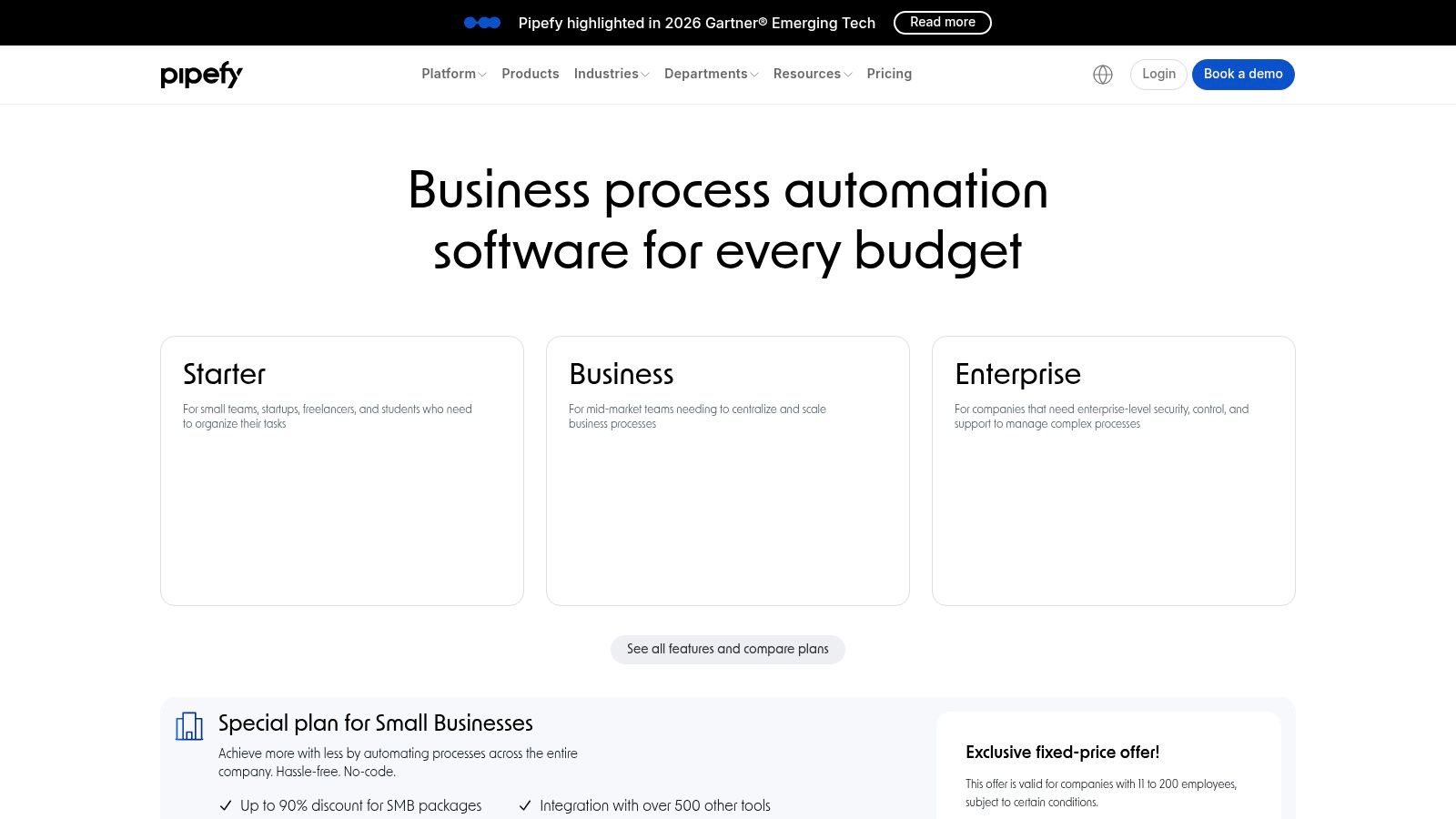
The platform's strength lies in its extensive catalog of plug-and-play process templates, allowing businesses to deploy sophisticated approval and request systems quickly. By combining conditional logic with role-based permissions, Pipefy ensures that the right information gets to the right person at the right time. For companies exploring how to structure these internal controls, understanding how to choose the best approval management system for your organization is a critical first step. Pipefy provides the tools to implement that system effectively, including native e-signature options for formalizing approvals.
Key Features & Considerations
- Process Templates: A strong library of pre-built workflows for HR, Finance, and IT operations helps accelerate setup and deployment.
- Visual Workflow Management: The Kanban board and list views provide a clear, intuitive way to track the status of every request or task in a process.
- Role-Based Controls: Advanced permissions allow administrators to control who can view, create, or edit information at different stages of the workflow, enhancing security and compliance.
- Pricing & Scalability: The Free plan is limited to 5 processes and 10 users. Accessing full integration capabilities and higher automation volumes typically requires upgrading to Business or Enterprise plans, which may involve sales engagement.
Website: https://www.pipefy.com/pricing/
11. G2
While not a workflow automation tool itself, G2 is an indispensable resource for researching and comparing the best workflow automation software on the market. It serves as a leading B2B software marketplace and review hub, providing a crucial first step for any business looking to vet potential solutions. By aggregating verified user reviews, detailed product information, and market reports, G2 empowers buyers to make informed decisions based on real-world experiences rather than just marketing materials. You can explore categories like Workflow Management, Business Process Management (BPM), and Robotic Process Automation (RPA) to find tools that fit your exact needs.
The platform's strength lies in its user-generated content and robust filtering capabilities. You can sort software options by company size, user satisfaction ratings, specific features, and more. This granular approach helps you quickly shortlist vendors and compare them side-by-side using G2's Grid reports, which visually map out contenders based on market presence and customer satisfaction. For any team serious about finding the right automation platform, spending time on G2 is a critical part of the due diligence process.
Key Features & Considerations
- Verified User Reviews: Access a large volume of recent, verified reviews from real users, providing authentic insights into a product's strengths and weaknesses.
- Comparison Tools: Use G2 Grids and side-by-side comparison features to evaluate software across key metrics and functionality, helping you create a vendor shortlist.
- Comprehensive Categories: Explore and discover tools across related categories, including workflow automation, BPM, DPA, and RPA, to understand the entire landscape.
- Sponsored Placements: Be aware that sponsored listings can influence which products appear most prominently on category pages. It's wise to use the filters to ensure you see all relevant options.
Website: https://www.g2.com/software/workflow-management
12. Capterra
While not a workflow tool itself, Capterra is an indispensable resource for discovering and comparing the best workflow automation software on the market. It functions as a comprehensive software directory, providing crucial snapshots of features, pricing, and user reviews. This makes it an essential first stop for small to mid-sized business buyers who need to quickly create a shortlist of potential solutions before committing to demos or trials. The platform allows you to filter by specific business needs, company size, and feature requirements to narrow down the vast landscape of automation tools.
Capterra's strength lies in its aggregated data and real-world user feedback, which offers an unbiased view of a tool's performance and suitability. For businesses looking to implement systems that handle processes like document approvals or contract automation, the platform provides a structured way to evaluate options side-by-side. This data-driven approach saves significant research time and helps teams make more informed purchasing decisions by moving beyond marketing claims.
Key Features & Considerations
- Curated Shortlists: Capterra offers pre-built shortlists and category filters for Business Process Management (BPM) and workflow automation, simplifying the initial search.
- Aggregated User Ratings: Access to thousands of verified user reviews provides authentic insights into a platform's pros, cons, and overall user experience.
- Vendor Comparison: The ability to compare tools on key features, pricing models, and target industries helps identify the best fit for your specific operational needs.
- Data Verification: While extremely useful for initial research, pricing and feature details can sometimes be outdated. It is always recommended to verify this information directly on the vendor's official website. Some listings may also be sponsored.
Website: https://www.capterra.com/business-process-management-software/shortlist/
Top 12 Workflow Automation Tools — Feature Comparison
| Product | Core capabilities | UX & integrations (quality) | Pricing & value | Target audience & USP |
|---|---|---|---|---|
| Closer Innovation Labs Corp. (BoloSign) 🏆 | eSignature + contract mgmt, reusable PDF templates, Google Forms signature fields, audit trail | Real-time dashboard; broad connectors (Zapier, HubSpot, Salesforce); ★★★★☆ | Single fixed price — unlimited documents/templates/team members 💰 (90% more affordable) | 👥 SMBs → enterprise; ✨ Google Forms signatures, AI automation, enterprise-grade compliance (ESIGN/eIDAS/GDPR/HIPAA/ISO27001/SOC2) |
| Zapier | No-code multi-step Zaps, Forms & Tables, prebuilt templates | Very low learning curve; huge app library; ★★★★☆ | Task-based billing — can get expensive at scale 💰 | 👥 SMBs & nontechnical teams; ✨ fastest time-to-value, thousands of templates |
| Make (Integromat) | Visual scenario canvas, routers/loops, data transforms, 3,000+ connectors | Powerful, expressive builder; steeper learning; ★★★★ | Operation/credits metering — good cost per op for high volume 💰 | 👥 Ops/technical teams; ✨ complex branching & bulk data ops |
| Microsoft Power Automate | Cloud flows + desktop RPA, connectors, Dataverse entitlements | Deep MS365/Teams integration; enterprise controls; ★★★★ | Complex licensing matrix, varied tiers 💰 | 👥 Microsoft-centric orgs; ✨ API + UI (RPA) in one platform |
| Workato | Enterprise iPaaS, governance, lifecycle, hybrid connectivity | Enterprise-grade security & admin features; ★★★★☆ | Sales-led pricing, higher TCO — usage-based 💰 | 👥 Large enterprises; ✨ robust governance, SDKs & on-prem agents |
| n8n | Open-source visual workflows, self-host option, custom nodes | Highly extensible; self-hosting requires ops care; ★★★☆ | Self-host free (cost-effective); cloud execution billing 💰 | 👥 DevOps / teams wanting ownership; ✨ full extensibility & no per-user limits (self-hosted) |
| Pipedream | Code-first workflows (JS/Python/Go), event-driven, 3,000+ connectors | Developer-focused UX; GitHub sync; ★★★★ | Compute/credits pricing; generous free tier for devs 💰 | 👥 Developers & API-heavy teams; ✨ run code inline with connectors |
| Airtable Automations | Database + UI + automations, scripting, forms | Data-in-context UX, interfaces & dashboards; ★★★★ | Automation/AI limits per plan; per-seat pricing 💰 | 👥 Teams needing DB + UI workflows; ✨ integrated interfaces and scripts |
| monday.com Work Management (Automations) | Visual boards, no-code automations, templates, dashboards | Easy rollout, rich templates; ★★★★ | Per-seat + action caps; tiered pricing 💰 | 👥 SMBs & project teams; ✨ visual boards + embedded automations |
| Pipefy | No-code process automation, conditional logic, approvals, e-sign options | Ops-focused templates and role controls; ★★★ | SMB bundles available; Business/Enterprise for integrations 💰 | 👥 Operations, HR, procurement; ✨ plug-and-play process templates |
| G2 | Verified user reviews, category grids, vendor comparisons | Large recent review volume; filtering by size/features; ★★★★ | Free to browse; sponsored placements influence visibility 💰 | 👥 Buyers researching vendors; ✨ verified reviews & buyer tools |
| Capterra | Software directory, pricing snapshots, shortlists & links | Fast shortlists and feature summaries; ★★★★ | Free to browse; some listings sponsored 💰 | 👥 SMB buyers comparing options quickly; ✨ concise pricing/fit snapshots |
Making Your Final Decision: Where BoloSign Fits In
Navigating the landscape of the best workflow automation software can feel overwhelming. We've explored a wide spectrum of tools, from powerful, integration-focused platforms like Zapier and Make to comprehensive work management systems like monday.com and Airtable. Each offers a unique approach to streamlining operations, connecting disparate applications, and eliminating manual, repetitive tasks that drain productivity. The key takeaway is that there is no single "best" solution; the right tool is the one that aligns perfectly with your team’s specific challenges, technical expertise, and budget.
Your selection process should be a strategic exercise, not just a feature comparison. If your primary need is to create complex, multi-app workflows with conditional logic, platforms like Make or Workato provide the deep customization required. For teams already embedded in the Microsoft or Google ecosystems, Power Automate and Airtable Automations offer a more native, integrated experience. However, a critical insight from our analysis is that many of the most important business workflows are not just about moving data between apps. They are fundamentally centered around documents.
The Critical Role of Document-Centric Automation
Think about the most vital processes in your organization: closing a sales deal, onboarding a new employee, executing a client agreement, or getting vendor contracts approved. These all hinge on the creation, sending, signing, and management of official documents. This is where a general-purpose automation tool can fall short, often requiring complex, multi-step "zaps" or "scenarios" just to handle a single signature. This is precisely the gap that specialized, eSignature-driven workflow automation fills.
This is where BoloSign emerges as a powerful and essential component of your automation toolkit. While it can be integrated with broader platforms, its core strength lies in perfecting the entire lifecycle of an agreement. It’s not just an eSignature tool; it's a dedicated platform for automating your most critical document workflows with security and compliance built-in.
How BoloSign Streamlines Your Core Business Functions
Instead of treating a signature as a single step in a larger, cobbled-together automation, BoloSign manages the end-to-end process seamlessly. This approach provides significant advantages for businesses across various sectors:
For Sales and Account Teams: A sales manager using a CRM like HubSpot can trigger a BoloSign workflow the moment a deal is moved to the "closing" stage. The contract is automatically populated with customer data, sent for signature, and the signed PDF is returned to the client record without anyone lifting a finger. This accelerates deal closure and eliminates administrative bottlenecks.
For HR and Staffing Agencies: Imagine onboarding ten new hires. With BoloSign, you can create a single onboarding template that includes the offer letter, non-disclosure agreement, and policy acknowledgments. A single action sends this entire package to all candidates, tracks their signing progress in real-time, and securely archives the completed documents, all while maintaining HIPAA compliance for sensitive employee data.
For Legal and Compliance Teams: In highly regulated industries like finance or healthcare, audit trails are non-negotiable. BoloSign provides a comprehensive, tamper-proof record of every document interaction, ensuring compliance with standards like ESIGN, eIDAS, and GDPR. This transforms contract automation from a convenience into a core component of your risk management strategy.
The Decisive Advantage: Predictability and Affordability
Perhaps the most compelling argument for integrating a specialized tool like BoloSign is the economic model. Many of the best workflow automation software platforms, especially those with per-task or per-user pricing, can become unpredictably expensive as your business scales. BoloSign fundamentally changes this equation. By offering unlimited documents, team members, and templates at one fixed price, it delivers a digital signing solution that is up to 90% more affordable than traditional eSignature providers.
This predictable cost structure empowers small businesses and startups to implement enterprise-grade document automation without enterprise-level budgets. You can confidently scale your operations without fearing a surprise bill. As you make your final decision, consider not just what a tool can do, but how it supports your growth. True automation should liberate your resources, not strain them.
By combining a powerful, dedicated platform with a simple, affordable pricing model, BoloSign ensures that your most crucial business agreements are handled with the efficiency, security, and professionalism they deserve.
Ready to build smarter, more efficient workflows around your most important documents? Discover how Closer Innovation Labs Corp. leverages AI-powered automation to make eSignatures simple and secure. Start your 7-day free trial of BoloSign today to experience the platform firsthand and see how easily you can automate your agreements.

Paresh Deshmukh
Co-Founder, BoloForms
12 Feb, 2026
Take a Look at Our Featured Articles
These articles will guide you on how to simplify office work, boost your efficiency, and concentrate on expanding your business.



