

The 12 Best Document Automation Software Platforms of 2026
Discover the 12 best document automation software tools to streamline your workflows. Compare features, pricing, and find the perfect fit for your business.

Tired of nonsense pricing of DocuSign?
Start taking digital signatures with BoloSign and save money.
In today's fast-paced business world, manual document handling is a significant drain on productivity. From drafting contracts in professional services to onboarding new hires in staffing, the time spent on repetitive paperwork adds up, slowing down deals and introducing unnecessary risks. The solution lies in automation. The right document automation software doesn't just digitize your paper; it transforms your entire workflow, connecting data from your CRM, creating error-free documents, and routing them for an instant eSignature. To truly escape the paperwork maze, understanding the principles of effective document processing automation is key.
This guide cuts through the noise to help you find the best document automation software for your specific needs. Whether you're a real estate agency closing deals faster, a healthcare provider managing patient forms securely, or a logistics company streamlining supply chain agreements, the right tool is here. We'll explore the top platforms, compare their key features, and give you the insights to choose a solution that saves time, cuts costs, and secures your most critical business processes. We've included platforms like BoloSign that offer unlimited documents, templates, and team members at a single fixed price, making powerful automation up to 90% more affordable than alternatives like DocuSign or PandaDoc.
Below, you’ll find a detailed roundup of the top platforms and resources, complete with screenshots and direct links to each. We analyze everything from AI-powered automation and contract intelligence to critical integrations and compliance features like HIPAA and GDPR. Our goal is to equip you with the information needed to make a strategic investment that boosts efficiency and accelerates growth.
1. BoloSign
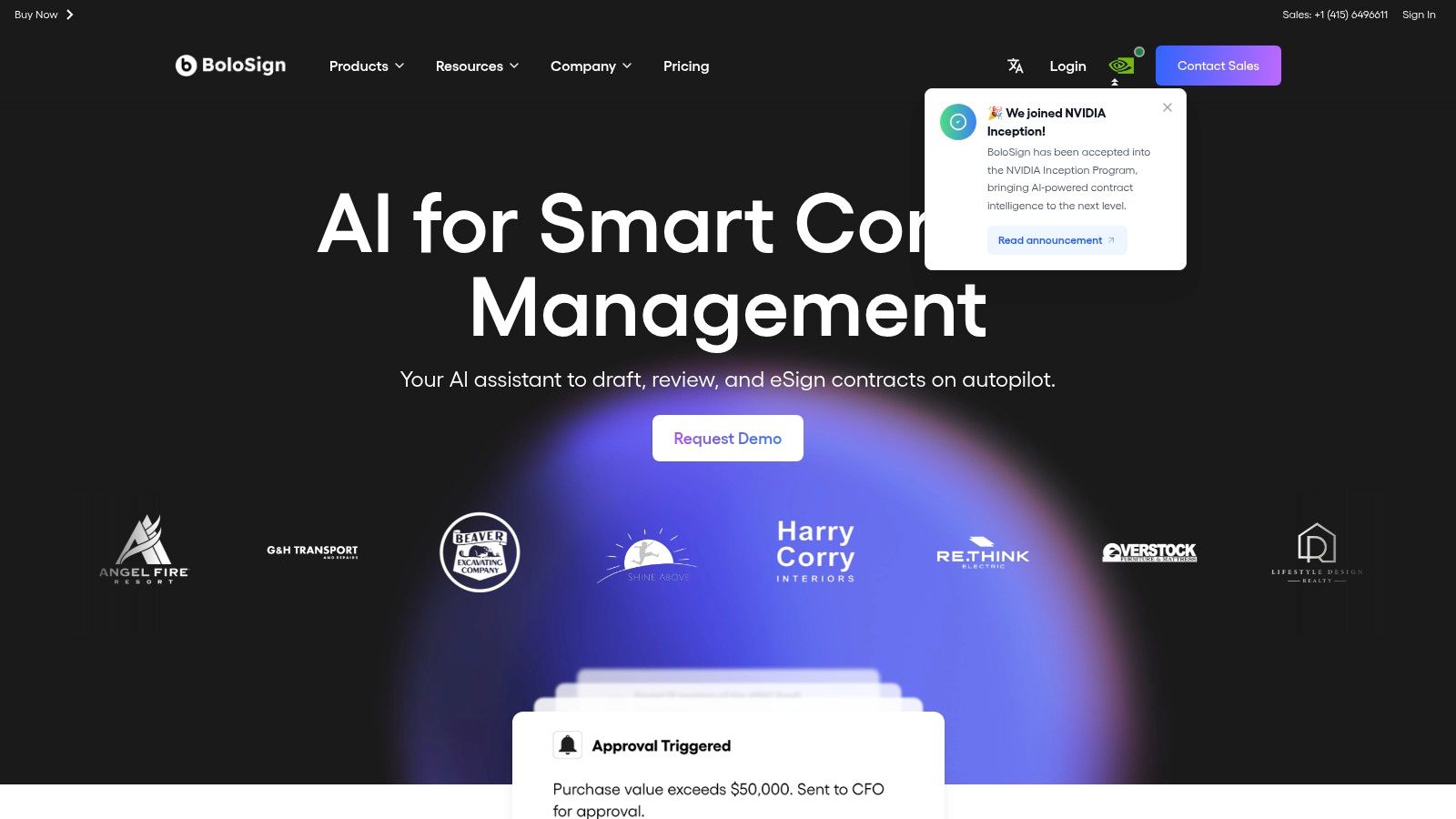
BoloSign distinguishes itself as a premier choice for best document automation software by unifying the entire document lifecycle into a single, AI-powered platform. It’s engineered for fast-growing teams in sectors like healthcare, real estate, and staffing that need to create, send, and sign PDFs, templates, and forms instantly. The platform eliminates the need to stitch together separate tools for document creation, negotiation, eSignature, and compliance monitoring, offering a cohesive and efficient workflow that is up to 90% more affordable than DocuSign or PandaDoc.
Its core strength lies in its practical application of AI. The integrated assistant, Certius, accelerates first-draft creation from smart intake forms, flags high-risk clauses during review, and even proposes alternative language to streamline negotiations. For example, a logistics manager can use BoloSign to instantly generate a vendor agreement, have the AI review it for compliance with shipping regulations, and send it for signing—all in a matter of minutes. This moves business forward faster, freeing up teams to focus on core operations instead of manual review cycles.
Key Features & Use Cases
BoloSign excels by embedding advanced automation directly into the workflows of sales, procurement, and legal teams. It offers a powerful blend of features designed to compress deal cycles and enhance visibility across the organization.
- All-in-One eSignature & Document Automation: Manage every stage of a document’s life, from initial request and AI-assisted authoring to redlining, approvals, and secure eSignature execution. A professional services firm can instantly create and send PDF templates for client proposals, track their status in real-time, and get them signed without leaving the platform.
- AI-Powered Contract Intelligence: The Certius AI assistant accelerates drafting and review, reducing bottlenecks. A healthcare administrator can automatically analyze a business associate agreement to ensure it meets HIPAA standards, receiving suggested revisions in seconds.
- Affordable, Unlimited Usage: BoloSign’s fixed-price model includes unlimited documents, templates, and team members. This predictable pricing makes it a highly affordable alternative to competitors with usage-based fees, delivering enterprise-grade power without the enterprise cost.
- Enterprise-Grade Security & Compliance: BoloSign is built on a foundation of trust, with certifications including SOC 2, ISO 27001, GDPR, ESIGN, eIDAS, and HIPAA. This makes it a reliable choice for organizations in highly regulated industries. For more information, you can explore BoloSign’s guidance on document management best practices.
Pricing & Onboarding
BoloSign provides a simple, fixed-price model that is designed for affordability and scale. This approach eliminates the complex, per-user or per-document fees common with other platforms, making it a predictable and cost-effective solution for any business. The company emphasizes a low-touch onboarding process, promising that teams can import existing contracts and become operational within a week, backed by 24/7 support.
- Pros:
- AI-accelerated drafting and review reduces legal bottlenecks.
- Unified eSignature and AI in a single, affordable platform.
- Robust security and compliance for regulated industries (HIPAA, GDPR, eIDAS).
- Unlimited documents, templates, and users at one fixed price.
- Cons:
- Focused on end-to-end document workflows, may be too comprehensive for users needing only a simple signing tool.
- AI suggestions require human oversight and are not a substitute for legal counsel.
Website: https://www.bolosign.com
2. G2 – Document Generation Software
G2 is not a document automation tool itself, but a vital starting point for your research. It’s a peer-to-peer review marketplace where real users share their experiences, making it one of the best platforms to compare document automation software based on verified feedback rather than just marketing claims. For any team, from a real estate agency to a healthcare provider, G2 provides the social proof needed to build a confident shortlist.
Why It's a Go-To Resource
Instead of visiting dozens of vendor websites, you can use G2's powerful filtering system to narrow down options by company size, industry, user satisfaction scores, and specific features like eSignature compliance or AI contract review. This is invaluable for seeing how tools perform in real-world scenarios, which is crucial when selecting a platform for handling sensitive documents like patient intake forms or vendor contracts.
How to Use G2 Effectively
- Filter Intelligently: Start by filtering the "Document Generation" category for your specific industry (e.g., Staffing, Logistics) and company size to see relevant reviews.
- Compare Head-to-Head: Use the comparison feature to see how up to four platforms stack up on key features, pricing models, and user ratings.
- Read the Reviews: Look for reviews from users in similar roles or industries. Pay attention to both positive and negative feedback to understand a tool's true strengths and limitations.
While G2 is excellent for initial research, remember that sponsored placements can affect the order of listings. Always click through to the vendor’s site for the most accurate pricing and to start a trial. This helps you validate the reviews with your own hands-on experience and see how a platform like BoloSign can simplify how you sign PDFs online.
Website: https://www.g2.com/categories/document-generation
3. Capterra – Document Generation Software
Like G2, Capterra is another essential research hub from Gartner Digital Markets, not a document automation tool itself. It provides an extensive directory where you can compare the best document automation software, read user reviews, and get quick insights into pricing models. For organizations like staffing agencies or logistics companies, Capterra’s user-friendly interface makes it easy to quickly find and evaluate potential solutions.
Why It's a Go-To Resource
Capterra excels at providing clear, at-a-glance information. Its vendor listings often include pricing snippets and highlight whether a platform offers a free trial or a freemium plan, saving you time. The platform also features active buyers' guides and regularly updated category content, helping you understand the current market trends and what features are becoming standard for managing everything from vendor agreements to employee onboarding paperwork.
How to Use Capterra Effectively
- Use the Filters: Leverage the filters for pricing models (e.g., subscription, one-time license) and platform deployment (e.g., Windows, Cloud) to quickly narrow your search.
- Explore Alternatives: When viewing a specific product, check the "Alternatives" section to discover comparable tools you may have missed.
- Read Buyers' Guides: Check out Capterra’s guides on document generation to understand key features and evaluation criteria before you start comparing vendors.
While Capterra is excellent for building a list of potential vendors, remember that sponsored placements often appear at the top. Always dig deeper by visiting vendor websites to confirm pricing and test the user experience. A hands-on trial is the best way to see how a platform like BoloSign can streamline your workflows with its unlimited usage model, a key differentiator in the market.
Website: https://www.capterra.com/document-generation-software/
4. GetApp – Document Generation Software
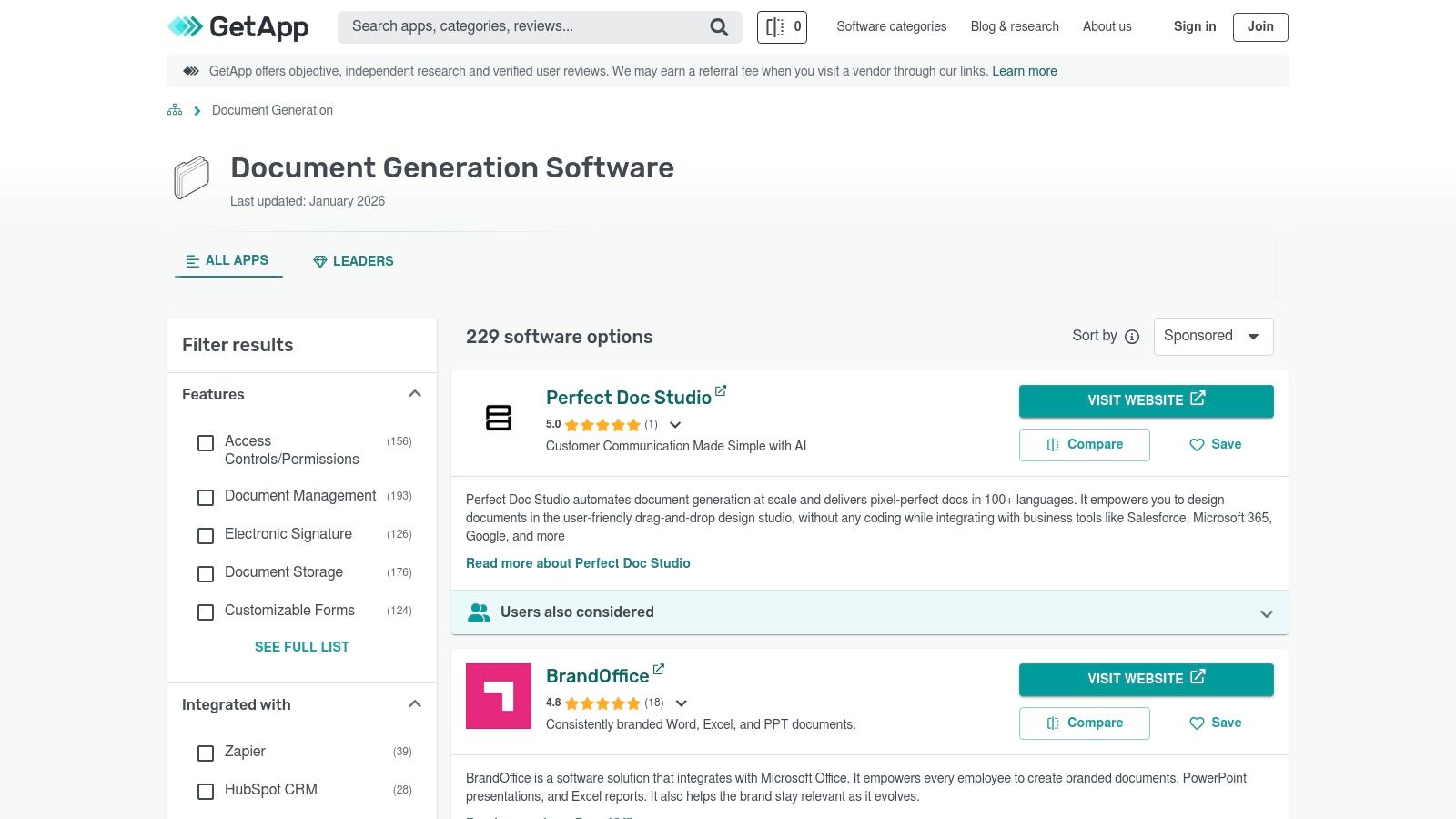
Similar to G2, GetApp is a software comparison directory from Gartner Digital Markets that helps businesses discover and compare SaaS solutions. It stands out with its focus on usability filters and regularly updated "Top Rated" lists, making it an excellent resource for teams in the U.S. market looking for a quick scan of the best document automation software without getting overwhelmed by too many options.
Why It's a Go-To Resource
GetApp simplifies the initial search process with its clean interface and curated lists. For a growing logistics company or a busy real estate agency, the platform's feature-based sublists are incredibly useful for drilling down into specifics. You can quickly find tools that excel in areas like template creation or contract automation, saving valuable time that would otherwise be spent on manual research. Its vendor pages often include helpful pricing snippets and integration details at a glance.
How to Use GetApp Effectively
- Check the Top Rated Lists: Start with GetApp's "Top Rated" reports in the Document Generation category to see which platforms have the highest user satisfaction.
- Apply Usability Filters: Use filters to narrow down software by features, pricing model (e.g., subscription, one-time license), and device compatibility to match your team’s workflow.
- Export Your Shortlist: GetApp allows you to easily compare and export a shortlist of up to four vendors, making it easy to present your findings to decision-makers.
While GetApp is a powerful tool for building a shortlist, be aware that sponsored placements can influence rankings. It’s always best to click through to the vendor’s website for the most accurate and complete information. This final step allows you to validate reviews and see how a platform like BoloSign can streamline the entire process, from creation to getting a signature for a Google Form.
Website: https://www.getapp.com/collaboration-software/document-generation/
5. Salesforce AppExchange – Document Generation Collections
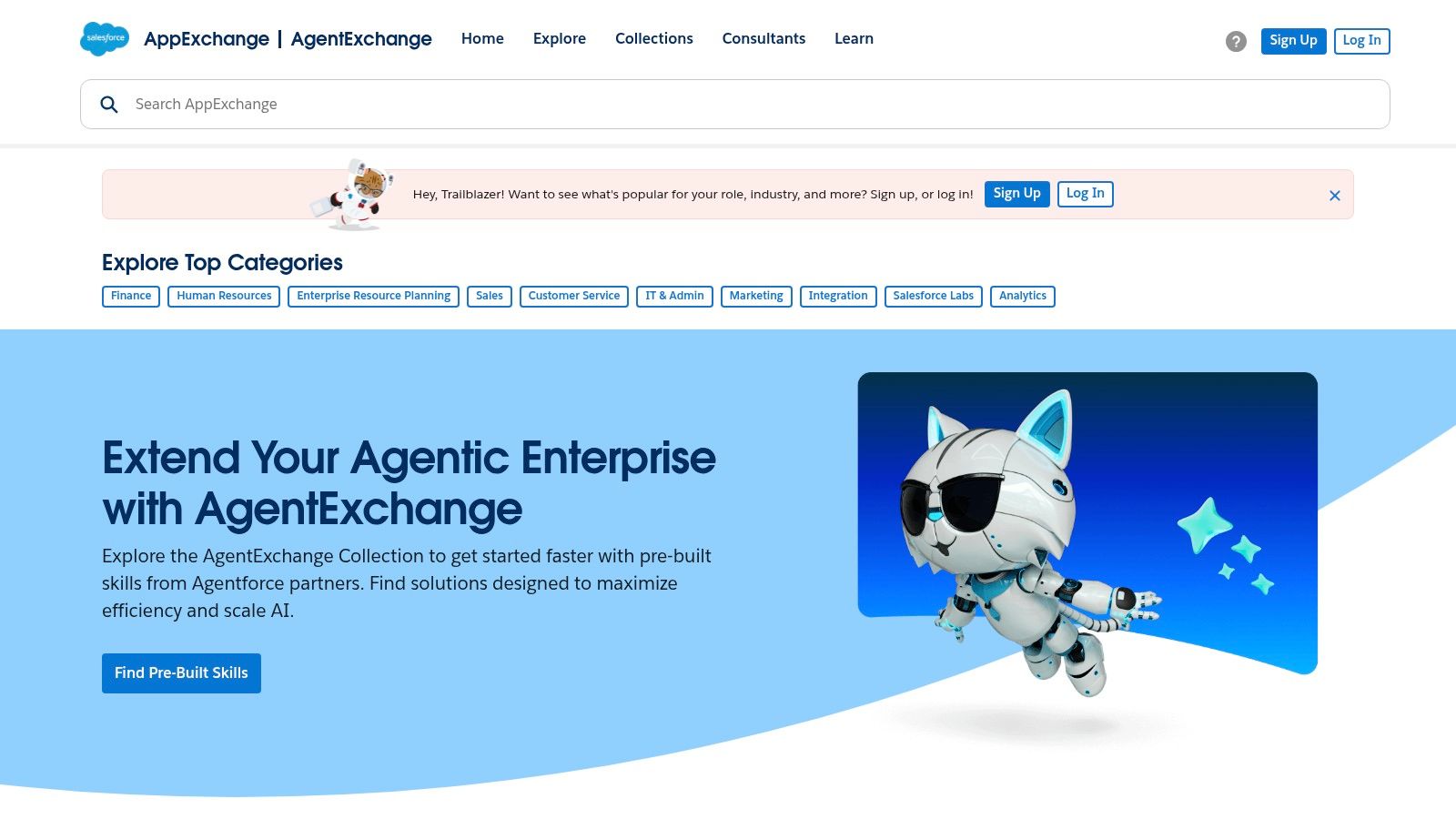
For any business running on Salesforce, the AppExchange is not just an app store; it’s an essential ecosystem for extending CRM functionality. It serves as a centralized hub where RevOps and sales teams can find, evaluate, and install native document generation apps designed to work seamlessly within their existing workflows. This is the definitive starting point if your document processes are deeply tied to Salesforce data like customer accounts, opportunities, or custom objects.
Why It's a Go-To Resource
The primary advantage of the AppExchange is native integration. Apps like Nintex DocGen, Formstack Documents, and S-Docs pull data directly from Salesforce records, eliminating the need for complex API configurations or data syncing. This deep integration allows teams to generate accurate proposals, contracts, and invoices with a single click from an opportunity record, leveraging Salesforce's robust security and admin controls to ensure compliance and data integrity.
How to Use the AppExchange Effectively
- Explore Collections: Start with curated sections like "Apps for Proposals and Contracts" to see Salesforce-vetted solutions for document automation.
- Check Editions and Reviews: Pay close attention to the Salesforce editions each app supports (e.g., Professional, Enterprise) and read user reviews, which often contain practical insights.
- Verify Pricing Models: Many listings show "starts at" pricing. Always contact the vendor directly to understand the full cost based on user seats and required features.
While the AppExchange offers powerful native tools, remember that pricing can be complex and often requires a sales call. For teams seeking a more straightforward and affordable solution that integrates with multiple systems, a platform like BoloSign provides a fixed-price model with unlimited documents, making it a predictable and cost-effective choice for your digital signing solutions.
Website: https://appexchange.salesforce.com/
6. Microsoft AppSource – Document Generation Apps
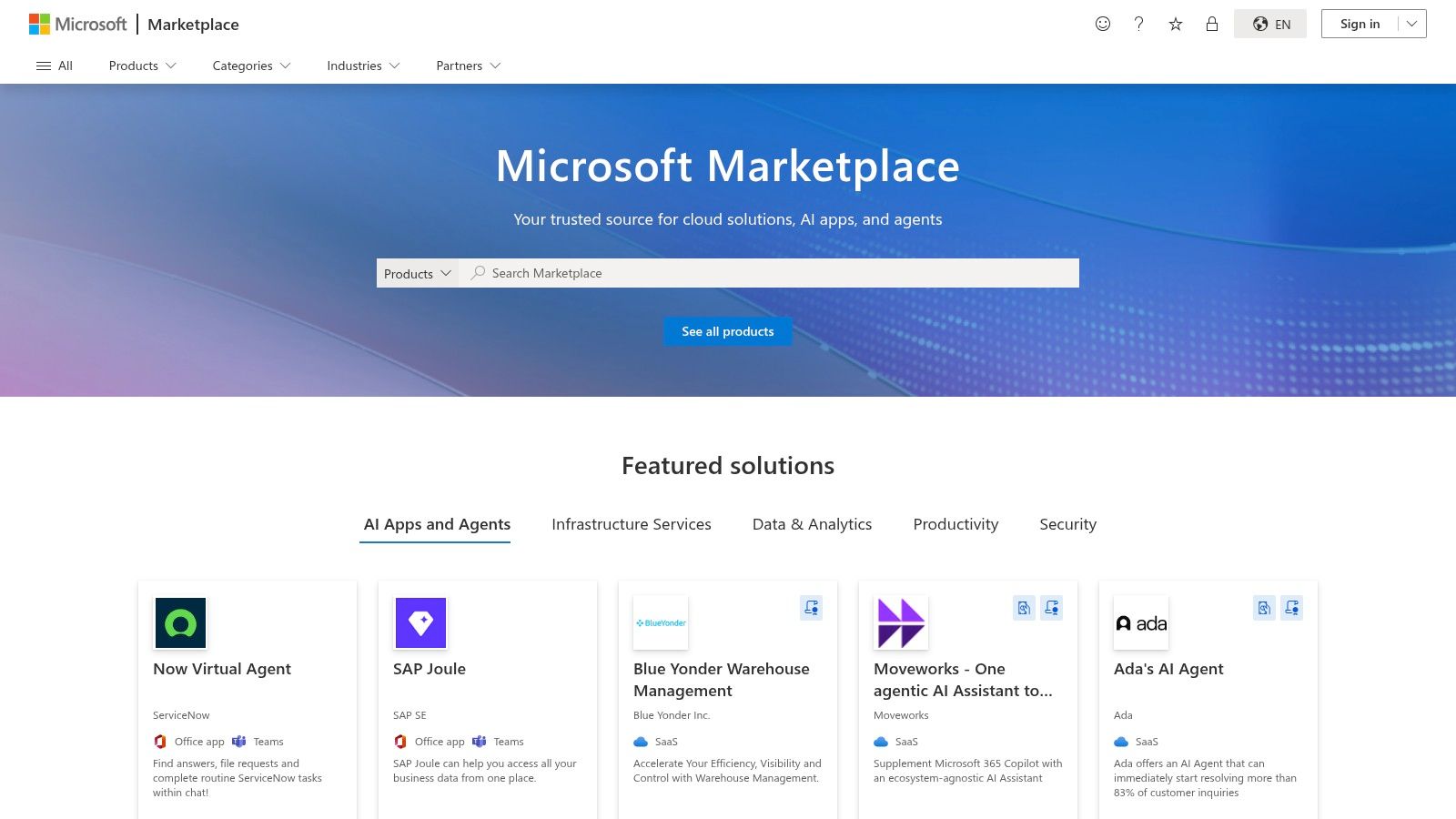
For organizations deeply embedded in the Microsoft ecosystem, AppSource is the go-to marketplace for finding document automation solutions. It's not a single software but a curated library of third-party apps and connectors designed to integrate seamlessly with Dynamics 365, Microsoft 365, and the Power Platform. This makes it an essential resource for teams looking to extend their existing Microsoft investment rather than adopting a completely separate system.
Why It's a Go-To Resource
The primary advantage of AppSource is its focus on native integration. Instead of complex API projects, you can find vetted, often certified, applications like DocumentsCorePack that plug directly into your Dataverse or Dynamics 365 environment. This is ideal for enterprise IT departments that prioritize governance, security, and a unified technology stack, ensuring that any new document tool aligns with existing standards.
How to Use AppSource Effectively
- Search and Filter: Use the search bar for "document generation" or "document automation" and filter by product, such as "Dynamics 365" or "Power Apps," to find relevant add-ins.
- Review Vetting and Compatibility: Look for the "Microsoft Preferred Solution" badge, which indicates a higher level of vetting. Always check the technical requirements to ensure compatibility with your specific Microsoft licenses and versions.
- Utilize Trials: Many apps offer free trials directly through the platform. This lets you test the integration and functionality within your own environment before committing.
While AppSource provides powerful, natively integrated tools, the pricing and availability can vary significantly between vendors, and some apps may be region-locked. It’s a great starting point for Microsoft-centric organizations, but for those needing a more flexible, all-in-one platform, a standalone solution like BoloSign offers a more straightforward path to managing processes like digital signing solutions across your entire business, not just within the Microsoft suite.
Website: https://appsource.microsoft.com/
7. Google Workspace Marketplace – Document Automation Add-ons
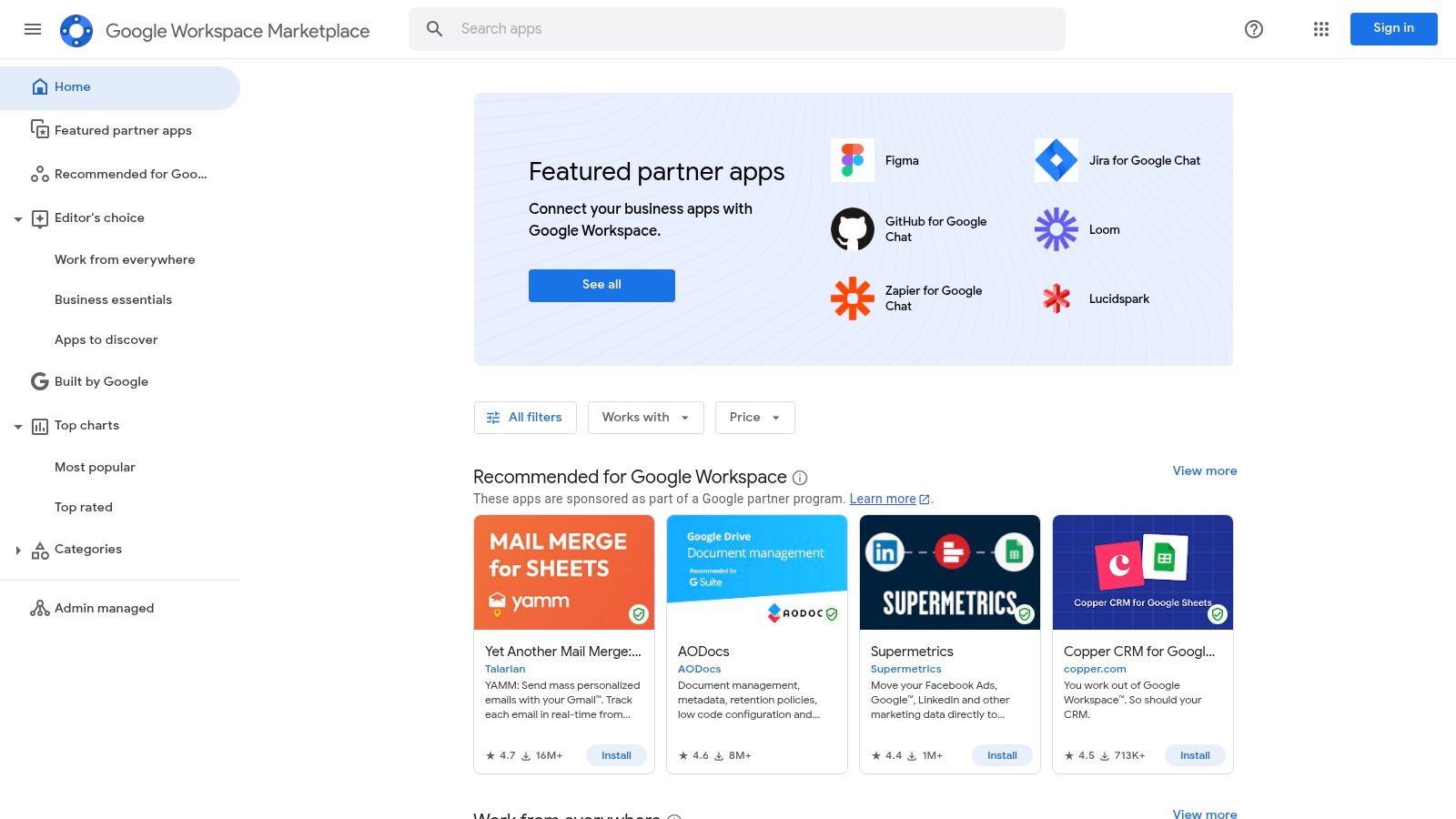
For organizations already embedded in the Google ecosystem, the Google Workspace Marketplace is a treasure trove of add-ons that bring document automation directly into Docs, Sheets, and Forms. These tools are not standalone platforms but extensions that enhance existing workflows, making them perfect for SMBs, educational institutions, and teams seeking a fast, low-cost entry into automation without leaving their familiar environment.
Why It's a Go-To Resource
The primary advantage is seamless integration and speed. Add-ons like Document Generator or Form Publisher can be installed with a single click, allowing users to immediately start generating personalized documents from Google Sheets data or form submissions. This is ideal for tasks like creating certificates in an education setting, generating invoices, or sending personalized welcome letters, offering a practical first step into the world of the best document automation software.
How to Use the Marketplace Effectively
- Read Reviews and Check Install Counts: Popular add-ons with high install bases and positive reviews (e.g., Fillable Document) are generally a safe bet.
- Understand Quotas: Many add-ons operate on a freemium model with daily or monthly quotas. Be sure to check these limits to ensure they align with your workload before committing.
- Test on a Small Scale: Start a small pilot project, like a mail merge for a team announcement, to understand an add-on’s capabilities and limitations.
While these tools are excellent for basic tasks, they often lack the advanced features, security, and dedicated support of specialized platforms. For businesses needing robust compliance and a dedicated digital signing solution, a comprehensive tool remains the superior choice for handling critical agreements.
Website: https://workspace.google.com/marketplace
8. AWS Marketplace – Document Automation Solutions
AWS Marketplace isn't a single tool but a curated digital catalog that simplifies finding, buying, and deploying software that runs on Amazon Web Services (AWS). For enterprises already integrated into the AWS ecosystem, this is a streamlined way to procure some of the best document automation software, from high-volume document generation APIs to AI-powered intelligent document processing (IDP) solutions. This centralizes billing and vendor management, making it a strategic choice for teams seeking to consolidate their tech stack.
Why It's a Strategic Choice
The primary advantage of AWS Marketplace is procurement efficiency. Instead of navigating separate contracts and billing cycles, you can add document automation tools directly to your AWS bill. This is ideal for companies that need to scale quickly or run proofs-of-concept, as it leverages existing enterprise agreements and simplifies compliance. It allows you to find everything from specialized healthcare document processing to general-purpose digital signing solutions.
How to Use AWS Marketplace Effectively
- Leverage Private Offers: For large-scale needs, contact vendors directly through the marketplace to negotiate custom pricing and terms.
- Filter for Deployment Type: Search for SaaS subscriptions for cloud-native tools or APIs if you need to integrate document generation directly into your existing applications.
- Check Integration Details: Carefully review listings to ensure the software integrates with your required services, like Amazon S3 for storage or your CRM.
While excellent for consolidated purchasing, be aware that pricing on many listings is opaque and requires contacting sales. This marketplace is best for sourcing technical, API-first solutions. For an all-in-one platform with transparent, unlimited pricing, a tool like BoloSign offers a more straightforward path to managing everything from simple PDF signing to complex contract automation without hidden costs.
Website: https://aws.amazon.com/marketplace/
9. Formstack Documents (formerly WebMerge)
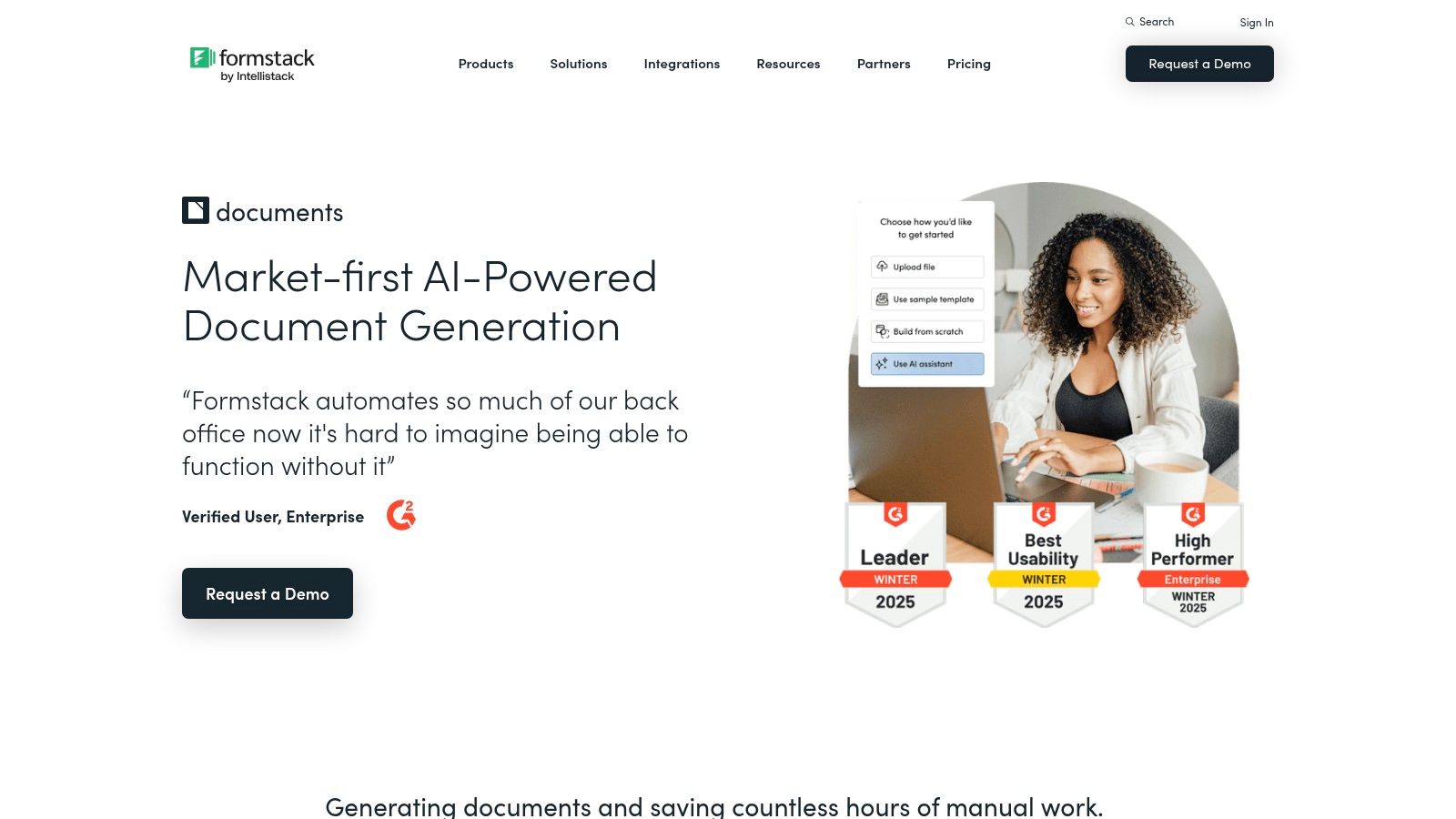
Formstack Documents, the successor to the well-regarded WebMerge, is a mature and powerful document automation platform. It excels at generating customized PDFs, Word documents, and even PowerPoint presentations from various data sources. For organizations deeply integrated with CRM systems like Salesforce, or those needing robust delivery and routing options to storage and eSignature platforms, Formstack Documents offers a proven, no-code solution.
Why It's a Go-To Resource
The platform's strength lies in its extensive integration catalog and its ability to create seamless, end-to-end workflows. A real estate agency can automatically generate a sales agreement from Salesforce data, route it to SharePoint for storage, and then send it to DocuSign for a final signature, all without manual intervention. This "forms-to-docs-to-sign" capability, especially when bundled with other Formstack products, makes it one of the best document automation software choices for businesses aiming to eliminate data entry and process bottlenecks.
How to Use Formstack Documents Effectively
- Leverage Salesforce Packages: If you're a Salesforce user, install the dedicated packages to enable one-click document merges directly from records or batch generation from list views.
- Explore Delivery Options: Don't just generate a document; define where it goes next. Configure automated delivery to cloud storage (like Google Drive or Dropbox), CRM records, or third-party eSignature tools.
- Combine with Formstack Forms: For a complete solution, use Formstack Forms to collect data that then populates your document templates, creating a unified intake and generation process.
While Formstack offers a stable and feature-rich platform, its pricing model is a key consideration. The per-merge quotas on lower-tier plans can become costly for high-volume users in industries like staffing or healthcare. As your needs grow, you might explore platforms that offer unlimited usage to better manage costs while you learn how to electronically sign and automate your documents at scale.
Website: https://www.formstack.com/products/documents
10. Conga Composer (Document Generation)
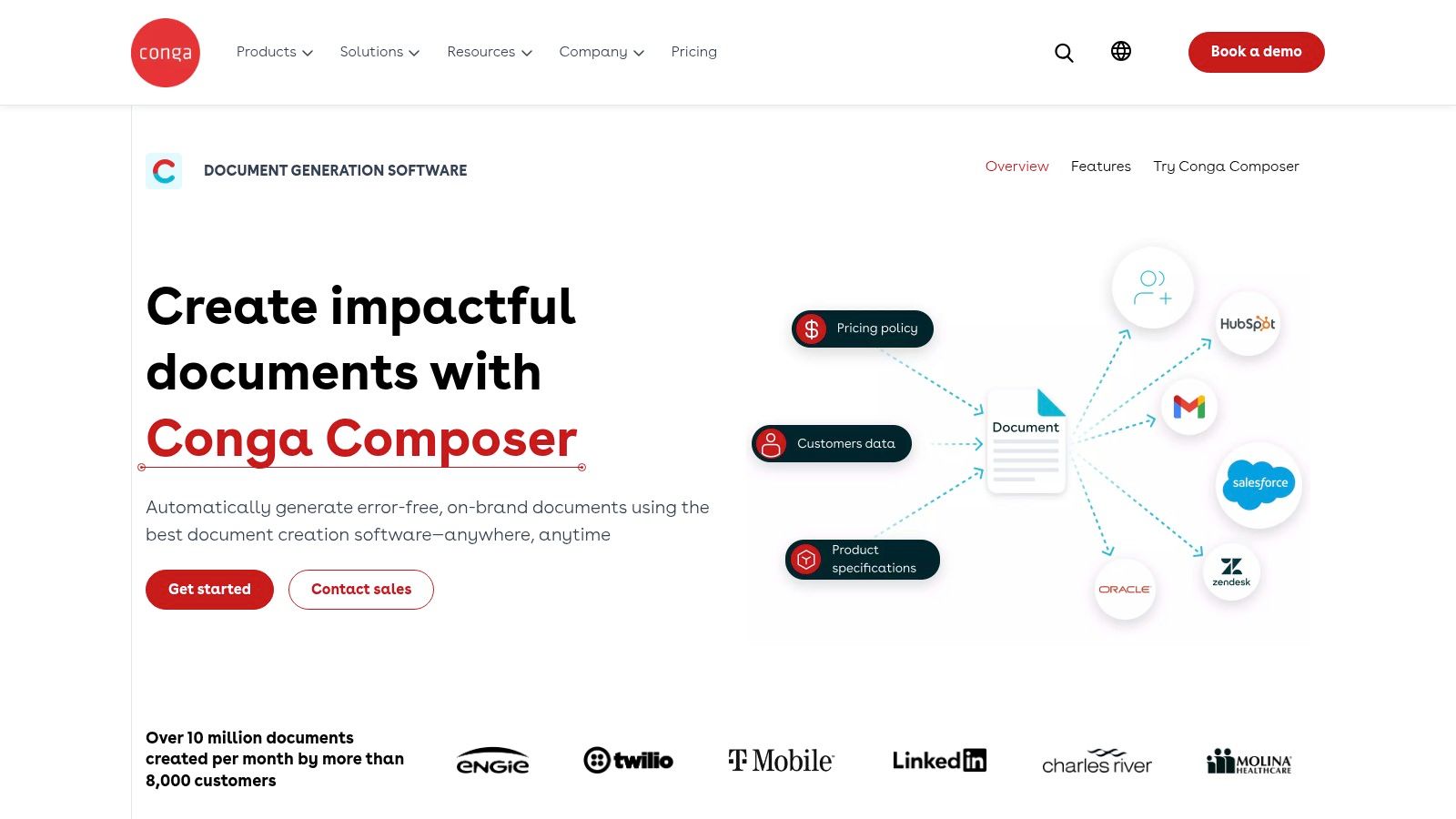
Conga Composer is an enterprise-grade document automation platform, deeply rooted in the Salesforce ecosystem. It excels at generating complex, data-driven documents like proposals, quotes, and reports directly from CRM data. For large organizations, especially those in regulated industries requiring high-volume batch processing and strict compliance, Conga offers a powerful and scalable solution to automate mission-critical document workflows.
Why It's an Enterprise Go-To
Conga's key strength is its ability to merge data from multiple sources into a single, polished document. It supports conditional logic, allowing content to be dynamically included or excluded based on Salesforce field values. This makes it ideal for generating sophisticated account plans for sales teams or detailed service agreements for vendor management, ensuring every document is perfectly tailored without manual intervention.
How to Use Conga Composer Effectively
- Master Data Merging: Invest time in understanding how to map Salesforce objects to your document templates. This is the core of Conga's power.
- Leverage Batch Processing: For tasks like end-of-month invoicing or compliance reporting, use the batch generation features to create hundreds or thousands of documents at once.
- Integrate eSignatures: Connect Composer with Conga Sign or another eSignature provider to create a seamless end-to-end process from generation to execution. This is a vital component of modern contract management software.
While Conga is a robust platform, its enterprise focus often means a higher price point and a steeper learning curve compared to more agile solutions. Pricing typically requires a direct sales consultation, so be prepared for a detailed discovery process. For teams needing a more affordable, all-in-one solution like BoloSign, which offers unlimited documents and users at one fixed price, Conga's complexity may be overkill.
Website: https://conga.com/use-cases/document-generation
11. Gavel (formerly Documate)
Gavel, formerly known as Documate, is a specialized document automation platform designed primarily for law firms and legal service providers. It stands out by combining a powerful no-code workflow builder with client-facing portals, allowing legal professionals to streamline everything from client intake to the generation of complex legal documents. For any law firm aiming to improve efficiency, Gavel offers one of the best document automation software solutions tailored to its unique needs.
Why It's a Go-To Resource
Gavel excels at turning repetitive legal paperwork into automated, intelligent workflows. Users can create reusable templates and forms that guide clients through data entry, ensuring accuracy and completeness from the start. This is particularly valuable for generating engagement letters, estate plans, or court filings where precision is non-negotiable. Its ability to handle conditional logic makes it far more dynamic than a simple template tool.
How to Use Gavel Effectively
- Build Client Portals: Use the platform to create secure, white-labeled portals where clients can input information and access their documents directly.
- Integrate Your Tools: Connect Gavel with Clio for practice management, Zapier for wider automation, and eSignature platforms like DocuSign for a complete workflow.
- Leverage Reusable Data: Utilize the built-in data store to reuse client information across multiple documents, saving time and preventing manual entry errors.
While Gavel is purpose-built for legal workflows, its lower-tier plans have template and user caps, and API access is restricted to the highest plan. When evaluating options, consider how a platform like BoloSign can provide unlimited documents and templates at a fixed cost, simplifying how you create a document signing link for any business process.
Website: https://www.gavel.io/pricing
12. Mitratech HotDocs (HotDocs Advance)
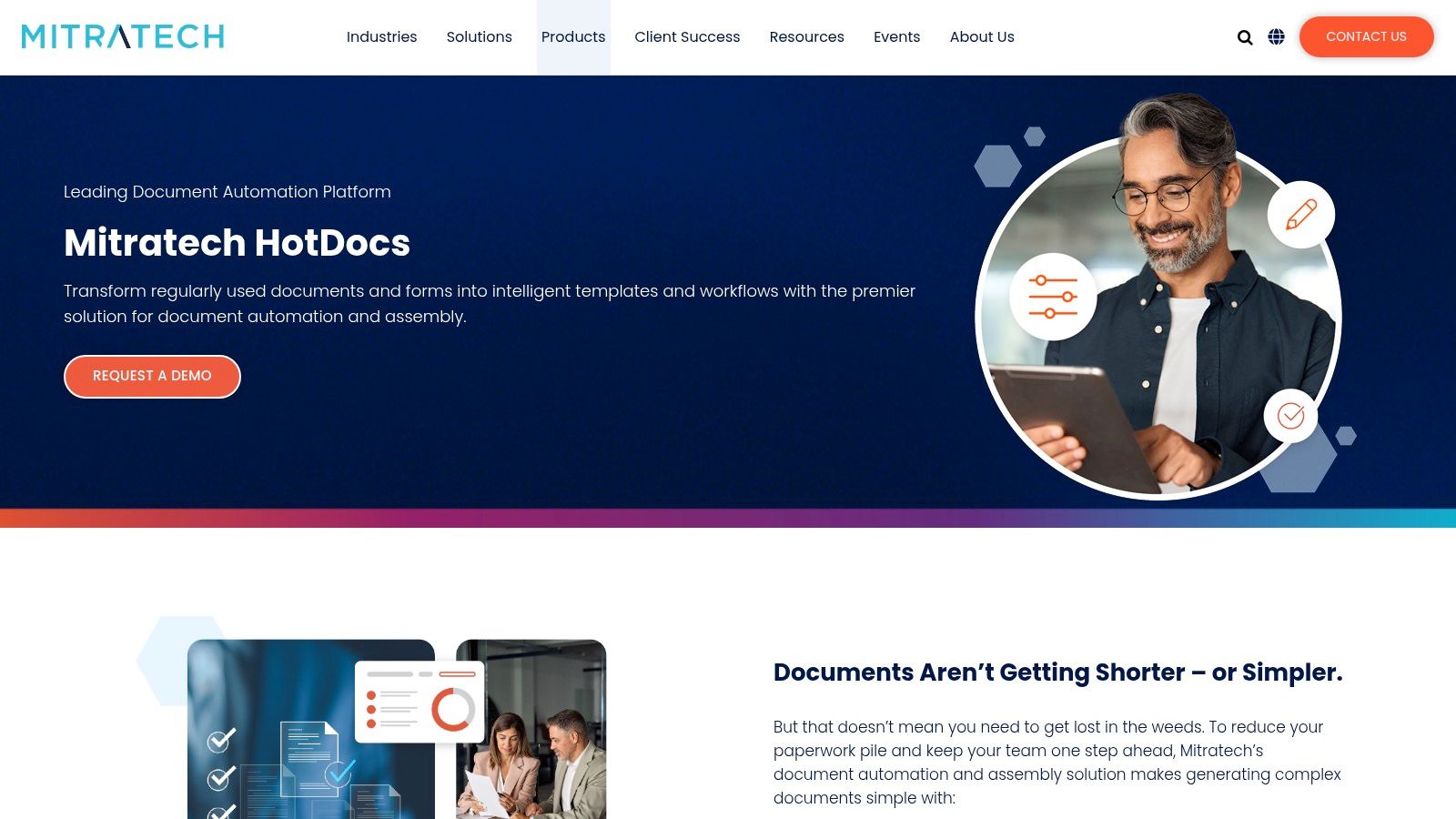
Mitratech HotDocs is an enterprise-grade document automation platform known for its power in handling complex, rule-based document sets. It’s a long-standing leader in industries like legal, financial services, and insurance, where precision and compliance are non-negotiable. The system is split into HotDocs Author for creating sophisticated templates and HotDocs Advance for web-based delivery and guided user interviews.
Why It's a Go-To Resource
HotDocs excels where other tools fall short: generating highly customized, intricate documents like complex loan agreements, insurance policies, or comprehensive legal pleadings. Its engine can handle complex conditional logic, computations, and variables, ensuring that even the most nuanced documents are generated perfectly every time. This makes it one of the best document automation software choices for organizations prioritizing risk mitigation and accuracy over simplicity.
How to Use HotDocs Effectively
- Invest in Training: The advanced authoring tool has a significant learning curve. Plan for dedicated training for template designers to fully leverage its capabilities.
- Leverage Integrations: Use its API and webhooks to connect with your core systems like iManage or TAP for seamless, end-to-end workflows.
- Utilize Analytics: Take advantage of the enterprise governance and analytics features to monitor template usage and ensure compliance across the organization.
While incredibly powerful, HotDocs is built for the enterprise. Pricing requires a direct sales engagement, and it may be overly complex for teams needing a more agile solution. For businesses that need to move quickly, a platform like BoloSign provides a streamlined way to sign PDFs online and automate agreements without the steep learning curve.
Website: https://mitratech.com/products/hotdocs/
Top 12 Document Automation Software Comparison
| Item | Core features | UX & Trust | Value & Pricing | Target audience | Unique selling points |
|---|---|---|---|---|---|
| 🏆 BoloSign | Unified eSignature & AI, unlimited documents & users, templates, API | ★ 4.7/5; SOC2, ISO27001, GDPR, eIDAS, HIPAA compliant | 💰 Fixed Price — up to 90% more affordable | 👥 Sales, Legal, HR, Healthcare, Real Estate, Staffing | ✨ AI drafting & risk review; unlimited usage; fast onboarding; enterprise security |
| G2 – Document Generation | Buyer marketplace, feature filters, vendor pages | ★ High review volume & peer insights | 💰 Free to browse; pricing on vendor sites | 👥 Buyers shortlisting vendors | ✨ Verified reviews; side-by-side comparisons |
| Capterra – Document Generation | Vendor directory, pricing snippets, buyers' guides | ★ Large review base; category guidance | 💰 Free listings; pricing often on vendor pages | 👥 SMBs to enterprise buyers researching options | ✨ Price filters and alternatives for discovery |
| GetApp – Document Generation | Top Rated lists, usability filters, vendor pages | ★ Clear usability-focused reviews | 💰 Free to use; vendor pricing links | 👥 US-centric buyers, SMBs wanting quick shortlists | ✨ Top Rated roundups and exportable shortlists |
| Salesforce AppExchange | Curated apps, deep Salesforce integrations, listings | ★ App reviews; native security & admin controls | 💰 "Starts at" pricing by app; varies by edition | 👥 Salesforce admins, RevOps, CRM teams | ✨ Native CRM automation; wide ecosystem of DocGen apps |
| Microsoft AppSource | Power Platform connectors, vetted listings, trials | ★ Microsoft-vetted; enterprise governance | 💰 Varies by app & region; trial flows | 👥 Dynamics/365 & M365 admins, IT | ✨ No-code connectors; enterprise compliance alignment |
| Google Workspace Marketplace | Docs/Sheets add-ons, bulk generation, mail merge | ★ Large install base; many freemium apps | 💰 Freemium → paid tiers; quick pilots | 👥 SMBs, education, Google-native teams | ✨ 1‑click installs; fast mail-merge workflows |
| AWS Marketplace | SaaS/API procurement, private offers, billing via AWS | ★ Enterprise procurement & compliance | 💰 AWS billing/private offers; some opaque pricing | 👥 Enterprise IT/procurement teams | ✨ Centralized billing; private offers & standardized terms |
| Formstack Documents | Template-based DOCX/PDF/PPT gen, routing, integrations | ★ Proven, stable lineage (WebMerge) | 💰 Bundles; per-merge quotas on lower tiers | 👥 Marketing, Ops, Salesforce users | ✨ No-code setup; routing to storage & e-sign |
| Conga Composer | High-volume DocGen, conditional content, APIs | ★ Enterprise-grade; AppExchange/AWS availability | 💰 Enterprise pricing; contact sales | 👥 Regulated enterprises, Salesforce-heavy teams | ✨ High-volume batching; advanced conditional logic |
| Gavel (formerly Documate) | No-code workflow builder, reusable forms, embedding | ★ Law-focused reviews; clear tiers | 💰 Tiered plans; API on Scale+ | 👥 Law firms, legal service providers | ✨ Client portals, white‑label embedding, Clio integration |
| Mitratech HotDocs | Advanced templating, interview-style data, APIs | ★ Long-standing in legal/finance sectors | 💰 Quote-based enterprise pricing | 👥 Legal, insurance, financial services | ✨ Complex template logic; enterprise governance and analytics |
The Smart Choice for End-to-End Document Automation and eSignatures
Navigating the landscape of document automation tools can feel overwhelming. We've explored everything from specialized document generation engines like Conga Composer and Formstack Documents to comprehensive software marketplaces like Salesforce AppExchange and G2. Each platform offers unique strengths, whether it's deep integration into a specific CRM or a focus on niche legal or enterprise use cases. However, the core takeaway is clear: the best document automation software for your organization is one that simplifies complexity, not adds to it.
The most effective solutions unify the entire document lifecycle, from initial drafting and AI-powered review to secure eSignatures and archival. Fragmented workflows that rely on separate tools for document creation, redlining, and signing often lead to data silos, compliance risks, and frustrating inefficiencies. True automation is about creating a seamless, end-to-end process that empowers your teams to move faster and focus on high-value work.
Your Roadmap to Choosing the Right Platform
As you evaluate your options, move beyond feature checklists and focus on the practical impact on your daily operations. Consider these critical decision-making factors:
- Total Cost of Ownership: Don't be swayed by low entry-level pricing that hides per-document fees or user-based costs. Calculate your total expected spend based on your projected document volume and team size. Platforms offering unlimited documents and users at a fixed price provide predictable, scalable value.
- Integration and Implementation: How well does the software connect with your existing systems, like your CRM or HRIS? A tool with robust, pre-built integrations and a flexible API, such as those found on the AWS Marketplace, will save significant development resources and ensure a smooth rollout.
- Security and Compliance: Your choice must align with your industry's regulatory demands. For healthcare providers, HIPAA compliance is non-negotiable. For global firms, adherence to standards like GDPR and eIDAS is essential. Verify that any platform you consider meets these critical security benchmarks.
- User Experience: The most powerful tool is useless if your team finds it difficult to use. Prioritize platforms with intuitive interfaces that allow users to create templates, send documents for digital signing, and track progress without extensive training.
Unifying Automation with BoloSign
While many tools excel at a single stage of the document process, a truly unified platform like BoloSign brings everything together. It seamlessly combines AI-powered document creation and contract intelligence with a robust, legally binding eSignature solution. This means a real estate agency can generate a complex lease agreement, have it automatically reviewed by AI for risks, and send it for signature in one fluid motion.
Similarly, a staffing agency can automate the creation and signing of onboarding packets, ensuring compliance and accelerating the time-to-hire. The key advantage is eliminating the friction between different systems.
What truly sets BoloSign apart is its commitment to affordability and unlimited scale. By offering unlimited documents, templates, and team members for a single fixed price, it becomes up to 90% more affordable than alternatives like DocuSign or PandaDoc. This makes enterprise-grade document automation accessible to everyone, from fast-growing startups to established enterprises. You get the power of end-to-end automation without the punitive, volume-based pricing.
The journey to digital transformation starts with a single, smart choice. By selecting a platform that grows with you, secures your data, and simplifies your most critical workflows, you're not just buying software; you're investing in a more efficient and profitable future.
Ready to transform your document workflows from a time-consuming chore into a strategic advantage? Discover how BoloSign unifies AI-powered automation with secure, unlimited eSignatures at a fraction of the cost. Start your 7-day free trial today to experience the future of document management firsthand.

Paresh Deshmukh
Co-Founder, BoloForms
20 Jan, 2026
Take a Look at Our Featured Articles
These articles will guide you on how to simplify office work, boost your efficiency, and concentrate on expanding your business.



